

Content that outlives the print run
Packs are printed in large runs and sit in warehouses and cupboards for a long time. A dynamic code lets you update the manual, video or page behind it without new artwork.
A pack or label has room for the legal basics, a few lines of copy and a barcode. A QR code on it opens everything else: the full manual, a how-to video, where the product comes from, how to recycle the pack and where to register the warranty. This guide is for brands and product makers designing packaging artwork: which QR codes to use, where they go on the pack, how to print them so they scan, and how they sit next to your EAN or UPC barcode.
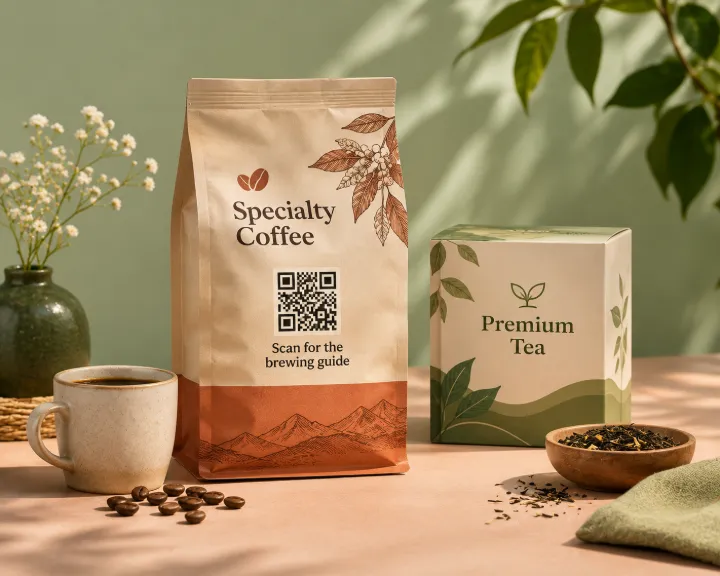
Packaging is printed once and stays with the product for months or years. A QR code gives it a part you can still change.
Packs are printed in large runs and sit in warehouses and cupboards for a long time. A dynamic code lets you update the manual, video or page behind it without new artwork.
Full instructions, translations, recipes, care advice and sourcing details open on the phone instead of crowding the pack.
Give each product or pack size its own dynamic code and compare scans by date, country and device in your dashboard.
Use your brand colours, add your logo and a frame with a short call to action, and download SVG for your packaging printer.
Pick the type by what the customer needs once the product is in their hands. Types marked "Editable" are dynamic: you can change their content later and see scan statistics. The others are static: the content is stored inside the code itself, so it can't change after printing. Because packaging is hard to reprint, use an editable type wherever you can.
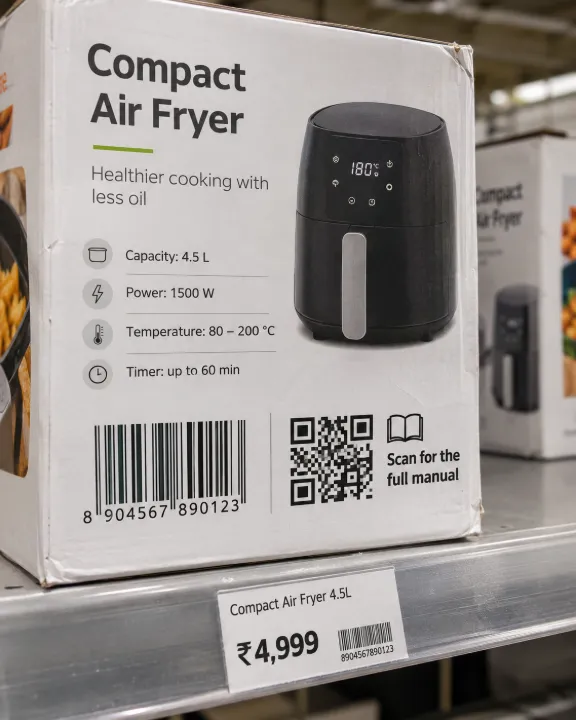
Printed manuals are often lost with the packaging, and a few languages on a fold-out sheet are all that fits. A PDF QR code on the box or the product label opens the full manual on the customer's phone, in a version they can zoom into and keep. When you correct an instruction or add a language, upload the new file and the code on every pack already sold opens it. Keep any safety instructions that must be on paper in your market on paper.
Where to use it
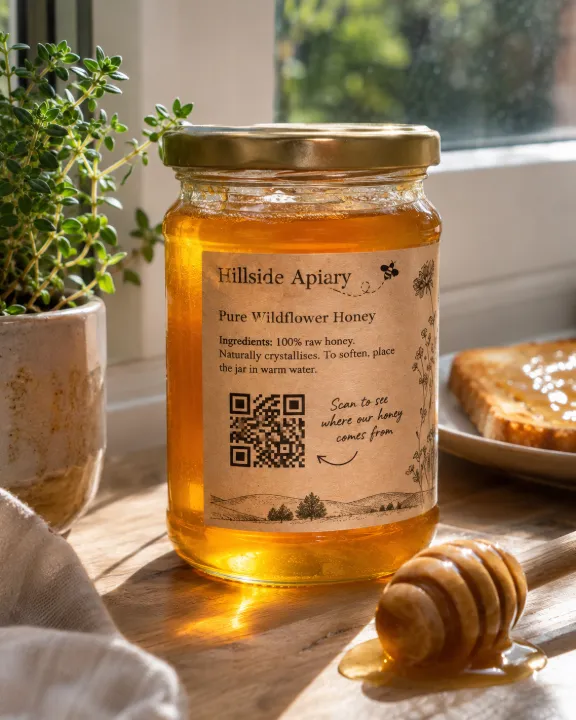
Shoppers want to know more than the label can say: full ingredients and allergens, where the product was made, how to dispose of each part of the pack, and where to buy it again. A website QR code on the label opens a page on your own website with all of it. Use one page per product, keep the information on it in step with the printed label, and point the code to a new page if the product changes.
Where to use it
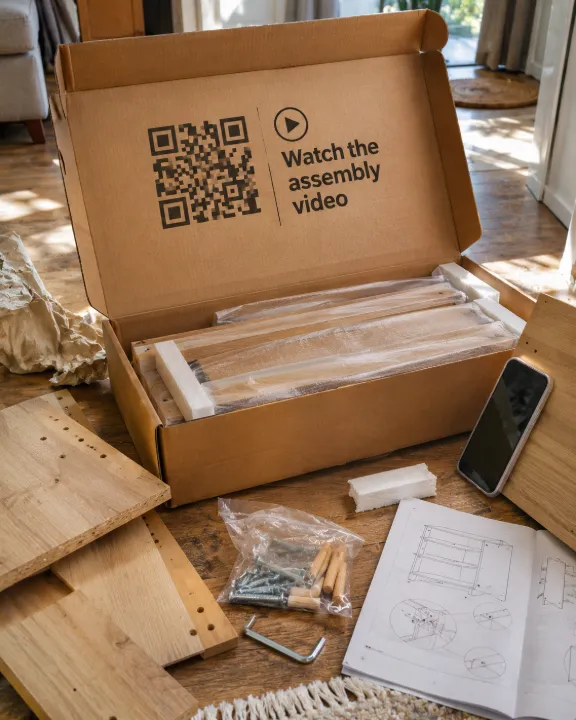
Some products are easier to show than to describe: flat-pack furniture, a coffee machine's first clean, a tool's safe use. A video QR code inside the lid or on the quick-start card plays the demonstration while the product is in the customer's hands. Keep the video short, add subtitles, and swap it for a better version later without changing the pack.
Where to use it
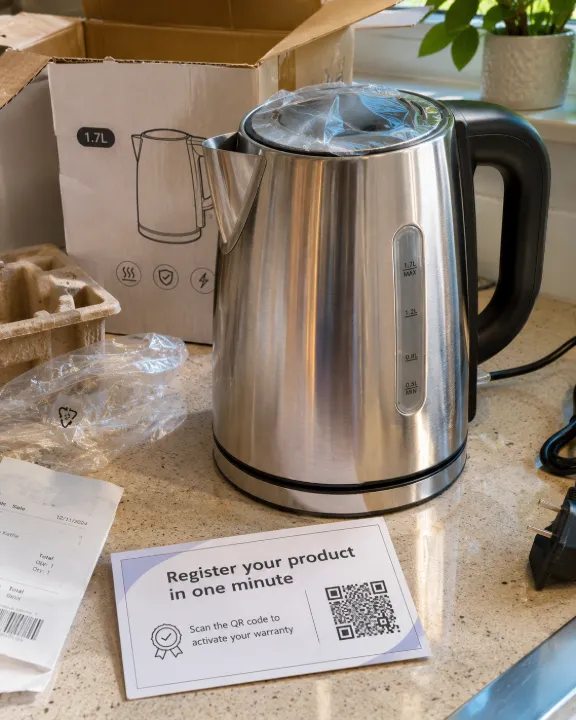
Paper registration cards are rarely posted back. A Google Form QR code on the warranty card or the box opens a short registration form, so customers can register the product and its serial number in a minute. Ask only for what you need, say how you will use the data, and follow the data protection rules where you sell. If you already have a registration page on your website, use a website QR code instead.
Where to use it
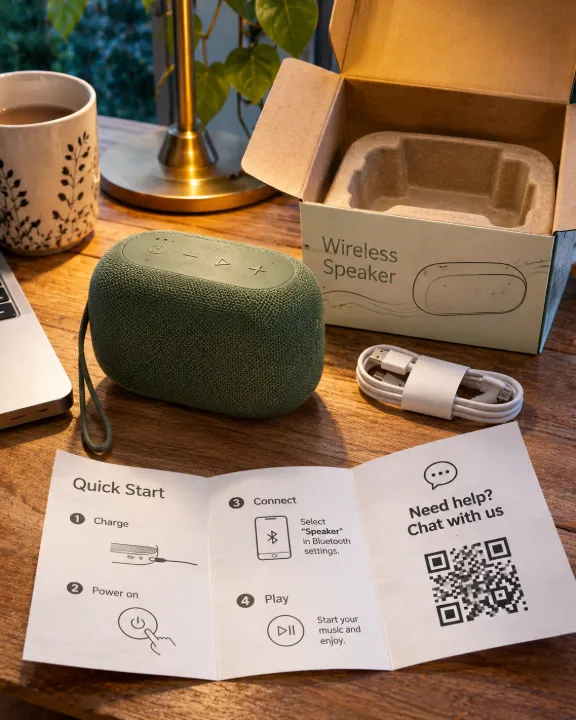
A customer who can't get a product working often returns it. A WhatsApp QR code in the manual or on a box insert opens a chat with your support number, with a first line such as "Hi, I need help with my product" already written. It is a static code, so put it on inserts you can reprint easily rather than on the pack itself, in case your number changes.
Where to use it
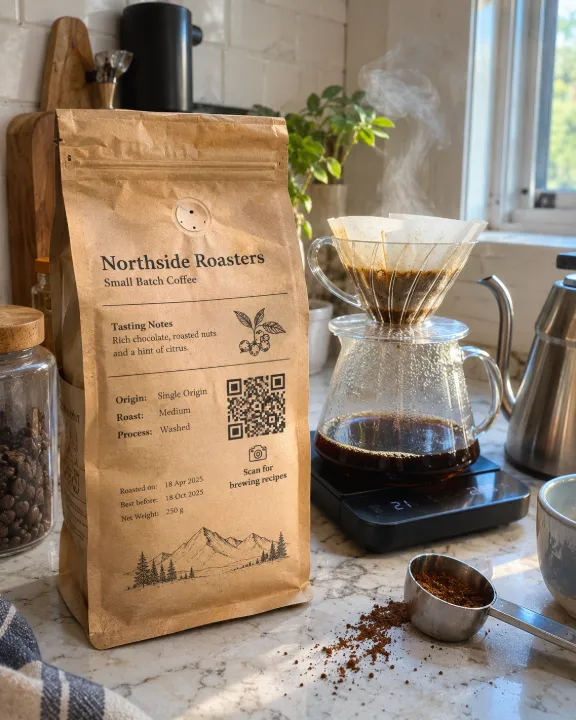
For food, drink and beauty products, the next purchase often starts with an idea: a recipe, a new way to use it, a seasonal flavour. An Instagram QR code on the pack opens your brand's profile, where customers can follow you for recipes, tutorials and launches.
Where to use it
Put the code on a flat part of the pack that the customer still has when they need the information. Outer cartons and shrink wrap are often thrown away first.
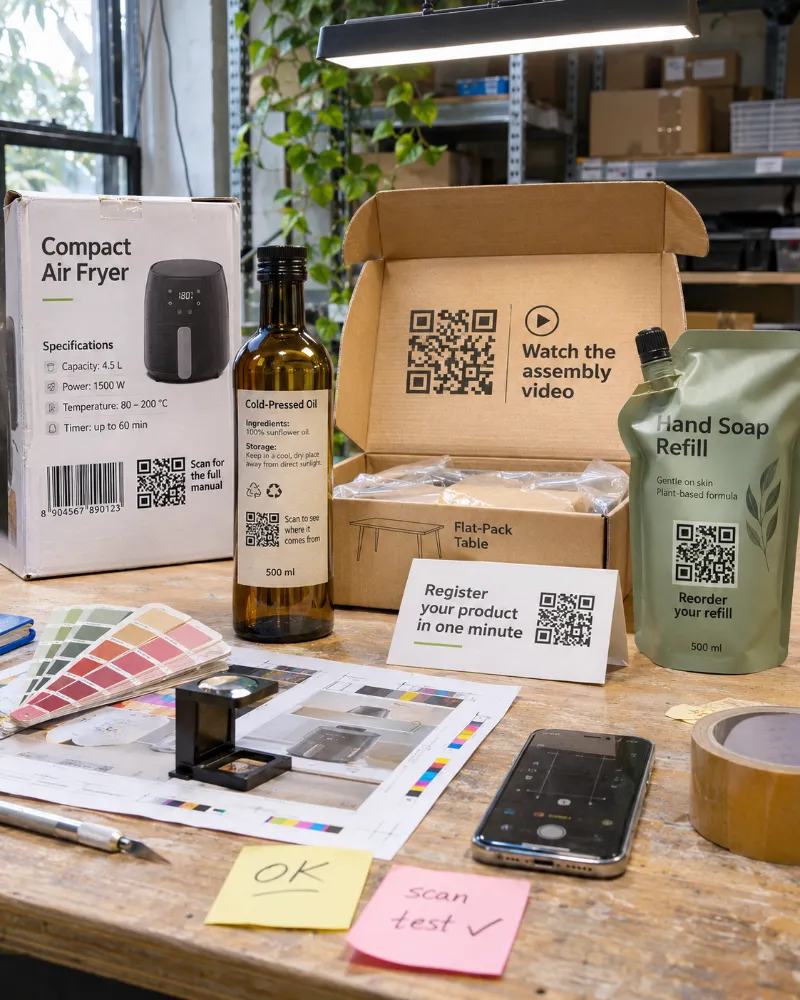
Opens the full manual or care guide.
Shows full ingredients, origin and serving ideas.
Explains how to separate and dispose of each part of the pack.
Plays the assembly or setup video during unpacking.
Registers the product and its serial number.
Opens the page where the customer can buy it again.
Starts a support chat before the customer gives up.
Invites customers to follow the brand for ideas and launches.
Pick one job per code, such as the manual or the product page, and prepare that content before the artwork is signed off.
Open the PDF or website QR code generator, add your file or link and sign in for free to save it, so you can change the content after printing.
Download SVG, place it on a flat area at least 2 × 2 cm (0.8 × 0.8 in) with an empty margin around it, and add a line such as "Scan for the manual".
Scan a printed proof on the actual board, film or label stock with several phones, in normal light, before you approve the run.
A code on a pack has to survive printing, shelves, kitchens and time. Check these points before the artwork goes to print.
A QR code needs a clear margin of four modules (the small squares) on every side. Don't let the pack's design, folds or seams run into it.
Around 2 × 2 cm (0.8 × 0.8 in) is a practical minimum on labels. Go larger on boxes when there is room, and keep the content short, because more content means smaller squares.
Glossy film, metallic inks, kraft board and tight curves on bottles and cans make codes harder to read. Use a dark code on a light, matte, flat area and test it on a real sample.
A QR code that opens a web page doesn't replace the EAN or UPC barcode that checkouts scan. Print both, and keep them visibly separate so shoppers and cashiers know which is which.
Ingredients, allergens, warnings and other information the law requires on the pack should stay printed. Use the QR code for extra detail, and check the labelling rules where you sell.
Packs stay in homes for years. Keep the page behind the code working for as long as the product is in use, and show your brand's web address next to the code so customers can see it is genuine.
Create a QR code for the content you want, such as a PDF manual or a product page, sign in for free to save it as a dynamic code, and download it as SVG. Give the SVG to your designer or printer to place in the artwork with an empty margin around it, then scan a printed proof before approving the run.
Use a dynamic code for almost all packaging. Packs are printed in large runs and stay in use for years, and a dynamic code lets you change the file or page behind it and see scan statistics. A static code stores its content inside the code, so it can never change after printing.
Around 2 × 2 cm (0.8 × 0.8 in) is a practical minimum on labels scanned from close by. Larger is easier to scan, especially on curved or shiny packs. Keep an empty margin of four modules around the code, and test a printed proof on the real material.
Not a normal QR code that opens a web page. Checkouts scan the EAN or UPC barcode, which carries your product number (GTIN). Under GS1's Sunrise 2027 plan, retailers are preparing their checkouts to also read 2D codes such as QR codes powered by GS1 Digital Link, which contain the GTIN in a standard web address. EAN and UPC barcodes will still be accepted after 2027. Our barcode generator can create a GS1 Digital Link QR code from your GTIN and web address, but the GTINs come from GS1, the web address must be one you run, and that code is a static image without scan statistics.
In general, no. Information the law requires on the pack, such as ingredients, allergens and safety warnings, usually has to stay printed and readable. Some rules allow or require extra information through a QR code, so check the current requirements for each market where you sell. This is not legal advice.
Yes, if it is a dynamic code such as a PDF, website or video QR code. Change the file or link in your dashboard, and every pack already printed opens the new content. You need a free account, created by signing in with Google, to edit codes.
Yes, for dynamic codes. Your dashboard shows how many times each code was scanned, when, on which devices and from which countries and cities. It doesn't show who scanned it. Give each product its own code if you want to compare them.
For manuals, ingredients and product pages, yes: each code should open the content for that exact product. For a brand-wide link, such as your Instagram profile, one code can go on every pack. The bulk QR code generator creates up to 25 codes at once.
Start with the manual or product page for one product, then add codes for videos, registration and support. Sign in for free to change the content after the packs are printed.