

Information where the work happens
Drivers, warehouse staff and customers open site rules, directions and instructions on their own phone, at the gate, the dock or the doorstep.
Drivers arrive at sites they have never seen, customers want to know where their delivery is, and paperwork never has room for everything. A QR code on a delivery note, a gate sign or a dock door opens the tracking page, the site rules or the right entrance on a phone. This guide covers the QR codes that help warehouses, couriers, 3PLs and fleet operators, and where GS1 barcodes are the better choice.
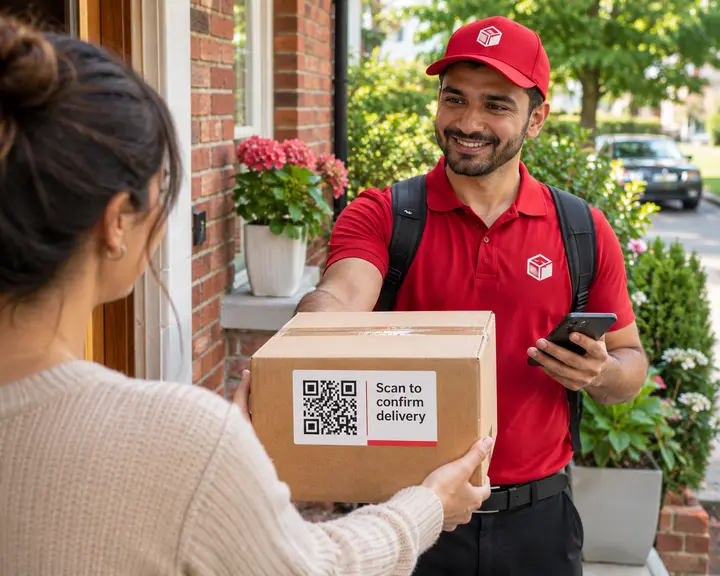
A QR code doesn't replace your warehouse management or tracking system. It connects paper, signs and vehicles to the pages and documents people need on the move.
Drivers, warehouse staff and customers open site rules, directions and instructions on their own phone, at the gate, the dock or the doorstep.
Point a dynamic code at a new site plan, booking page or briefing when things change. The printed sign stays on the wall.
Link to your existing tracking page, dock booking system or returns portal. QRCodeChamp only creates the code.
Sign in for free to keep each site's codes in its own folder and see how often each one is scanned.
Pick the type by what the person should do after scanning. Types marked "Editable" are dynamic: you can change their content later and see scan statistics. The others are static: the content is stored inside the code itself, so it can't change after printing. For pallet, carton and parcel labels that your partners scan into their systems, use GS1 barcodes instead (see below).
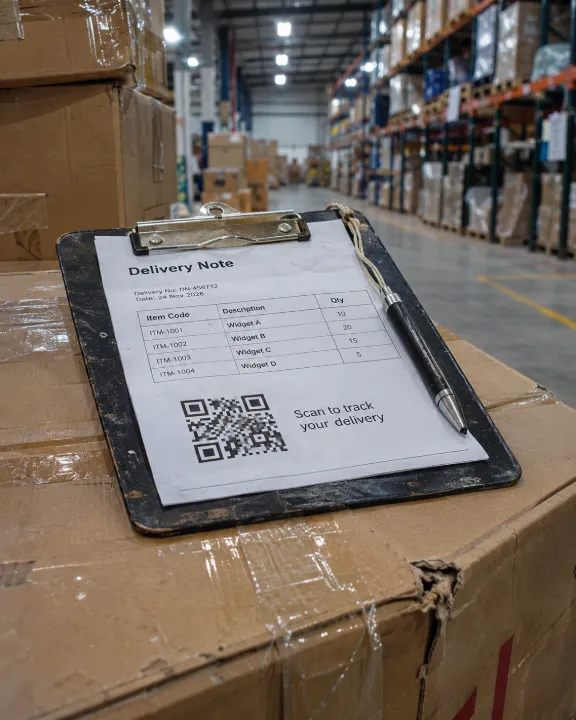
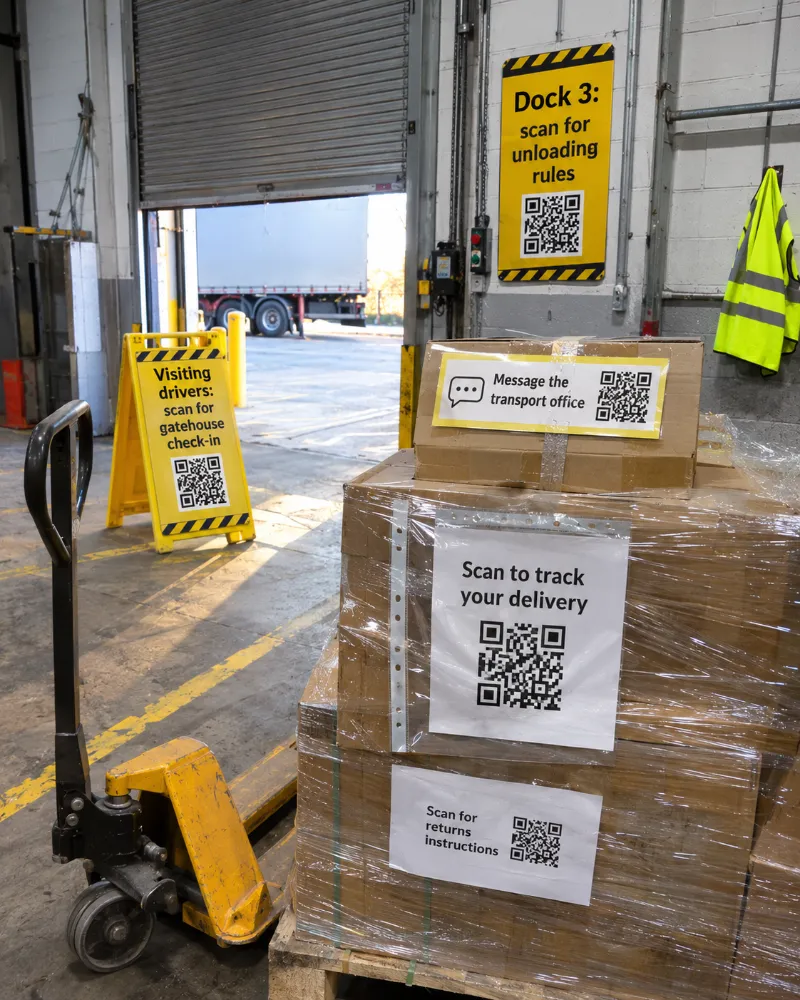
Customers who want to know when goods will arrive usually call or email. A website QR code on the delivery note, dispatch email printout or parcel insert opens your tracking or order lookup page, where they enter their reference. One code can serve every shipment: QRCodeChamp creates the code, and the tracking data stays in your own system. For a separate code per consignment, generate it from your transport or label software.
Where to use it
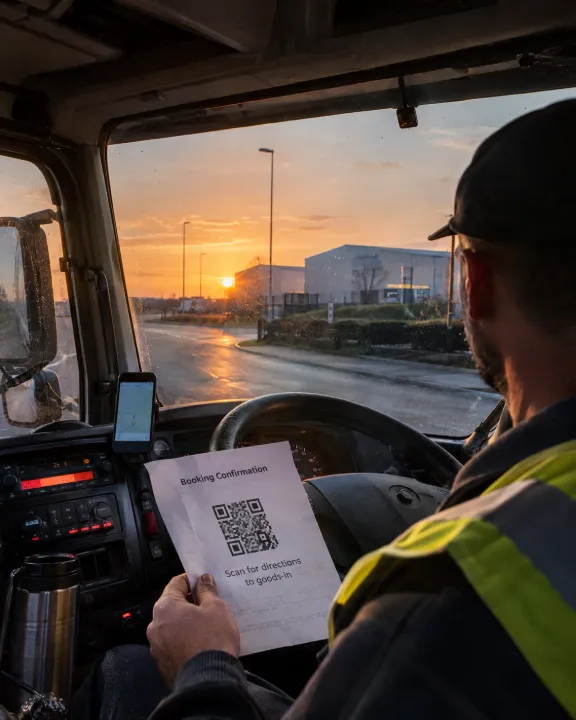
A postcode or street address often leads drivers to the front office instead of goods-in, or into a residential street. A location QR code on the booking confirmation or collection note opens the exact gate in the phone's maps app. Save it as a dynamic code, so you can change the pin if the entrance moves during building work.
Where to use it
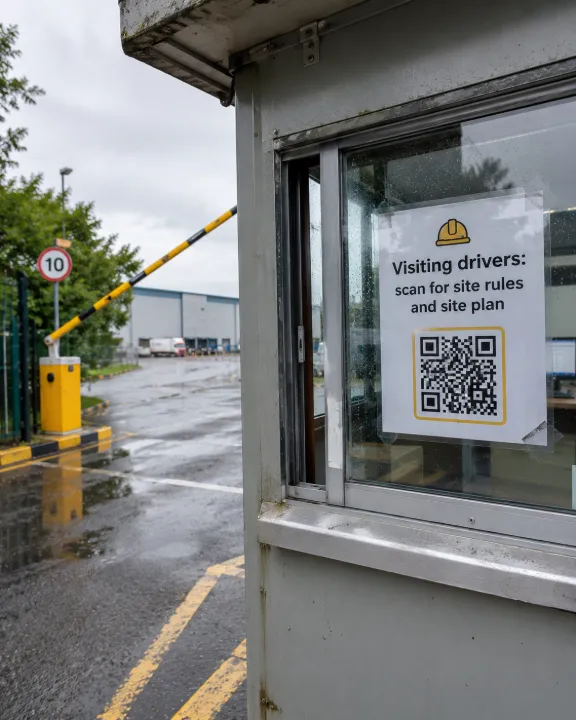
The UK Health and Safety Executive advises that visiting drivers should know the site layout, where to park, who to report to and how loading is done. A PDF QR code on the gate or gatehouse sign opens your site rules and site plan on the driver's phone, in a format they can zoom into. Upload a new version when the layout or the rules change.
Where to use it
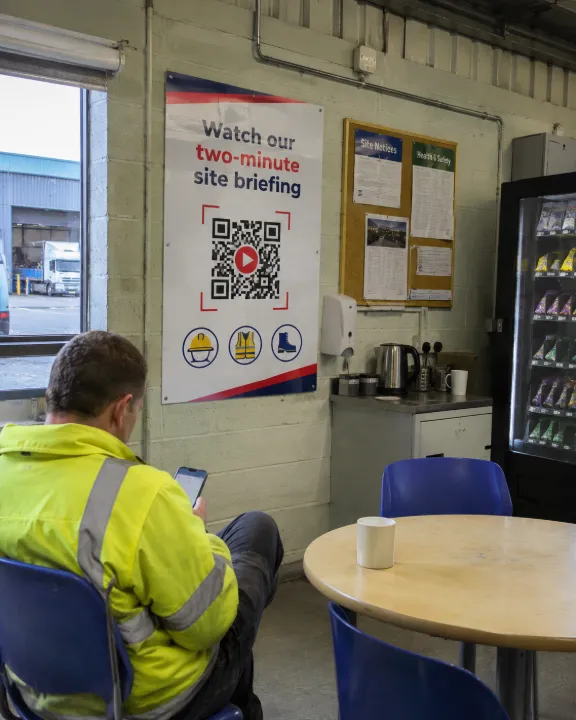
Some rules are easier to follow when you see them: where to wait during loading, how the traffic system works, where the pedestrian routes are. A video QR code in the driver waiting area plays a short briefing on the driver's phone. It supports your site induction and the training your rules require; it does not replace them.
Where to use it
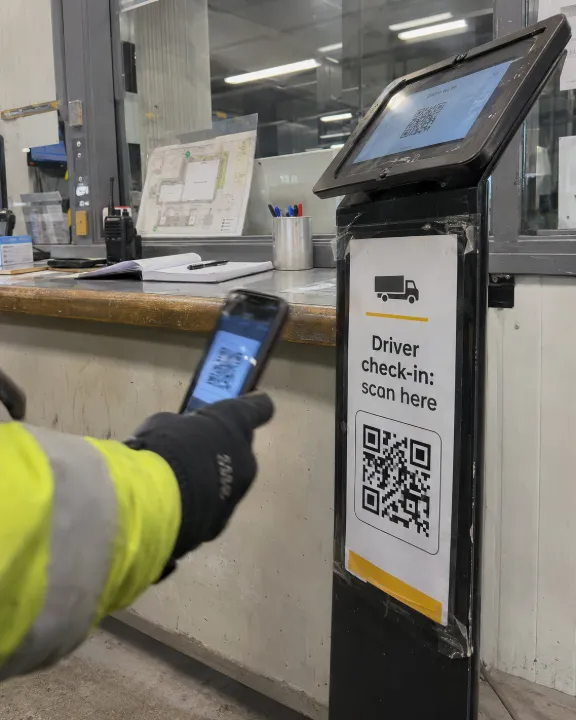
A Google Form QR code at the gatehouse opens a short check-in form for visiting drivers, and one in the rest area opens a near-miss report. You build the form in Google Forms and the answers arrive in your own Google account. Keep it short, only ask for what you need, and tell people how you use their details.
Where to use it
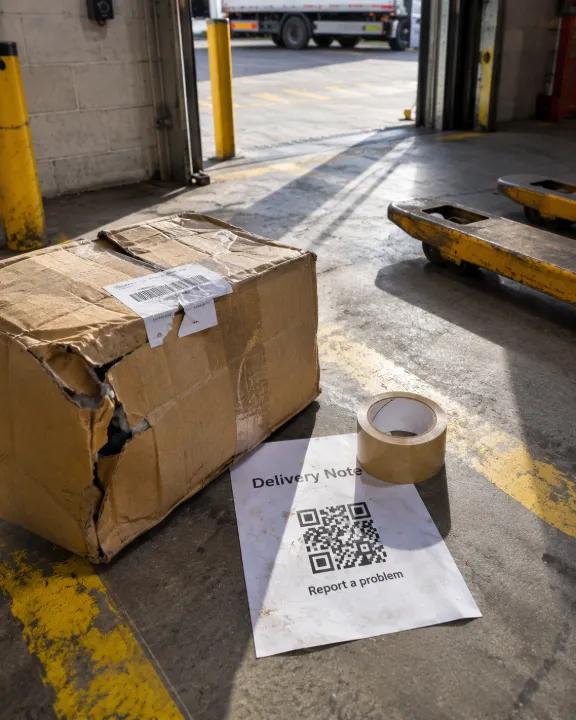
When goods arrive damaged or short, customers need to tell you quickly, often with photos. An email QR code on the delivery note opens an email to your customer service address with a subject such as "Delivery problem" already filled in, and the customer can attach photos from their phone. It is a static code, so use a team address that won't change.
Where to use it
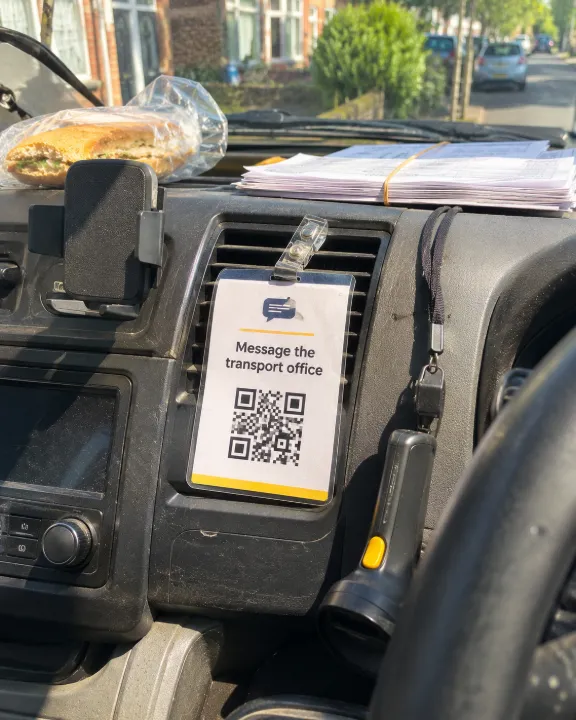
Drivers who are running late, can't find the gate or are waiting for a bay need to reach someone fast. A WhatsApp QR code in the driver pack or at the gatehouse opens a chat with your transport office, without saving a number first. Use a shared business number that is staffed during operating hours.
Where to use it
Put each code where people have that question: directions in the booking, rules at the gate, contact details in the cab.
Opens your tracking or order lookup page.
Opens the goods-in gate in the maps app.
Opens the site rules and site plan for visiting drivers.
Plays a short site safety briefing.
Opens a driver check-in form.
Opens the returns instructions and packing guidance.
Opens an email to report damage or missing items.
Opens a chat with the transport office.
Use the order lookup or tracking page you already have, or the one your carrier provides. Check it works well on a phone.
Open the website QR code generator and paste the link. Sign in for free to save it as a dynamic code, so you can change the link later.
Download the code as SVG, add it to the template with a short line such as "Scan to track your delivery", and print your web address next to it.
Print a delivery note on your usual printer, scan it with a few phones, and check the code still reads after the note has been folded.
Warehouses, yards and vans are hard on printed codes, and delivery messages are a common target for scams. These points keep your codes useful and trusted.
Pallets and cartons that your partners scan into their systems need a GS1 logistic label with an SSCC in a GS1-128 barcode. Create those with the barcode generator and follow GS1's guidance, or your customer's labelling rules.
Drivers often scan from a cab window or across a walkway. Use a dark code on a light background, make it much bigger than a code on paper, and test it from where people will actually stand.
Outdoor signs, dock doors and racking get wet, dirty and scuffed. Print on durable or laminated material, keep codes away from forklift height, and replace damaged signs.
Fake delivery messages are a common scam. Print your company name and web address next to each code, never ask for payment or passwords through one, and check signs for stickers placed over them.
Don't put customer names, addresses or phone numbers into a static code or an uploaded file. Link to your own tracking system, which shows details only after the customer enters their reference.
Not every driver has a smartphone, data or the language of your site. Keep printed site rules at the gatehouse and a phone number on every sign.
Usually not. Retailers, carriers and warehouses scan pallets and cartons using GS1 standards: a GS1 logistic label with an SSCC encoded in a GS1-128 barcode. A QR code can sit next to it for people, for example to open handling instructions, but it doesn't replace the label your partners require.
No. QRCodeChamp creates QR codes and barcodes. It doesn't track shipments, manage stock or record deliveries. Use it to link printed notes and signs to the tracking, booking and returns systems you already use.
The bulk QR code generator creates up to 25 codes at once, which suits depots, dock doors or a small batch of orders. For a code on every consignment, generate it automatically in your transport, label or order software.
Save your site rules and site plan as a PDF, create a PDF QR code and put it on the gate or gatehouse sign. Keep printed copies at the gatehouse as well, and upload a new version whenever the layout or rules change.
No. A video or PDF behind a QR code is a convenient way to share information, but it doesn't replace the induction, supervision or training that health and safety rules require, such as certified training for forklift operators.
Yes, if you use a dynamic code such as a website, PDF, video or location QR code. Change the content in your dashboard and the printed sign opens the new version. You need a free account, created by signing in with Google, to edit codes.
No. The camera app on most current phones reads QR codes. Anyone whose phone can't can use a QR scanner in the browser, such as the QRCodeChamp QR code scanner.
Yes, for dynamic codes. The dashboard shows how many times a code was scanned, when, and on which devices and in which locations. It doesn't show who scanned it.
Start with the tracking link on your delivery notes, then add codes for gate directions, site rules and driver contact. Sign in for free to change the content after printing.