

Measure offline channels
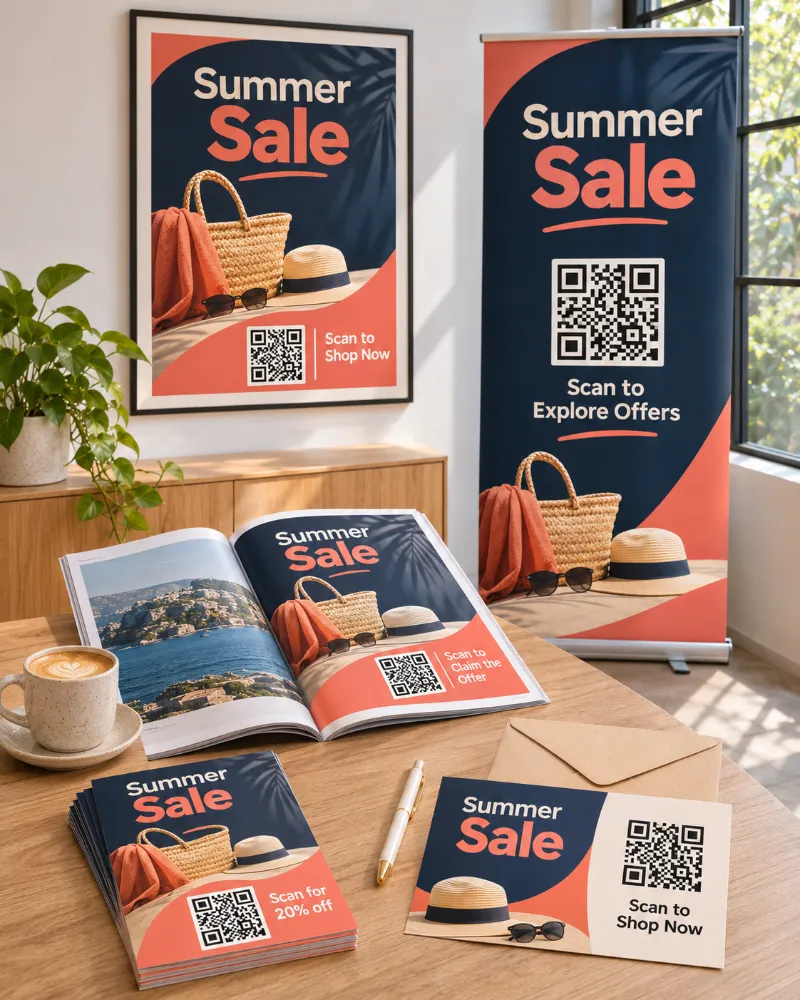
Every dynamic code counts its own scans, so a poster, a flyer and a magazine ad each get their own numbers.
Print ads, posters and flyers have always been hard to measure: you know how many you printed, not how many people acted on them. A QR code turns each one into a link you can count. This guide shows how to set up QR codes for a campaign, give every channel its own code, and compare the results when the campaign is running.
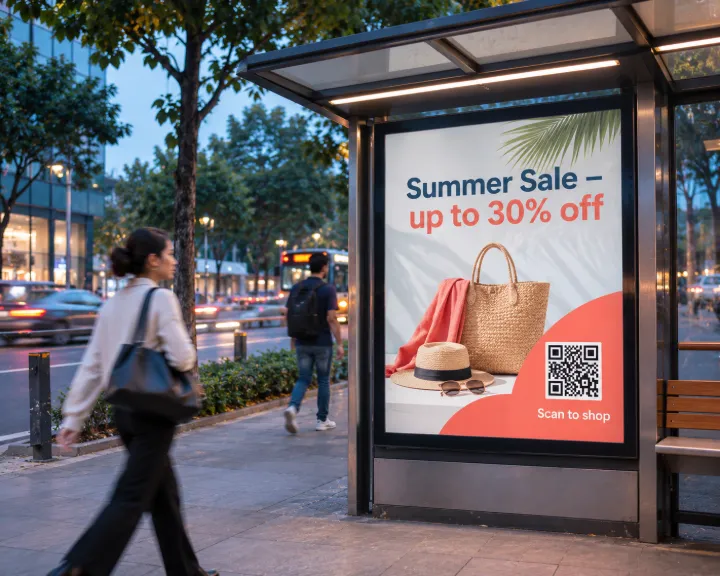
A QR code connects a printed ad to a page you control, and tells you how often that connection is used.
Every dynamic code counts its own scans, so a poster, a flyer and a magazine ad each get their own numbers.
Point a printed code at a new landing page when the offer changes or the campaign ends. Nothing needs reprinting.
Group a campaign's codes in a folder in your dashboard, and create up to 25 at once with the bulk generator.
Use your brand colours and logo, and a frame with a call to action that says what the scan gives.
Pick the type by what the person should do after scanning. Types marked "Editable" are dynamic: you can change their content later and see scan statistics. The others are static: the content is stored inside the code itself, so it can't change after printing. For campaigns you want to measure, use an editable type.
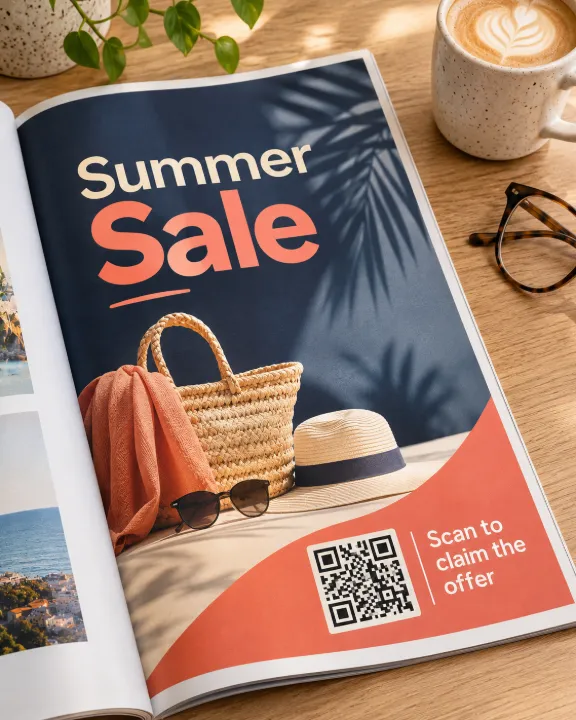
The most useful campaign code opens a page made for that campaign: the offer, the product or the sign-up, not your homepage. Give each placement its own website QR code, and add UTM tags to the link so your web analytics shows which poster or ad the visit came from. Because it is a dynamic code, you can change the page while the ads are still up.
Where to use it
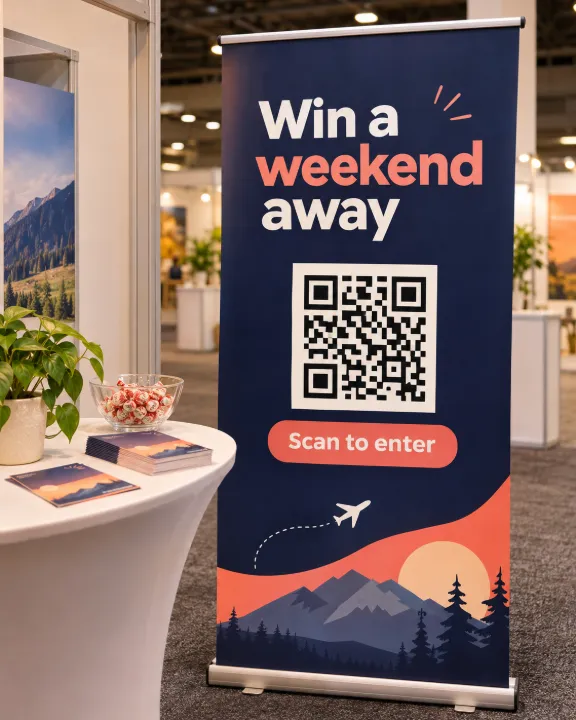
Competitions, prize draws, free samples and "request a quote" offers all need a form. A Google Form QR code on the flyer or event stand opens your form on the phone, so people can enter on the spot instead of taking a leaflet home and forgetting it. Check your local rules for competitions and for collecting personal data before you launch.
Where to use it
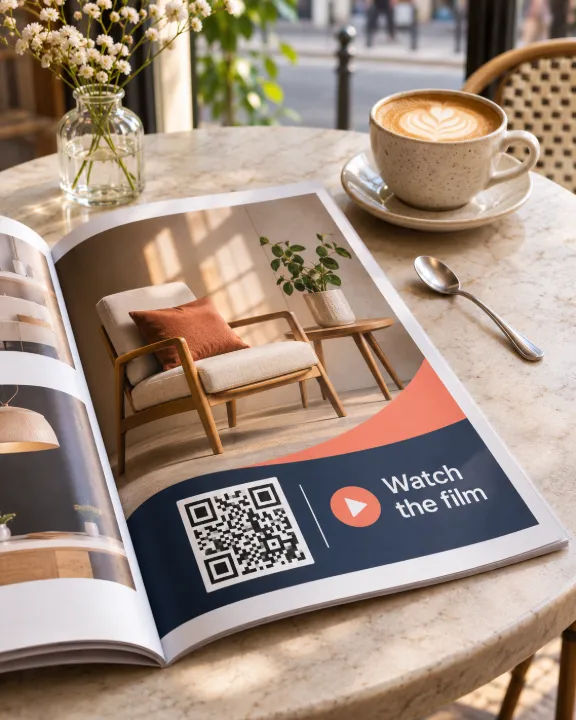
A printed ad has one image and a few lines of text. A video QR code next to it plays the full story: the campaign film, a product demo or a behind-the-scenes clip. Keep the video short and add subtitles, because many people watch with the sound off.
Where to use it
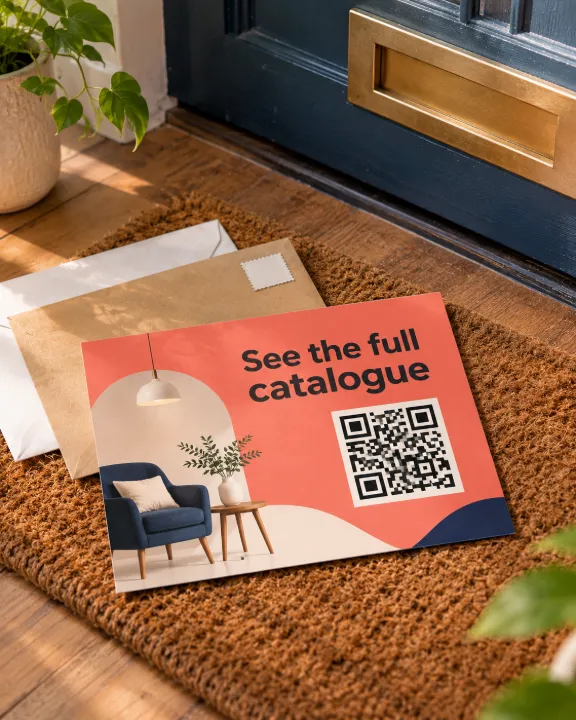
Some campaigns need more than one page: a full catalogue in a direct mail piece, a price list at a trade show, or the terms of an offer that don't fit on the poster. A PDF QR code opens the document on the phone, and you can upload a new version if prices or terms change.
Where to use it
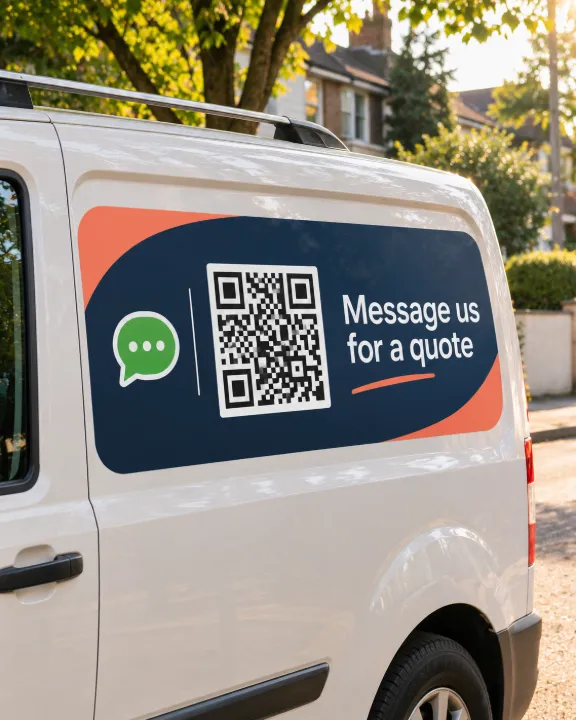
For local services and small shops, the best response to an ad is often a message. A WhatsApp QR code opens a chat with your number and a first line already written, such as "Hi, I saw your flyer", which also tells you where the lead came from.
Where to use it
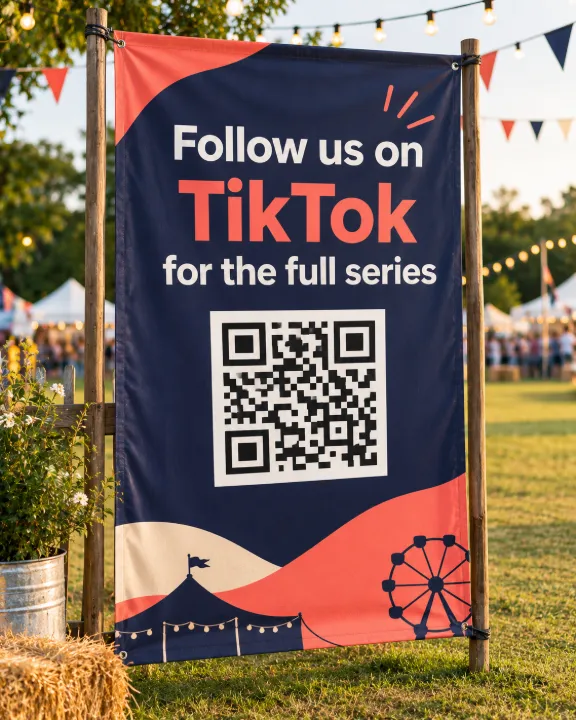
If the campaign continues on social media, a TikTok QR code on posters and event banners takes people to your profile, where they can follow you and watch the rest of the series.
Where to use it
Use a separate code for each placement, so the scan statistics tell you which one works.
Opens the offer while people are waiting nearby.
Opens the landing page and shows how many flyers were used.
Plays the campaign video from the printed page.
Opens the full catalogue or offer details.
Collects entries and leads on the spot.
Opens a short, memorable offer page. Needs a large code.
Opens the offer while the ad is on screen. Show the code long enough to scan.
Starts a chat when the vehicle is parked.
Use a page made for the campaign, and add UTM tags such as utm_source=poster and utm_medium=qr so your analytics shows where visits came from.
Open the website QR code generator, paste the link and sign in for free to save it as a dynamic code. Repeat for each poster, flyer or ad, and keep them in one folder.
Add a call to action such as "Scan for 20% off", then print a proof at the final size and scan it from the distance people will be standing.
Check each code's scans in your dashboard while the campaign runs, and change the landing page if the offer changes.
A QR code in an ad only works if people notice it, want what it offers and can scan it where they are.
"Scan for 20% off" or "Scan to watch the film" gives people a reason. A code with no explanation is easy to ignore.
As a rule of thumb, make the code about one tenth of the scanning distance: about 10 cm (4 in) for a poster read from 1 m (3 ft) away. Test it from where people will actually stand.
Bus shelters, waiting rooms, magazines and flyers work well. A billboard seen from a moving car, or a poster in a place with no phone signal, rarely gets scanned.
The landing page should load quickly, fit a small screen and show the offer from the ad straight away.
Printed codes stay around after the offer ends. When it does, point the dynamic code to a current page instead of letting it show an expired offer or an error.
To compare two calls to action or two designs, keep everything else the same and give each version its own code.
Create a dynamic QR code, such as a website QR code, and sign in for free to save it. Your dashboard then shows how many times it was scanned, when, on which devices and from which countries. Add UTM tags to the link if you also want to see the visits and conversions in your web analytics.
Use a different code for each placement you want to compare: each poster location, flyer run or magazine. With one shared code you only see the total, not which ad worked. The bulk QR code generator creates up to 25 codes at once.
Add them to the link before you create the code, for example https://example.com/sale?utm_source=poster&utm_medium=qr&utm_campaign=summer. The QR code opens that full link, so tools such as Google Analytics can report the visit under that source and campaign.
For each dynamic code, the dashboard shows total scans, scans over time and by time of day, device type, operating system and browser, and the countries and cities scans came from. It also lists your top performing codes. Unique scans are estimated from the network address, so several people on the same Wi-Fi may count as one.
Yes, with a dynamic code. Change the link, video or PDF in your dashboard and the printed code opens the new content. Static codes, such as WhatsApp codes, store their content inside the code and can't be changed.
A common rule of thumb is about one tenth of the scanning distance: 10 cm (4 in) for 1 m (3 ft), or 1 m (3 ft) for 10 m (33 ft). Keep an empty margin around the code and always test the printed size from where people will stand.
Keep it working. Posters and flyers stay around long after a campaign, so point the dynamic code to a current offer or a general page rather than an expired one.
Yes. Create two codes that open the same page with different UTM tags, print them on two versions of the ad that differ in one thing only, such as the headline or the call to action, and compare their scans.
Start with one code for each placement and a landing page made for the campaign. Sign in for free to change the page after printing and see which ads get scanned.