

Change the menu, keep the code
Upload a new menu PDF when dishes or prices change. The code on every table keeps opening the latest version.
Guests already have their phones on the table. A QR code there can open your menu, connect them to Wi-Fi, take them to your booking page or ask for a review after the meal. This guide covers the codes that work best in restaurants and cafés, where to put them and how to keep them easy to scan.
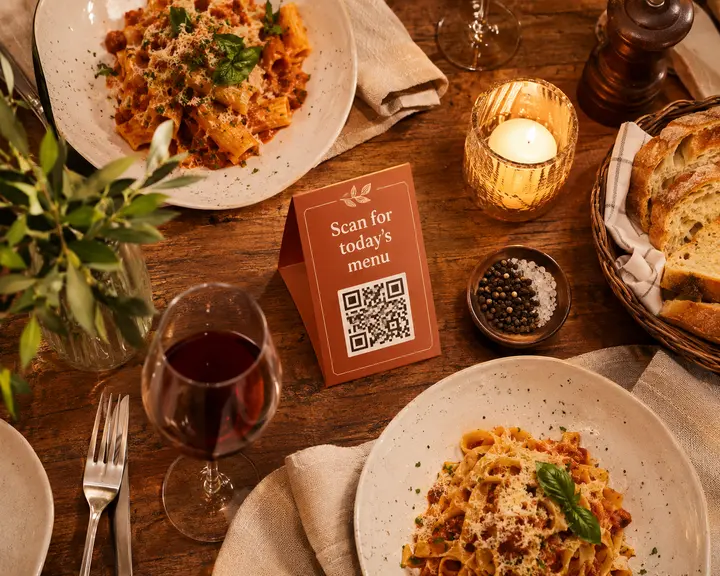
A QR code doesn't replace your staff or your paper menu. It saves time on the small things guests ask about every day.
Upload a new menu PDF when dishes or prices change. The code on every table keeps opening the latest version.
Wi-Fi passwords, allergen details and opening hours are one scan away, so staff spend more time serving.
Dynamic codes record scans by day and time, so you can see how much the table codes are used.
Use your colours and logo, and a frame that says what the scan opens, such as "Scan for the menu".
Pick the type by what the guest should do after scanning. Types marked "Editable" are dynamic: you can change their content later and see scan statistics. The others are static: the content is stored inside the code itself, so it can't change after printing.
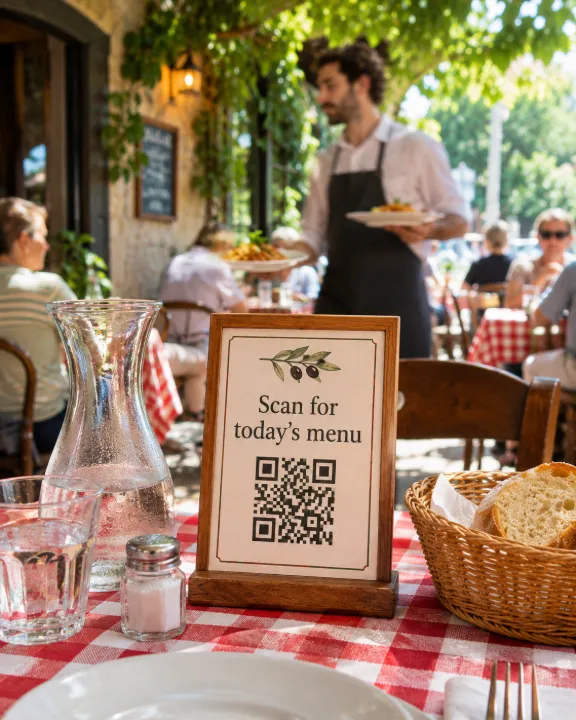
A PDF menu QR code on the table opens your menu straight away, so guests can start choosing before the server arrives. Because it is a dynamic code, you upload a new PDF when the menu changes and the codes on the tables stay the same. Keep a few paper menus too, for guests who prefer them.
Where to use it
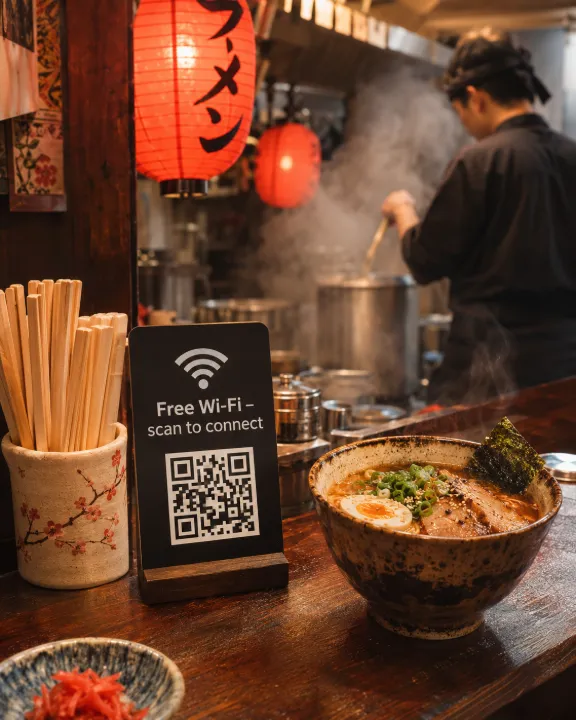
"What's the Wi-Fi password?" is one of the most common questions in any café. A Wi-Fi QR code on the table tent connects guests in one scan, and nobody has to spell out a long password across the room.
Where to use it
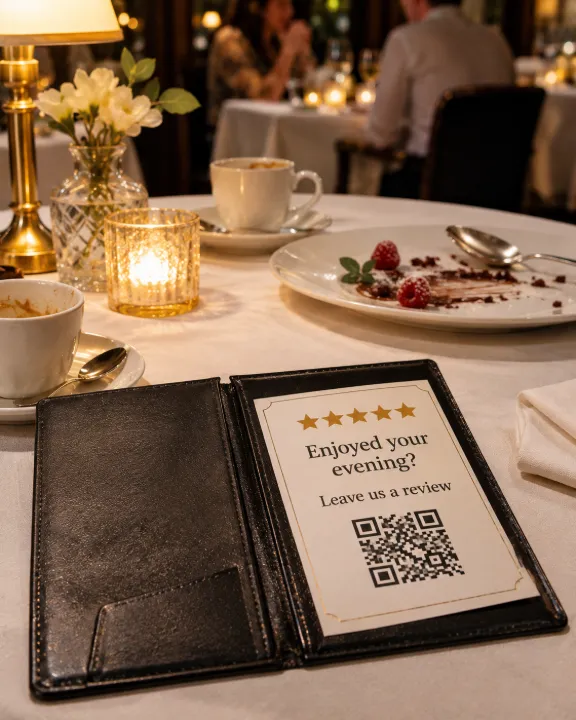
The best time to ask for a review is when guests have just enjoyed their food. A Google Review QR code in the bill folder or on the receipt opens your review form directly, so guests don't have to search for your restaurant first.
Where to use it
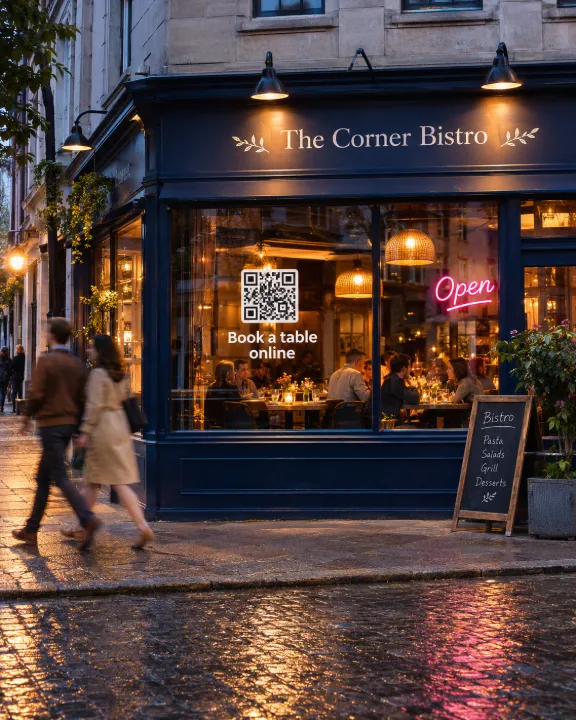
If you take bookings or orders online, a website QR code takes guests straight there. Put it in the front window for people walking past, or on takeaway menus so the next order comes in directly. QRCodeChamp creates the code; the booking or ordering page stays your own.
Where to use it
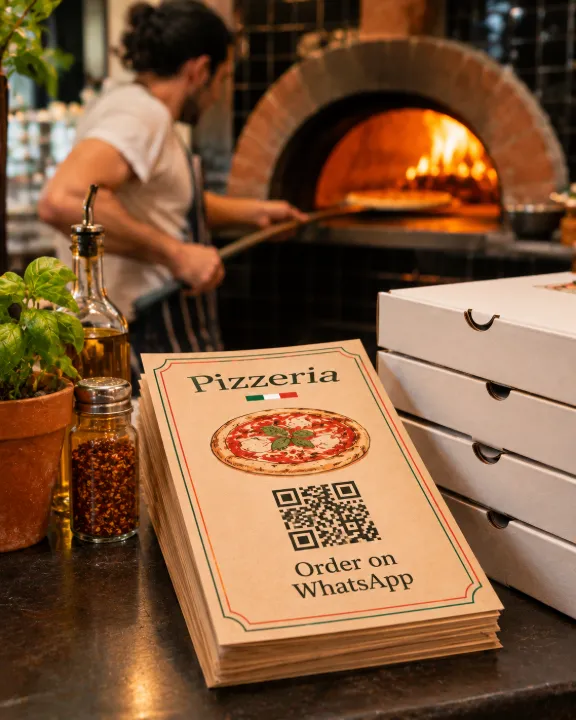
Many guests would rather send a message than call. A WhatsApp QR code on your takeaway menu opens a chat with your restaurant number, with a message already started, such as "Hi, I'd like to order".
Where to use it
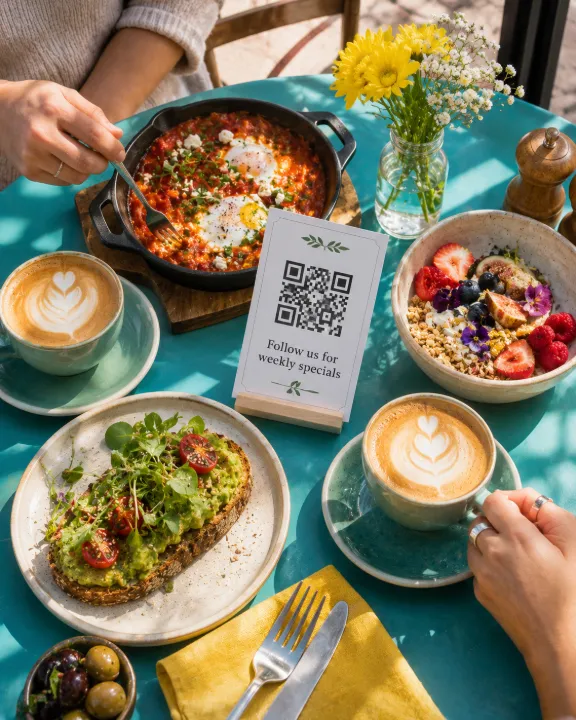
Guests who liked the food are happy to follow you, but rarely look you up later. An Instagram QR code on a table card or receipt opens your profile while they're still at the table, so they see your new dishes and events afterwards.
Where to use it
Place each code where the guest has that question: the menu at the table, the review at the end, the booking in the window.
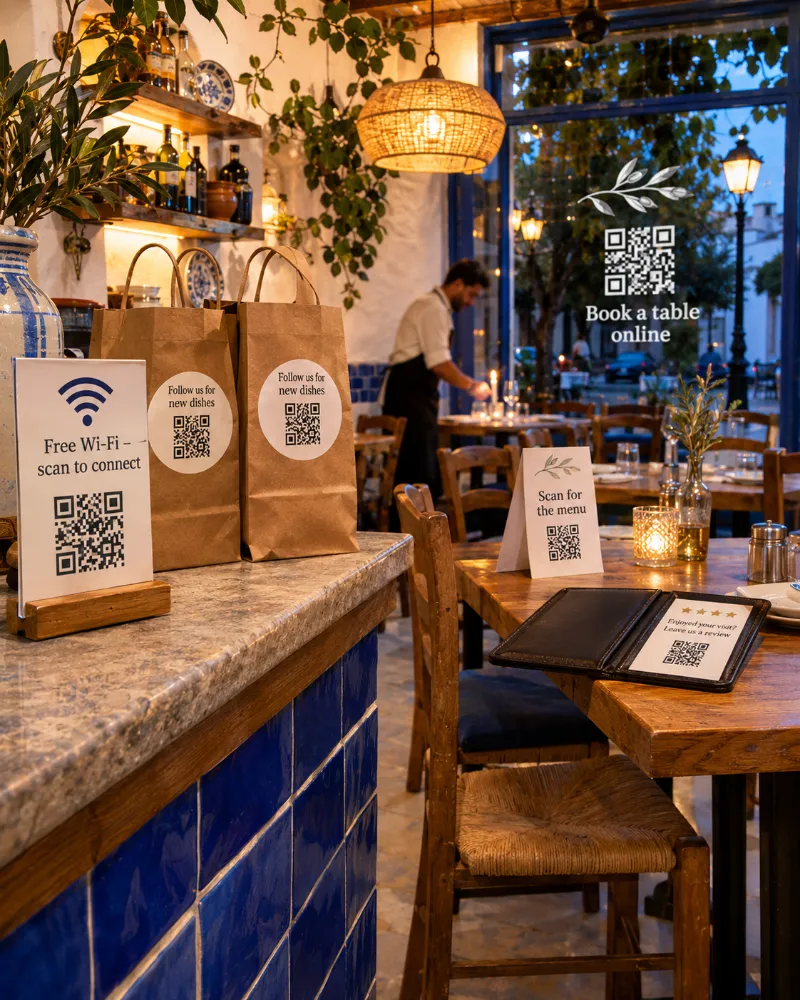
Opens the menu as soon as guests sit down.
Connects guests to Wi-Fi without asking staff.
Asks for a review while the meal is still fresh.
Shows the menu or booking page, even when you're closed.
Starts a takeaway order by message.
Invites guests to follow you after they leave.
Opens the event details or booking form.
Export the menu from your design tool or word processor. Keep the text large enough to read on a phone.
Open the PDF QR code generator and upload the file. The preview updates as you go.
Add your logo and colours, and a frame with a short call to action like "Scan for the menu".
Download SVG for printing, put it on a table stand and scan it with a few phones before placing it on every table.
Tables are busy places with low light and spilled drinks. These points keep your codes easy to use.
Some guests don't want to use their phone, and phones run out of battery. Offer a paper menu to anyone who asks.
Add your menu's web address under the code, so guests can type it if their camera won't scan.
Use large text and a simple layout. A menu designed for A3 paper is hard to read on a small screen.
Use laminated cards or acrylic stands, and replace codes that get scratched or stained.
Dim evening light makes codes harder to scan. Use a dark code on a light background and test it at dinner-time lighting.
Give the menu, the Wi-Fi and the review their own codes, each with a clear label, instead of one code that tries to do everything.
Save your menu as a PDF, open the PDF QR code generator, upload the file, design the code and download it. Print it on a table stand or table tent and test it with a few phones before using it on every table.
Yes, if you use a dynamic code such as the PDF QR code. Upload the new menu in your dashboard and the printed codes open the new version. You need a free account, created by signing in with Google, to edit codes.
Both work. A PDF is the quickest way to share a menu you already have. If you have a mobile-friendly menu page on your website, a website QR code can open that instead.
QRCodeChamp creates the QR code, not an ordering or payment system. If you already use an online ordering or booking service, a website QR code can open it. A WhatsApp QR code is a simple option for takeaway orders by message.
Create a Wi-Fi QR code with your network name, password and security type, then print it on a table tent or counter card. Guests scan it with their phone camera and join the network. It is a static code, so print a new one if you change the password.
Around 3 × 3 cm (1.2 × 1.2 in) or larger works well on a table stand, because guests scan from close by. Codes on walls or windows that people scan from further away need to be bigger.
Yes, for dynamic codes. The dashboard shows scans over time, devices and countries. Use a separate code per location or area if you want to compare them.
Yes. QR menus work best as an option alongside paper menus, so guests who don't want to use their phone, or whose battery is flat, can still order easily.
Start with your menu, then add Wi-Fi and review codes. Sign in for free to update your menu after printing and see how often guests scan.