

Rebooking while the client is still in the chair
Send clients straight to the booking page or app you already use, so they can pick their next slot before they leave.
Clients book between appointments, forget what their stylist told them about aftercare and want to see your work before they choose you. A QR code on the mirror, the appointment card or the window opens your booking page, price list, aftercare video or Instagram on their phone. This guide covers the QR codes that work in hair salons, barbershops, nail bars, beauty salons and spas, where to put them, and how to handle client details carefully.
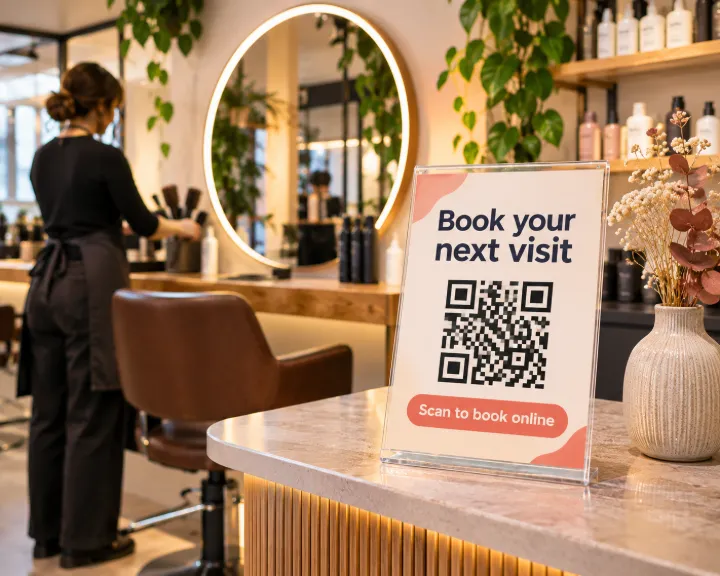
A QR code doesn't replace the chat in the chair. It gives clients a quick way to book, look things up and come back, even when you're busy with someone else.
Send clients straight to the booking page or app you already use, so they can pick their next slot before they leave.
Upload a new price list or treatment menu when prices change. The printed code on the counter opens the latest version.
Clients can open care instructions and how-to videos on their phone whenever they need them, instead of losing a card.
Use your colours, your logo in the centre and a frame with a short line, so the code looks like part of your branding.
Pick the type by what the client should do after scanning. Types marked "Editable" are dynamic: you can change their content later and see scan statistics. The others are static: the content is stored inside the code itself, so it can't change after printing.
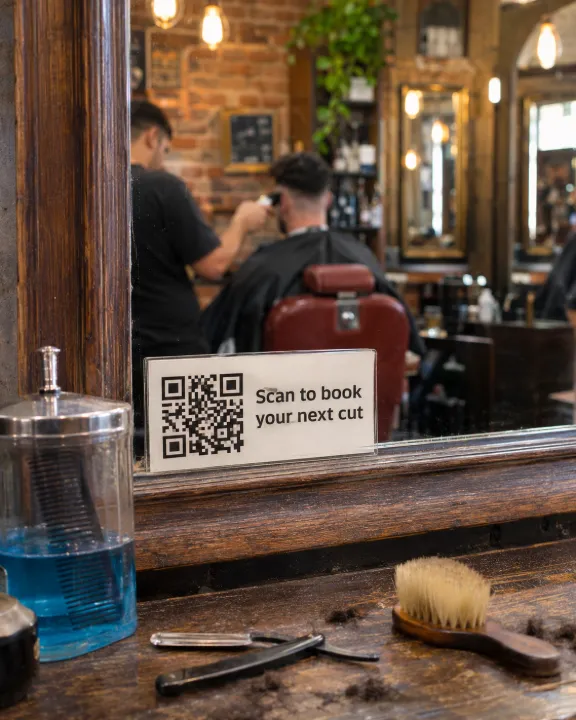
The best time to rebook is before the client walks out, but the phone and the front desk are often busy. A website QR code on the mirror, the appointment card or the window opens your online booking page or your profile in the booking app you already use. QRCodeChamp only creates the code: the diary, deposits and client records stay in your booking system.
Where to use it
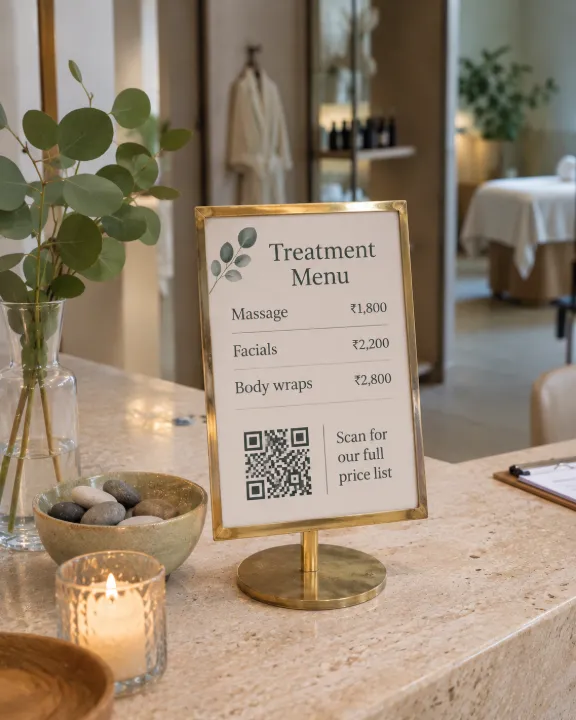
Prices, treatments and stylist levels change, and printed menus go out of date. A PDF QR code on the counter or in the window opens your full price list or treatment menu, easy to read on a phone. Because it is a dynamic code, you upload a new version and the same printed code opens it.
Where to use it
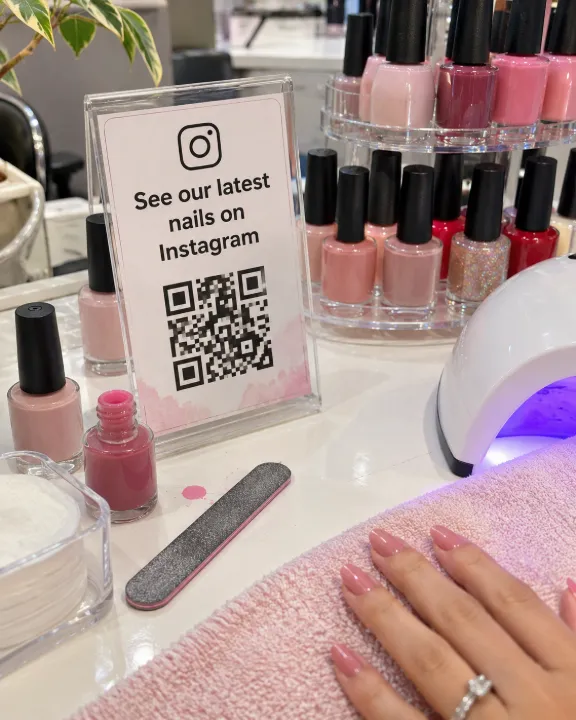
Clients choose a colourist, barber or nail technician by looking at their work. An Instagram QR code on the mirror, the business card or the window opens your salon's profile, or each stylist's own profile, where new clients can see recent cuts, colours and nail sets.
Where to use it
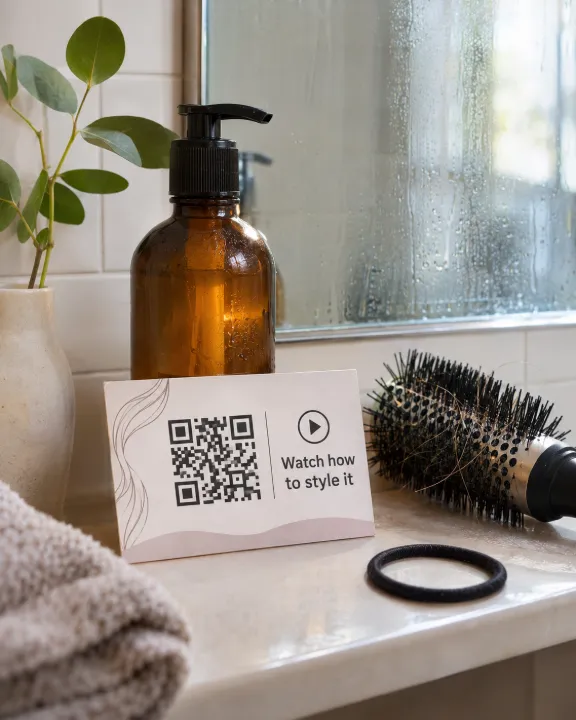
Clients forget how to style a new cut, care for extensions or look after a fresh colour. A video QR code on the aftercare card or the product bag plays a short how-to your team made. It saves repeating the same advice and helps clients get the result they paid for.
Where to use it
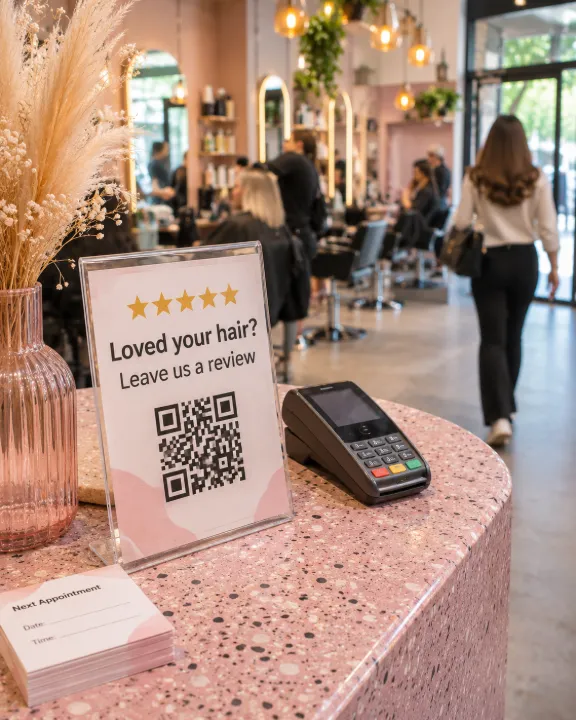
New clients read reviews before they book a salon. A Google Review QR code at the desk or on the receipt opens your review form while the client is still pleased with the result. Ask everyone the same way and never offer a discount or freebie in return: Google doesn't allow incentives for reviews.
Where to use it
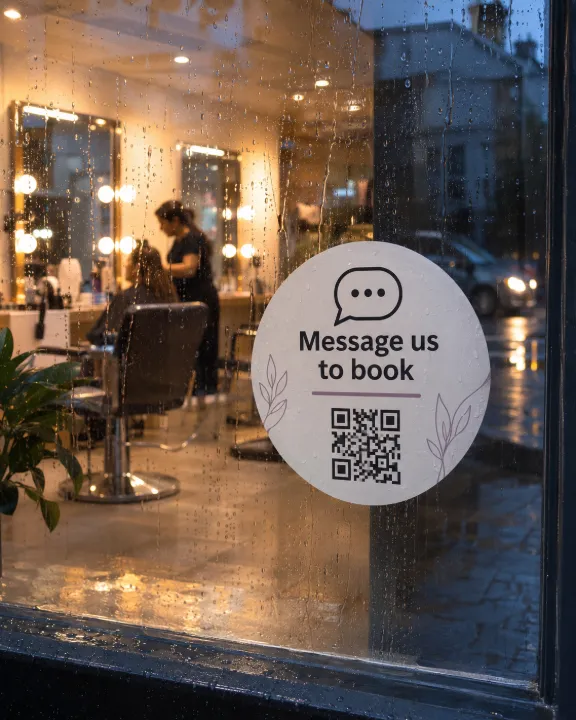
Many clients would rather send a message than call during the day. A WhatsApp QR code on the window or business card opens a chat with the salon's number, with a ready-made first message such as "Hi, I'd like to book". Use a business number, not a stylist's personal phone.
Where to use it
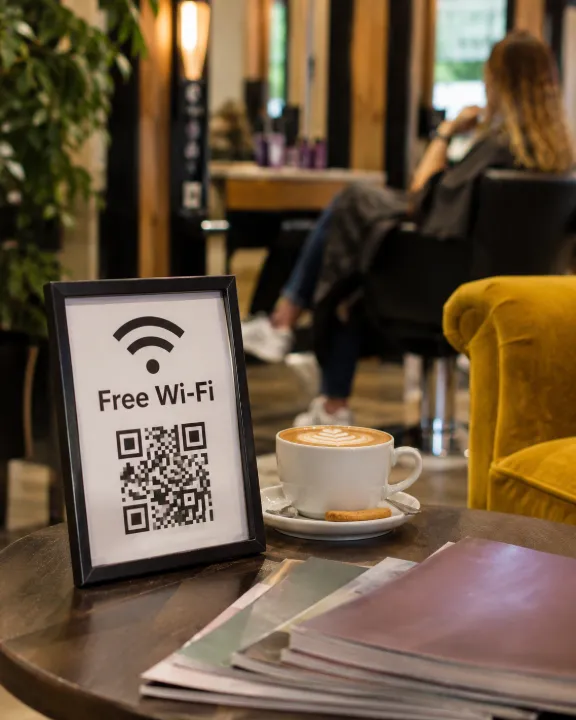
Colour, extensions and spa treatments can take hours. A Wi-Fi QR code in the waiting area or at each station connects clients to your guest network in one scan, without anyone reading out a password.
Where to use it
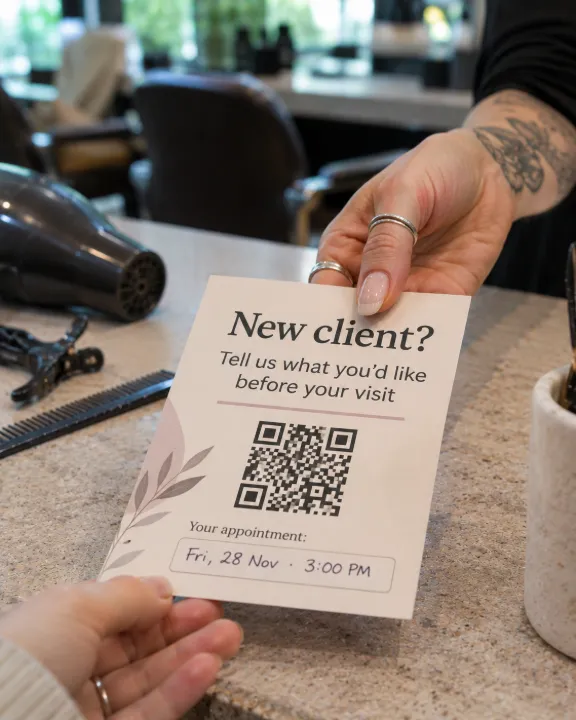
A short form helps you prepare for a new client: hair or skin type, what they want, inspiration photos to bring. A Google Form QR code on the booking confirmation or in the waiting area opens it. Keep allergy, skin and medical questions for your booking system's consultation form or a paper record you store securely, not a general survey.
Where to use it
Put each code where the client has that thought: rebooking at the mirror, prices at the window, aftercare in the bag they take home.
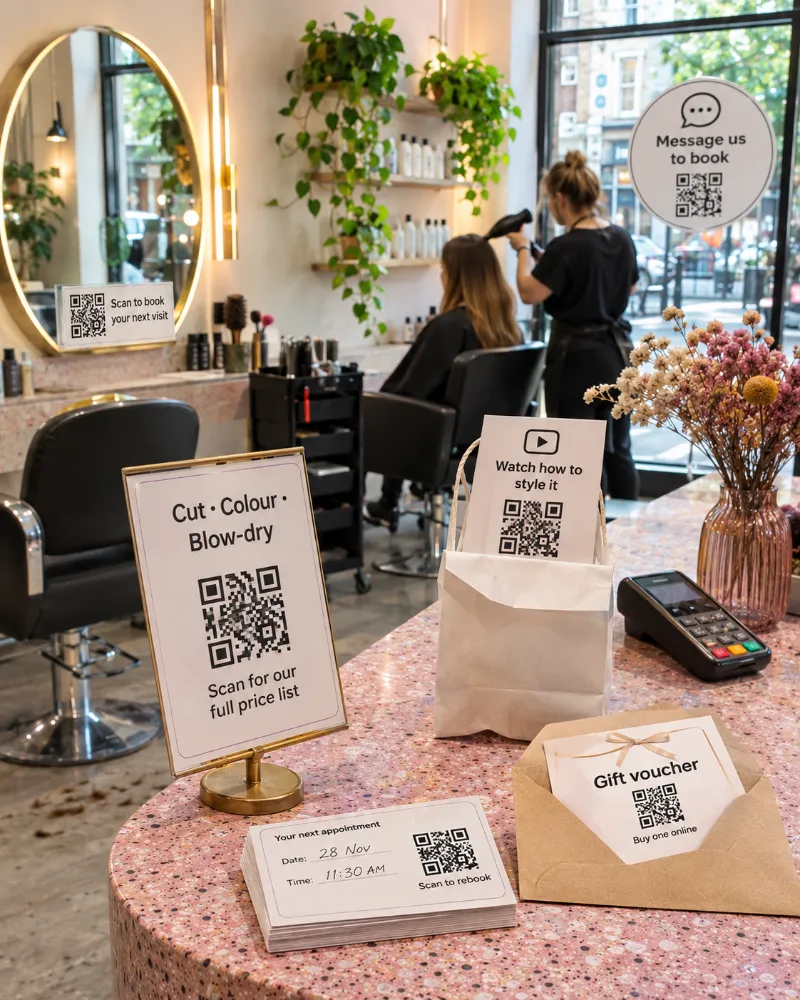
Opens your booking page to rebook before leaving.
Shows the price list to passers-by, even when you're closed.
Opens the stylist's or salon's portfolio.
Plays a styling or care video at home.
Opens your gift voucher page to buy one for someone else.
Invites every client to review the salon.
Starts a chat to ask a question or book.
Connects clients to the guest Wi-Fi.
Opens what to watch for before the colour appointment.
Open your booking page or your salon's profile in the booking app you use and copy the full web address, starting with https://.
Paste the link into the website QR code generator. Sign in for free to save it, so you can change the link later without reprinting.
Add your logo and colours, and choose a frame with a short line such as "Scan to book your next visit".
Download SVG or a high-resolution PNG, scan a printed proof with a few phones, then put a small sign at each station.
Clients trust you with their appearance and their personal details. These points keep your codes useful and safe.
Allergy, skin and medical answers are sensitive personal data. Keep them in your booking system or secure paper records, follow your data protection rules, and never put client details in a QR code.
A QR code can open your patch test information, but the skin allergy test itself still follows the colour manufacturer's instructions, often at least 48 hours before the appointment.
Link to aftercare your team wrote or that comes from the product manufacturer, and check it still matches the products you use.
Print the salon name and web address next to each code, and check the window and desk for stickers placed over yours by someone else.
Mirrors, glass and gloss reflect light. Print a dark code on a matt, light background, at least 2 × 2 cm (0.8 × 0.8 in), and test it where it will hang.
Separate codes for each stylist's Instagram or booking page let clients find the right person, and the scan statistics show which ones get used.
Copy the link to your online booking page or your profile in your booking app, paste it into the website QR code generator and download the code. Sign in for free to save it as a dynamic code, so you can change the link later.
No. QRCodeChamp creates the QR code. Bookings, deposits, gift voucher sales and client records stay in the booking system, website or shop you already use.
Yes, if you use a dynamic code such as the PDF QR code. Upload the new price list in your dashboard and the printed code opens it. You need a free account, created by signing in with Google, to edit codes.
You can link to the consultation form in your booking system. Allergy, skin and medical answers are sensitive personal data, so don't collect them through a general survey, and never put them in a QR code. A QR code can open general patch test information, but the test itself still follows the product manufacturer's instructions.
It helps when clients book or follow a particular stylist. Create one code per stylist for their booking page or Instagram profile, and use the bulk generator if you need many at once.
Yes. You can add your logo in the centre, change the colours and dot style, and add a frame with a short line of text. Keep strong contrast between the code and the background, and test it before printing.
At least 2 × 2 cm (0.8 × 0.8 in) for something held in the hand, like a business card or aftercare card. Make it larger on window signs that are scanned from further away, and avoid glossy or reflective surfaces.
Yes, for dynamic codes. The dashboard shows how many times a code was scanned, when, and on which devices. It doesn't show who scanned it.
Start with a booking code at each mirror, then add your price list, aftercare video and Instagram. Sign in for free to update the content after printing.