

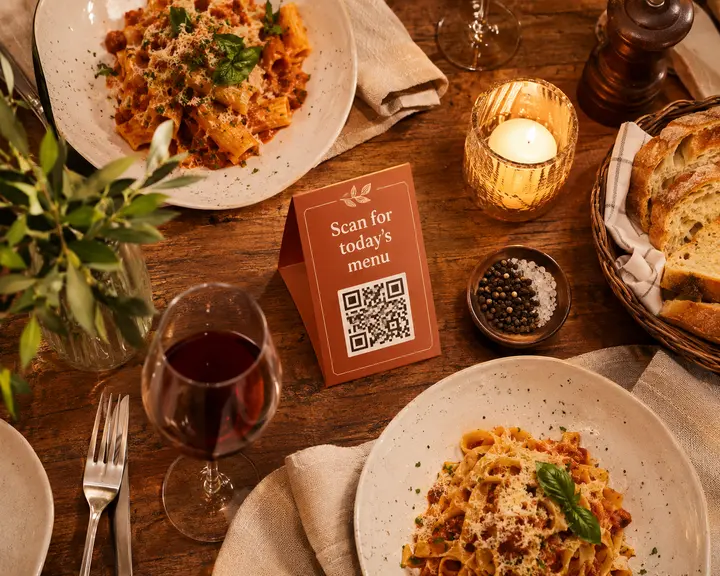
QR Codes for Restaurants
Menus, guest Wi-Fi, Google reviews, bookings and takeaway orders, from the table to the bill.
Every industry has its own moments where a quick scan helps: a menu at the table, a form at reception, a sign outside a property. Pick your industry for ideas that fit how your customers actually behave.
Each guide covers the QR code types that fit the industry, where to place them, print tips and common questions.
Menus, guest Wi-Fi, Google reviews, bookings and takeaway orders, from the table to the bill.
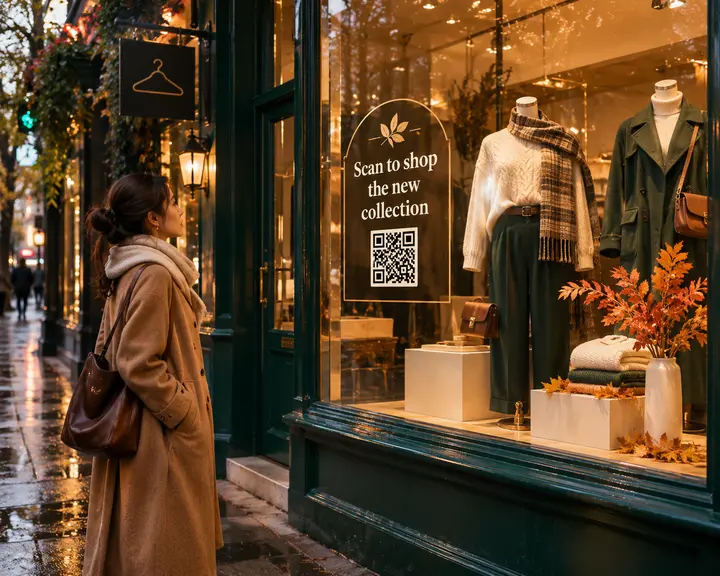
Product details on shelf labels, size charts, demos, loyalty sign-ups and reviews at the till.
 Coming soon
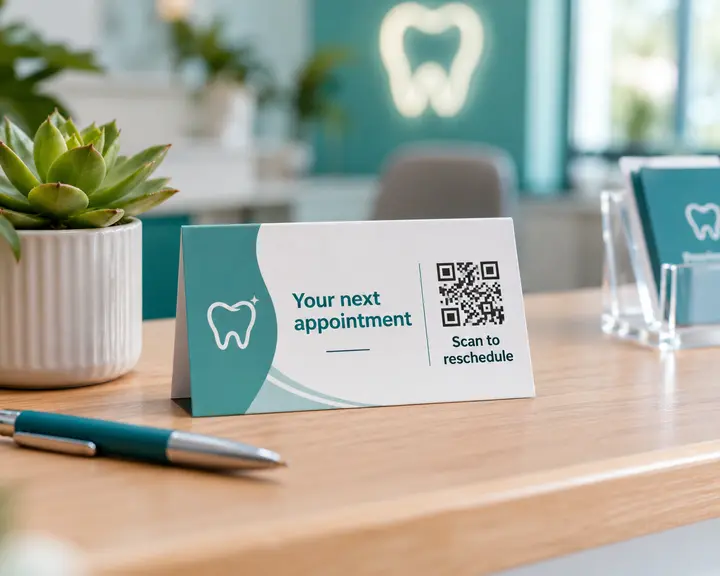
Appointment forms, patient information leaflets and directions to the clinic.
 Coming soon
Course materials, enrolment forms, event calendars and campus Wi-Fi.
 Coming soon
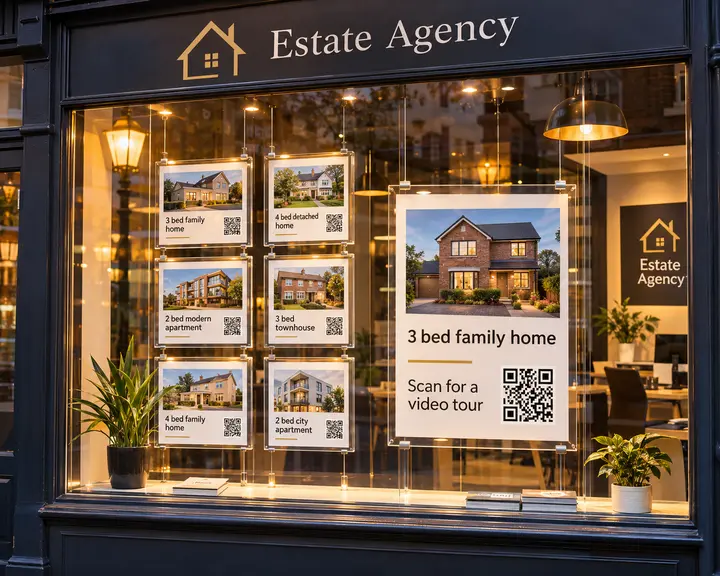
For-sale signs that open the listing, a video tour or the agent's contact details.
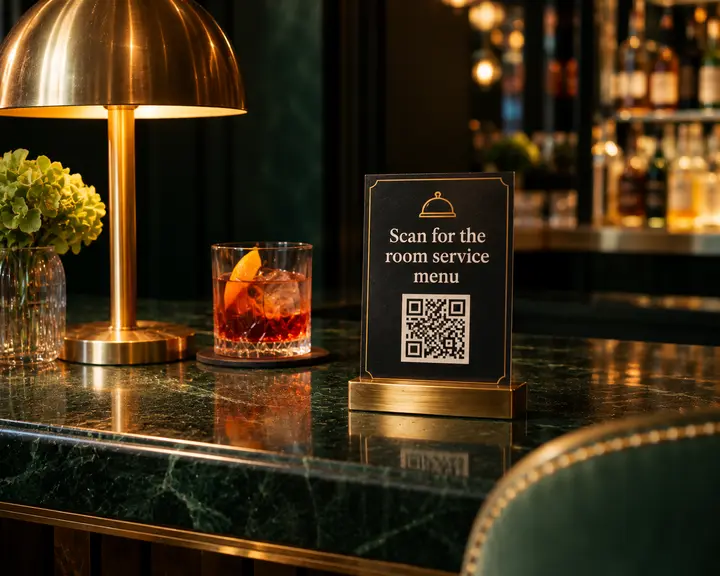 Coming soon
Guest Wi-Fi, digital room guides, directions and local recommendations.
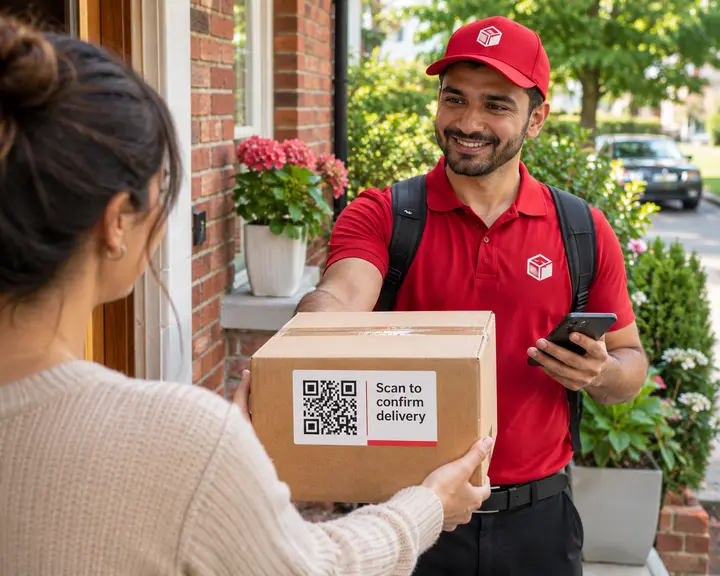 Coming soon
Delivery notes, tracking pages, warehouse labels and driver contact details.
 Coming soon
Equipment manuals, safety sheets, maintenance forms and product information.
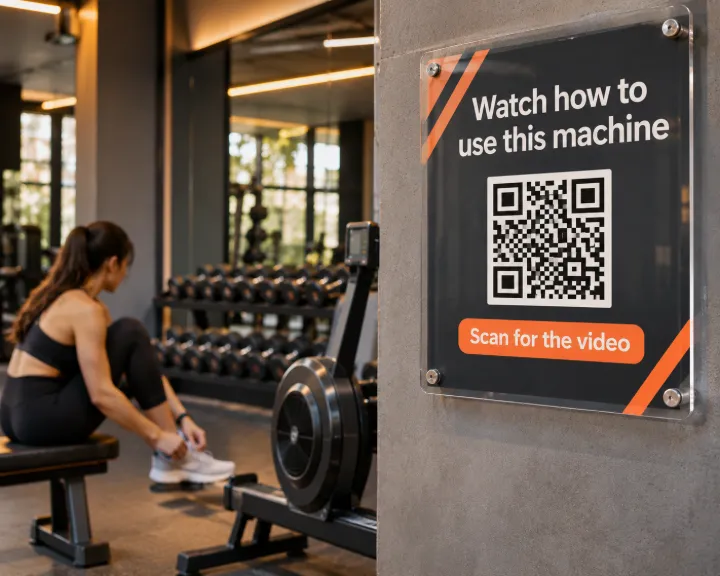 Coming soon
Class timetables, exercise videos, membership sign-ups and reviews.
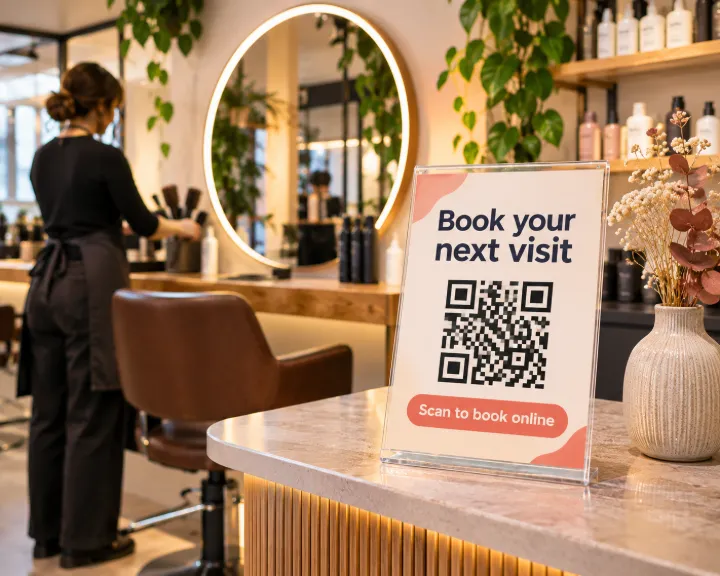 Coming soon
Online booking, price lists, reviews and the salon's Instagram.
 Coming soon
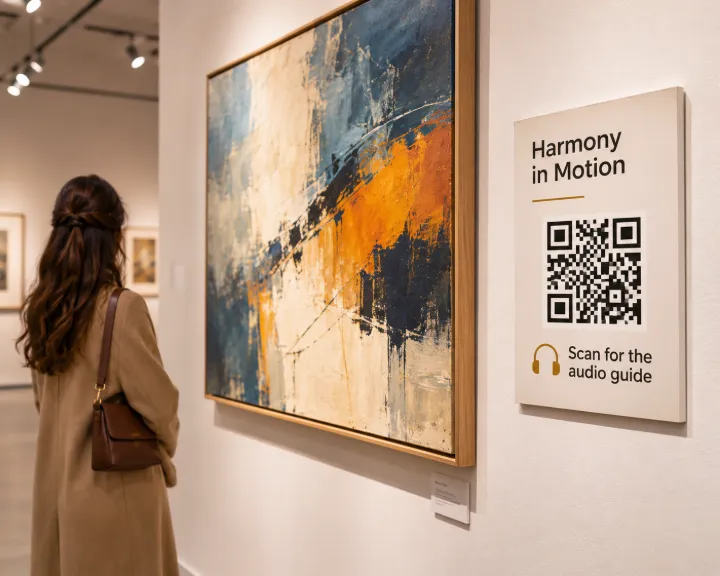
Audio and video guides, exhibit details and ticket pages next to each piece.
Whatever your sector, these are the QR code types that come up again and again. Each one opens its own generator.
Most industries share the same customer moments. Find the moment, then use the QR code that fits it.
Menus, price lists and brochures that you can update without reprinting.
Joins your Wi-Fi in one scan, with no password to spell out.
Opens your Google review form while the visit is fresh.
Opens your address in the phone's maps app.
Opens your booking, order or sign-up page.
Opens your profile so they can follow you for news and offers.
The details change from sector to sector, but the reasons people use QR codes are much the same.
A sign, table card or flyer opens the exact page the customer needs, without typing a web address.
With a dynamic code you change the menu, price list or offer online, and the printed code keeps working.
Dynamic codes record scans, so you can compare a window sign with a table card or a flyer.
Wi-Fi passwords, opening hours and directions are one scan away, so staff answer them less often.
The guides currently listed on this page are the ones available. Each one is written for that industry, with its own QR code types, placement ideas and print tips.
Yes. Every QR code type works in any industry. Start with the QR code types above, or read the guides for businesses and use cases, which cover common needs such as reviews, contact details and marketing.
No. All QR code types are in the same generator. The industry guides help you choose the right type and the right place to put it.
Yes. You can create and download QR codes for free. Sign in with Google for free to save dynamic codes, edit them after printing and see their scan statistics.
Yes. The same code works wherever it is printed. If you want to know which location gets more scans, create a separate dynamic code for each one and compare them in your dashboard.
Usually not. The built-in camera on most iPhone and Android phones scans QR codes. Some older phones need a QR code scanner app.
Print a test copy at the final size, scan it with a few different phones in the lighting where it will be used, and keep a dark code on a light background with an empty margin around it. Our QR code scanner shows what a code contains.
Yes, if it is a dynamic QR code: edit the link or file in your dashboard and the printed code opens the new content. Static codes, such as Wi-Fi codes, store their content inside the code and can't be changed.
Choose a type, add your brand, and download your QR code in a few minutes. Sign in for free to edit your codes later and see how often they are scanned.