

Your details saved in one scan
A vCard code adds your name, phone, email and website to the client's contacts, so you aren't a lost card in a drawer.
As a freelancer you are the business, so every meeting, card and invoice has to make it easy to remember you, see your work and pay you. A few well-placed QR codes do exactly that. This guide covers the codes that suit freelancers and where to use them.

New clients meet you briefly, at an event, a meeting or through a proposal. A QR code turns that moment into a saved contact or a portfolio visit.
A vCard code adds your name, phone, email and website to the client's contacts, so you aren't a lost card in a drawer.
Link to your portfolio, case studies or showreel, so clients see what you do before they call.
Change where a dynamic code goes when you update your portfolio or booking page, without reprinting cards.
Dynamic codes count scans, so you can tell whether your card, proposal or invoice code is being used.
Pick the type by what the client should do next. Types marked "Editable" are dynamic: you can change their content later and see scan statistics. The others are static: the content is stored inside the code itself, so it can't change after printing.

Paper business cards often end up in a drawer. A vCard QR code on your card adds your name, phone, email, website and job title to the client's contacts in one scan, so you are easy to find when the next project comes up.
Where to use it
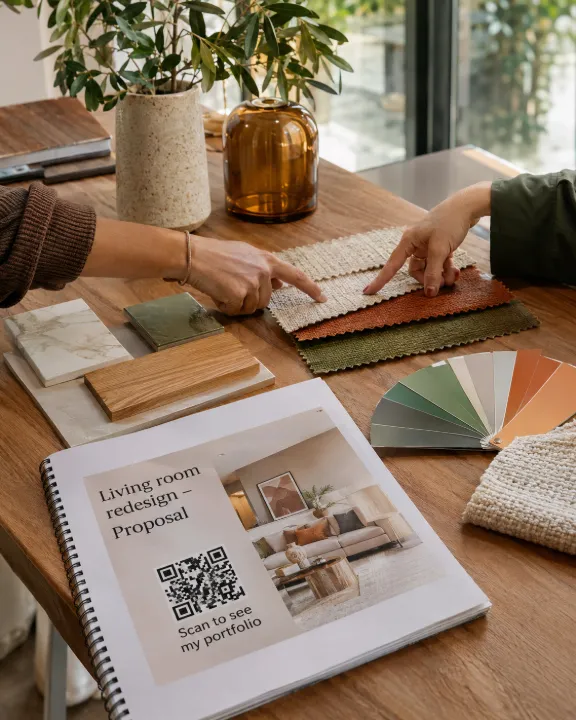
A job title says little about how good you are. A website QR code on your card, proposal or CV opens your portfolio, case studies or showreel, so clients see your work while they are still interested. Save it as a dynamic code and point it to new work whenever you update your portfolio.
Where to use it
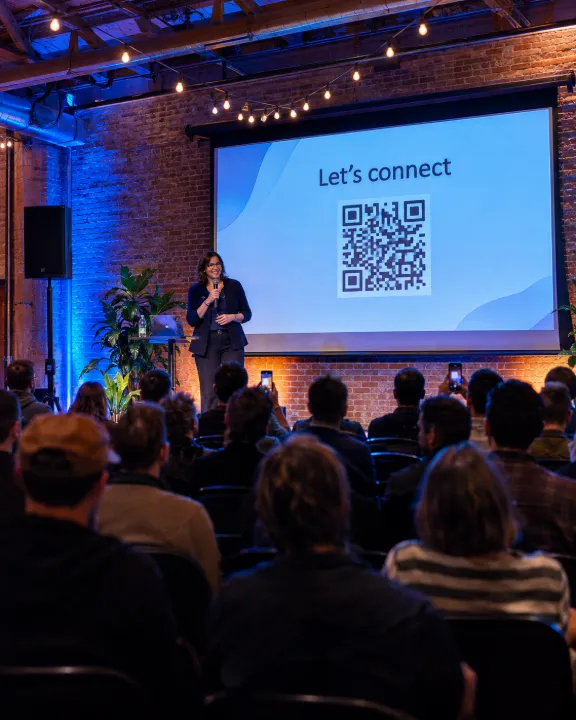
At events, people say they'll connect later and forget. A LinkedIn QR code on your badge, slide or card opens your profile there and then, so the connection happens before the conversation ends.
Where to use it
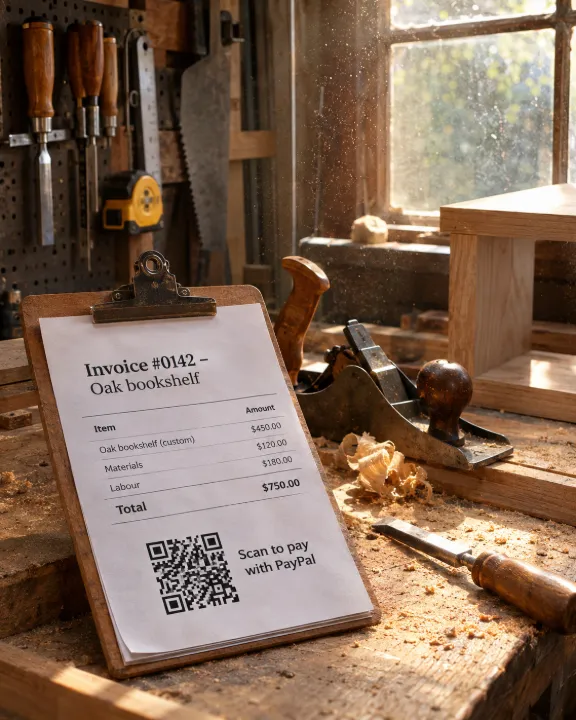
The easier an invoice is to pay, the sooner it gets paid. A PayPal QR code on your invoice opens your PayPal payment page on the client's phone, so they don't have to copy an email address or account name.
Where to use it
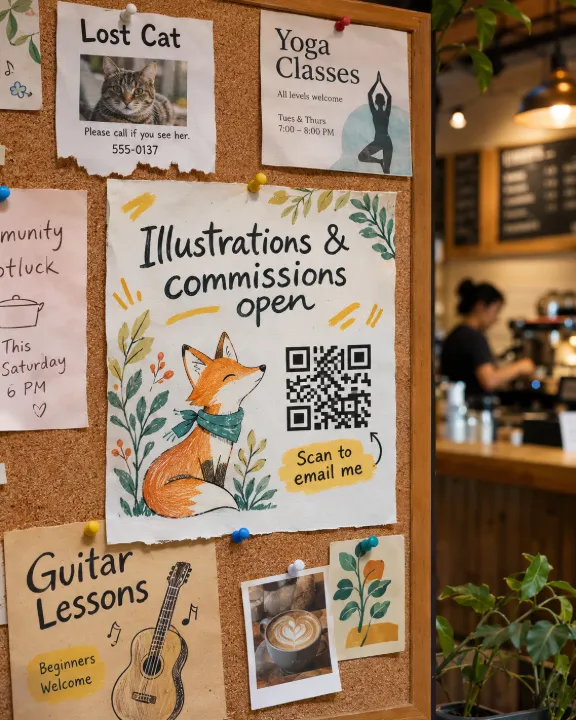
When someone reads your proposal or flyer and wants to talk, make the first step easy. An email QR code opens a new message to you with a subject like "Project enquiry" already filled in, so the client only has to write a line.
Where to use it
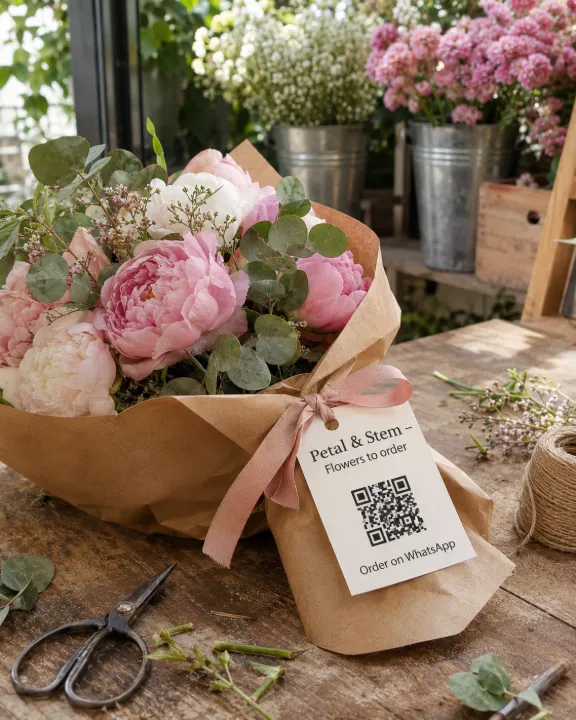
Some clients prefer a quick message over email. A WhatsApp QR code opens a chat with you, with a message already started, such as "Hi, I'd like a quote".
Where to use it
Put a code wherever a client meets your name: in person, on paper or on screen.
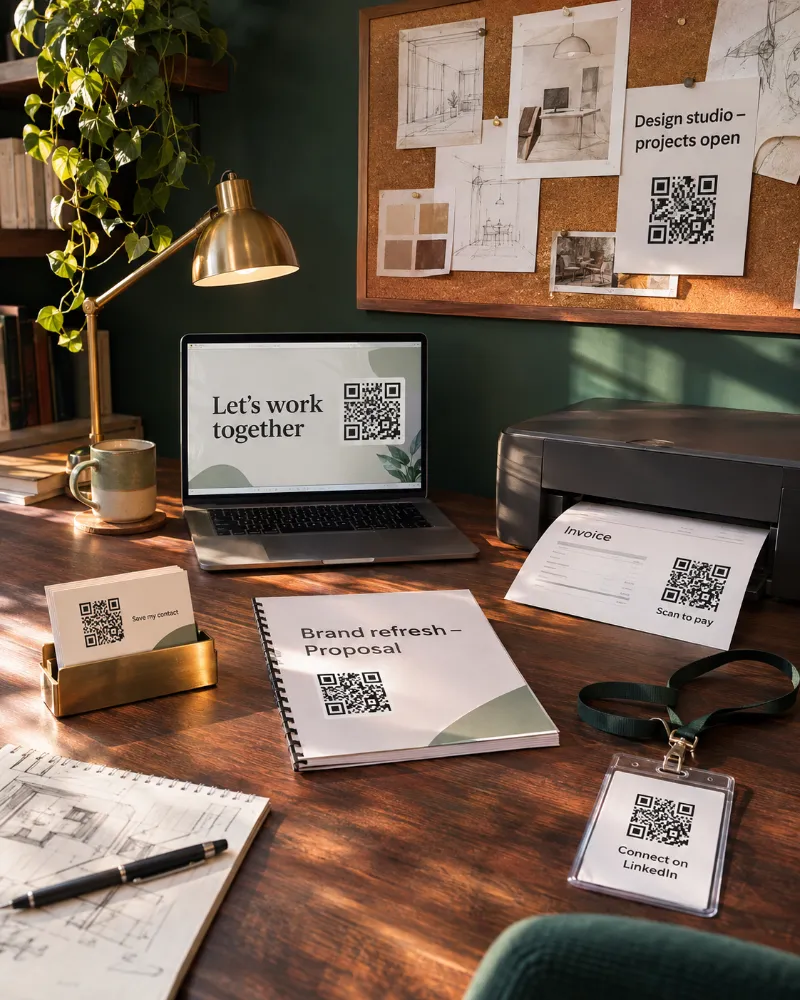
Saves your contact details in one scan.
Opens case studies that back up your proposal.
Opens your payment page.
Connects on LinkedIn before the conversation ends.
Opens your slides, portfolio or contact page.
Starts a project enquiry by email.
Choose the vCard QR code type. It stores your contact details inside the code.
Enter your name, job title, phone, email and website. Keep them current, because a vCard code can't change after printing.
Match your colours, add your logo or initials, and a frame with "Scan to save my contact".
Download SVG for your card printer, then scan a printed proof with a few phones before ordering the full run.
A QR code reflects on you, so make sure it works every time.
Your best work changes. A dynamic website code lets you point to new work without reprinting cards.
On a business card, keep the code at least about 2 × 2 cm (0.8 × 0.8 in) with an empty margin around it.
Clients scan with their phone, so your portfolio or booking page should load fast and read well on a small screen.
Write "Scan to see my work" or "Scan to save my contact" next to the code, so people know what to expect.
Two codes on a small card confuse people. Choose the one that matters most for that card.
Scan the final design with an iPhone and an Android phone. Use our QR code scanner to check the content.
Most freelancers use a vCard code on their business card so clients can save their details, and a website code on proposals or portfolios that opens their best work. Choose the one that matches what you want the client to do next.
Yes. You can create and download a vCard or website QR code for free. Download it as SVG for print so it stays sharp.
Yes, if you use a dynamic website QR code. Change the link in your dashboard and the printed cards open the new page. A vCard code is static, so you would need new cards if your contact details change.
Yes. A PayPal QR code on your invoice opens your PayPal payment page on the client's phone. Test it on both iPhone and Android before you send the invoice.
Use a vCard if your main goal is to be saved as a contact. Use a website code if your goal is to show your work. Choose one per card side, so the scan is clear.
Use a dynamic QR code and sign in for free. The dashboard shows scans over time, devices and countries. Use a separate code on cards, proposals and invoices to see which one gets used.
Start with a vCard for your business card, then add a portfolio link. Sign in for free to update your links later and see how often they are scanned.