

Your own giving page, not ours
The code opens your donation page, PayPal or fundraising platform. The money, the receipts and the Gift Aid declarations stay there.
Fewer people carry cash, so a collection tin or a poster on its own often isn't enough. A donation QR code opens your giving page on the supporter's phone, where they can give by card, PayPal or another method your platform offers. This guide is for charities, churches, schools and community groups: which codes to use, where to put them, and how to make sure donors can trust them.
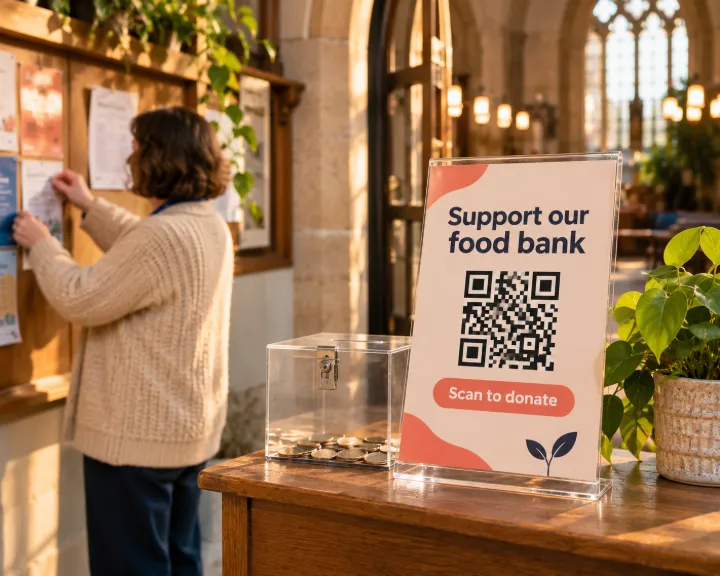
A QR code doesn't collect money itself. It is a quick, printed route to the donation page you already trust, for supporters who don't carry cash.
The code opens your donation page, PayPal or fundraising platform. The money, the receipts and the Gift Aid declarations stay there.
Supporters can give on the spot from their phone, at a stall, after a service or as they walk past a poster.
With a dynamic code you can point printed tins and posters at a new appeal later, without reprinting them.
Dynamic codes count scans, so you can compare a shop counter, a church porch and a school newsletter.
Pick the type by what the supporter should do after scanning. Types marked "Editable" are dynamic: you can change their content later and see scan statistics. The others are static: the content is stored inside the code itself, so it can't change after printing. For anything that takes money, link only to pages and accounts in your organisation's name.
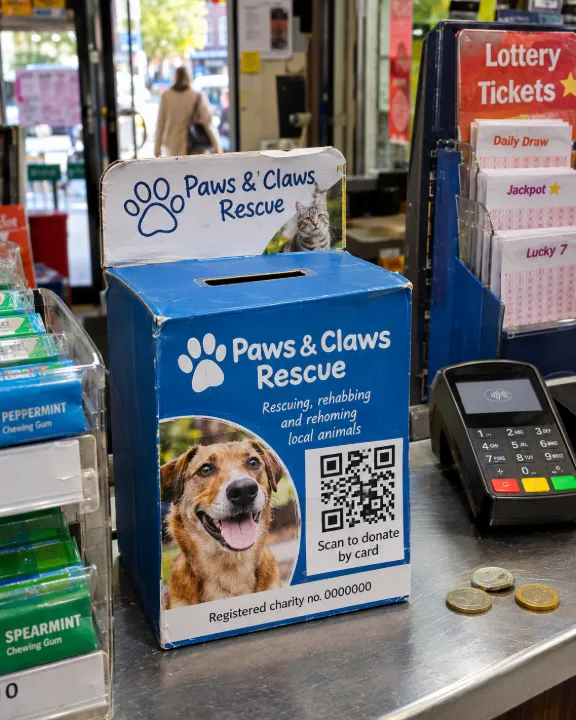
The safest and most flexible donation code opens the giving page you already use: on your website or on your fundraising platform. That page takes the payment, sends the receipt and, in the UK, asks for the Gift Aid declaration. QRCodeChamp only creates the code. Save it as a dynamic code so you can switch it to a new appeal later, and keep the donation page itself clearly branded with your organisation's name.
Where to use it
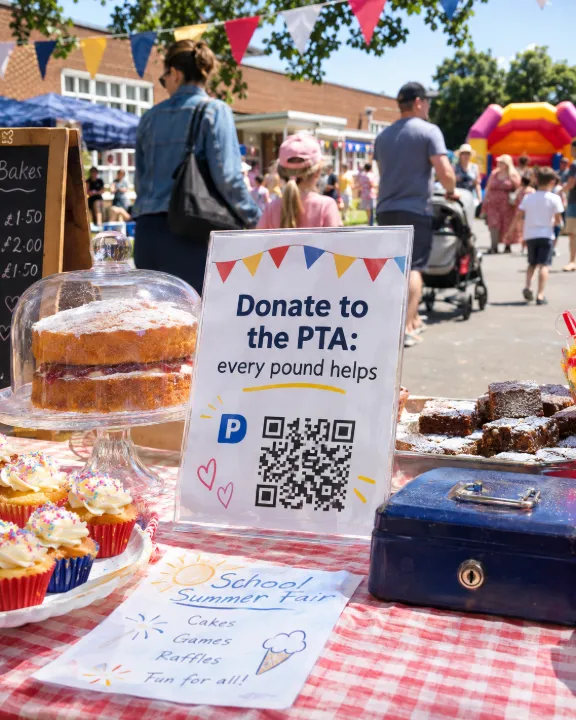
If your organisation receives donations through PayPal, a PayPal QR code opens your donation link so supporters can give through PayPal on their phone. PayPal also offers its own QR code when you create a Donate button. Use a QRCodeChamp code if you want your own colours, logo and a "Scan to donate" frame, scan statistics, or the option to change the link later.
Where to use it
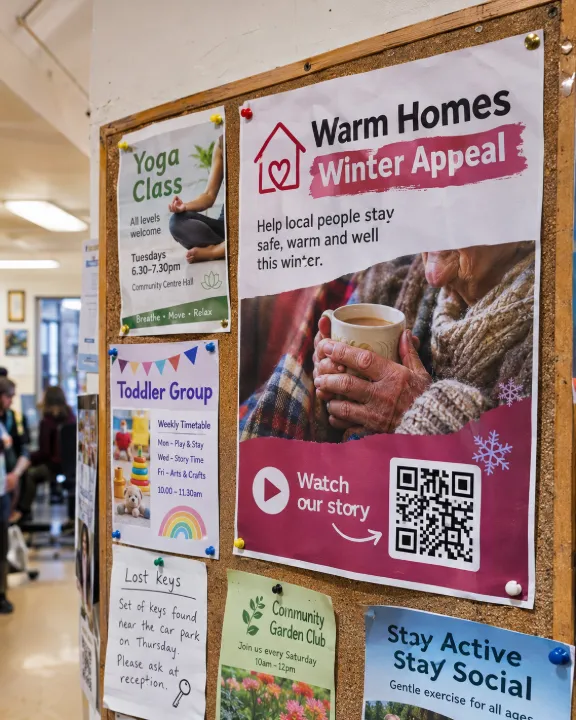
People give when they understand the cause. A video QR code on an appeal poster or event table plays a short film about the project, the people you help or the thank-you from last year's appeal. Keep it short and add subtitles, because many people watch with the sound off.
Where to use it
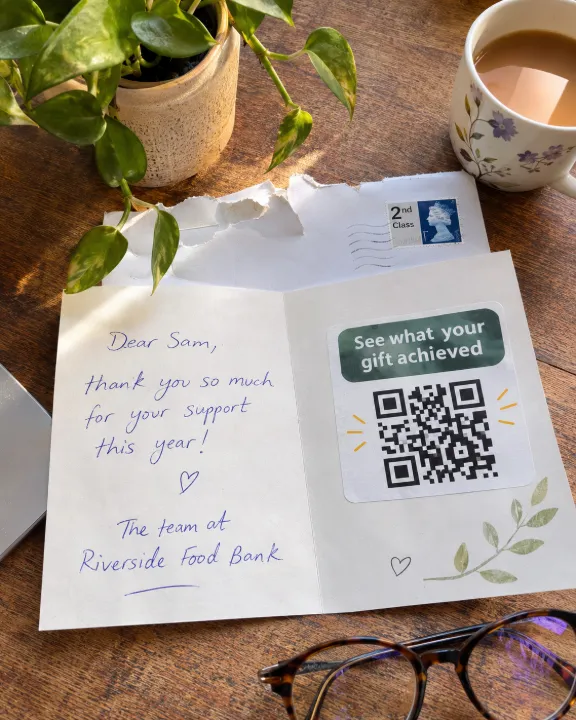
Donors, sponsors and grant givers often want to see your accounts and results before they give. A PDF QR code on a thank-you card, information stand or sponsor pack opens your impact report or annual review. Upload the new edition each year and the printed code opens it.
Where to use it
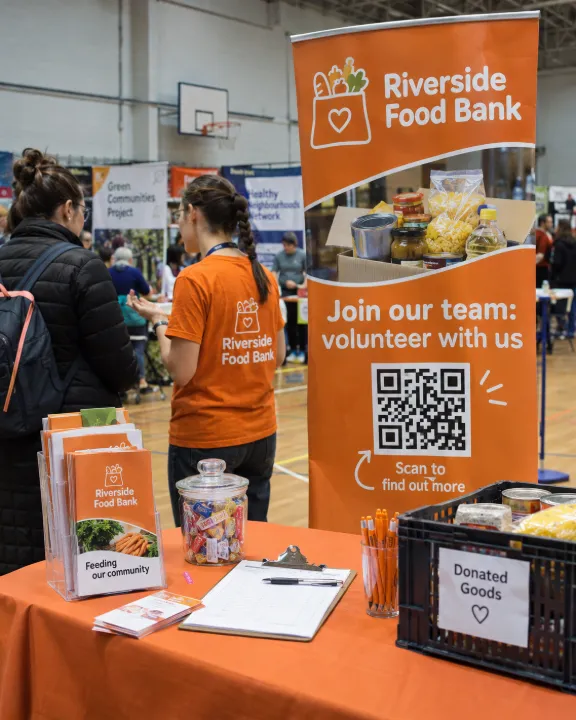
Not everyone can give money, but many people can give time. A Google Form QR code on a volunteer stand or school letter opens a short form to sign up as a volunteer, join a sponsored walk or ask about leaving a gift. Ask only for the details you need, and say how you will use them.
Where to use it
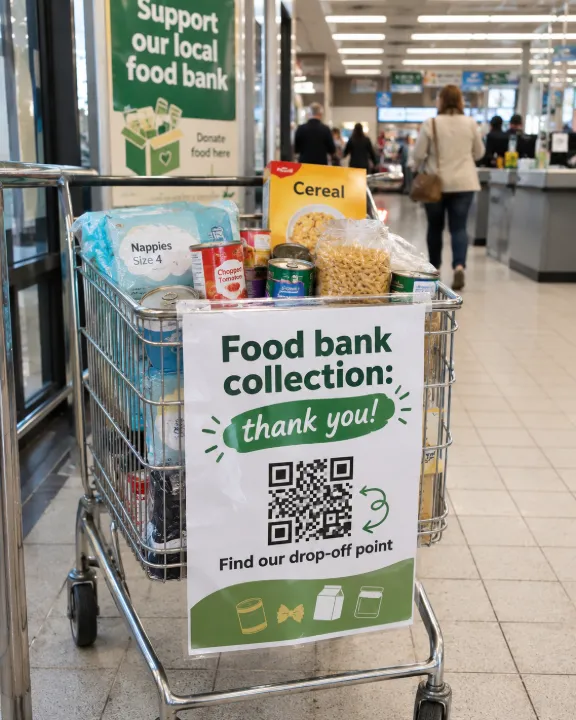
Food banks, clothing appeals and toy drives need people to bring items to the right place. A location QR code on the appeal poster opens the exact drop-off point in the phone's maps app, so donations don't end up at the wrong door.
Where to use it
Put the code where people decide to give: next to the tin, at the end of a service, on the letter home. Keep codes where you can see them, so no one can cover them unnoticed.
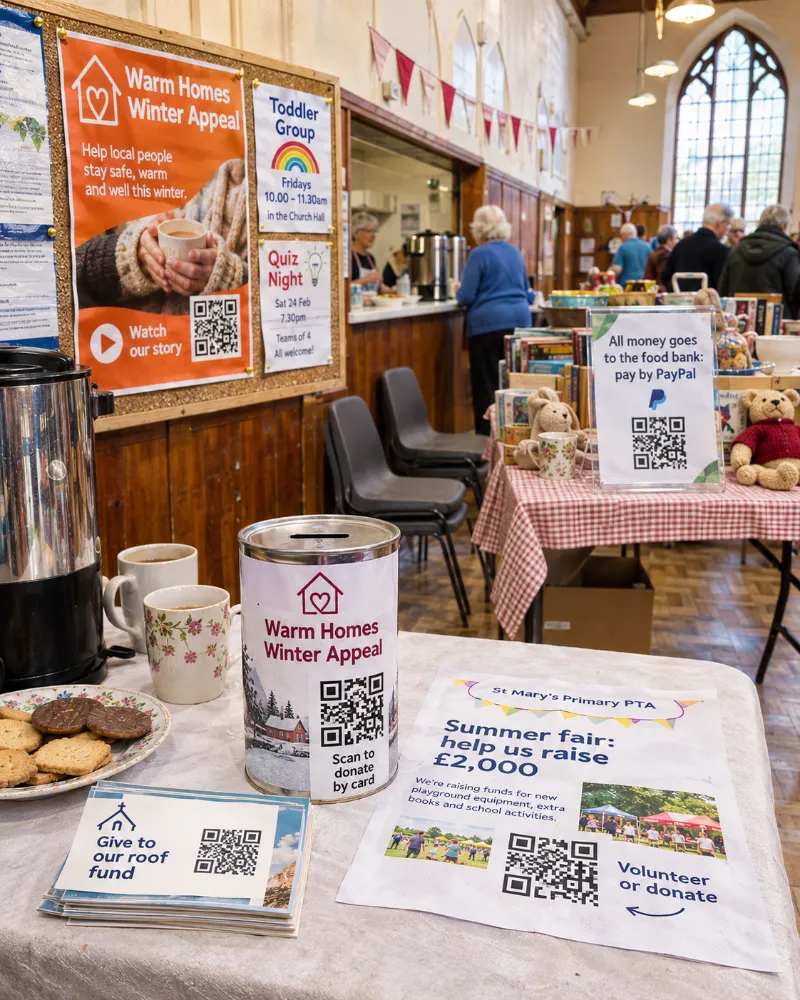
Lets people without cash give by card instead.
Opens the giving page for the collection or regular giving.
Takes a donation on the spot through PayPal.
Plays the story behind the appeal.
Shows what donations achieved and invites the next gift.
Signs up volunteers and sponsored event entrants.
Opens the drop-off point in the maps app.
Opens the appeal page while the letter is in hand.
Copy the link to your giving page on your website, fundraising platform or PayPal. Check that it shows your organisation's name and takes the payment securely.
Open the website QR code generator and paste the link. Sign in for free to save it, so you can change the link when the appeal changes.
Choose a frame such as "Scan to donate", and print your organisation's name, charity number if you have one, and web address next to the code.
Download SVG for printing, test a printed proof with a few phones, and check codes in public places for stickers placed over them.
Fake QR codes are a known way to steal donations. These habits protect your supporters and your reputation.
Fraudsters can stick their own QR code over yours. Check tins, posters and signs regularly, remove anything you didn't put there, and scan your own codes to make sure they still open your page.
Print your organisation's name, registered charity number if you have one, and web address next to the code, so supporters can check you are genuine or type the address instead.
The donation page or PayPal account should belong to your organisation, not to a volunteer's personal account, so every gift goes straight to the cause and is recorded properly.
Not everyone has a smartphone, mobile data or confidence with online payments. Keep cash, a bank transfer option or a phone number available too.
Street and door-to-door collections may need a licence or permit from your local authority, whether people give in cash or by QR code. Check the rules where you collect.
Regulators warn that scammers pressure people to give immediately. Give supporters time and the information they need, such as your impact report, to decide.
Copy the link to your donation page, open the website QR code generator and paste it. Add a frame such as "Scan to donate", download the code and print it on your tins, posters or letters. Sign in for free to save it as a dynamic code that you can change later.
No. QRCodeChamp only creates the QR code. Donations are taken by the page the code opens, such as your website's donation page, your fundraising platform or PayPal. Fees, payouts and receipts are handled there.
Yes. Copy your organisation's PayPal donation link and paste it into the PayPal QR code generator. PayPal also gives you a QR code when you create a Donate button; a QRCodeChamp code adds your own design, a frame with a call to action and, when saved, scan statistics.
You can create a crypto QR code with your wallet address for Bitcoin, Ethereum or Bitcoin Cash. Be careful: it is a static code, so a wrong address can't be fixed after printing, crypto payments usually can't be reversed, and consumer agencies such as the US Federal Trade Commission warn that a charity asking for crypto only is a common sign of a scam. Offer it alongside card and bank options, and check how your accounts and any tax rules treat crypto gifts.
Print codes directly on your materials rather than on stickers where possible, keep tins and posters where staff or volunteers can see them, and check them regularly. Print your web address next to the code, so supporters can see where it should lead. If you find a sticker you didn't put there, remove it and report it.
The QR code only opens your donation page. In the UK, the Gift Aid declaration is collected on that page, for example with a tick box and the donor's home address, and your charity or platform claims it from HMRC. Check that your donation page asks for it.
Yes, with a dynamic code such as the website or PayPal QR code. Change the link in your dashboard and the printed code opens the new page, for example for a new appeal. You need a free account, created by signing in with Google, to edit codes.
Yes, for dynamic codes. The dashboard shows how many times a code was scanned, when, on which devices and from which countries. It doesn't show who scanned it or whether they gave, so compare scans with the totals on your donation platform.
Start with one code that opens your donation page, then add codes for your appeal video, impact report and volunteer sign-up. Sign in for free to change the link for each new appeal.