

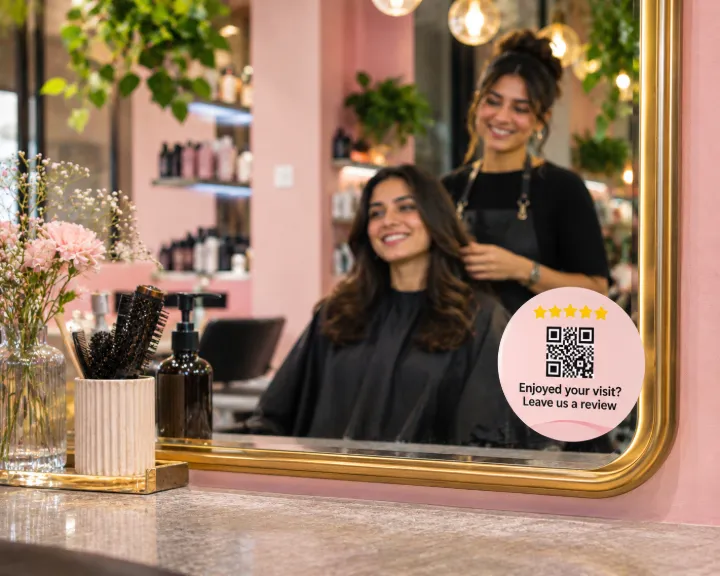
Collect Reviews with QR Codes
Ask every customer for a review at the right moment, with a code that opens your review form directly.
Already know what you want a QR code to do? Pick the goal, follow the short guide, and go straight to the generator that does it.
Each use case explains the workflow, where to place the code and the mistakes to avoid, then links to the right generator.
Ask every customer for a review at the right moment, with a code that opens your review form directly.
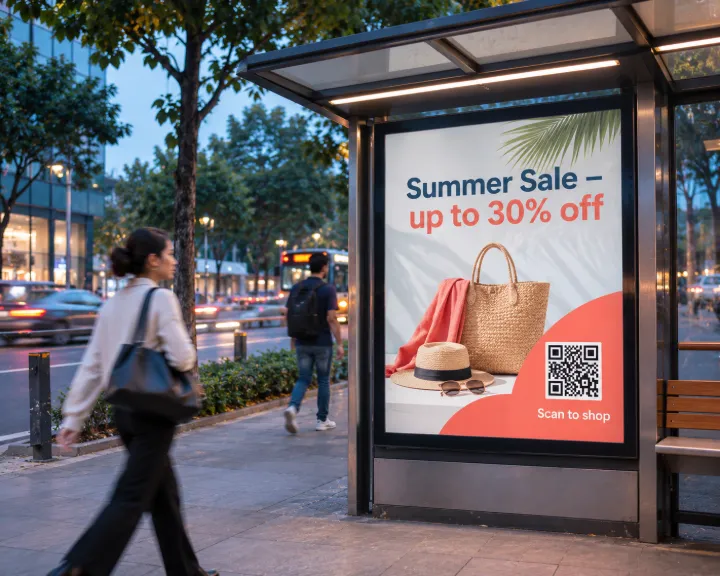
Track posters, flyers, print ads and billboards with a separate code for each placement.
 Coming soon
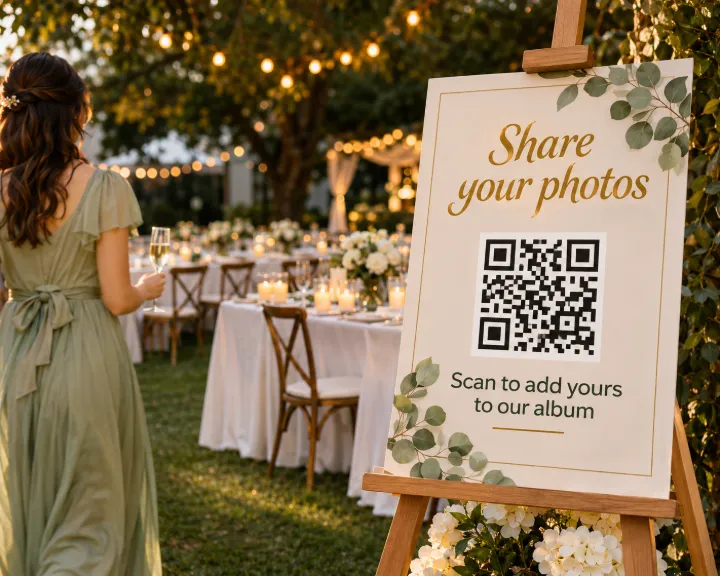
Shared photo albums, RSVP forms, directions and the day's schedule for your guests.
 Coming soon
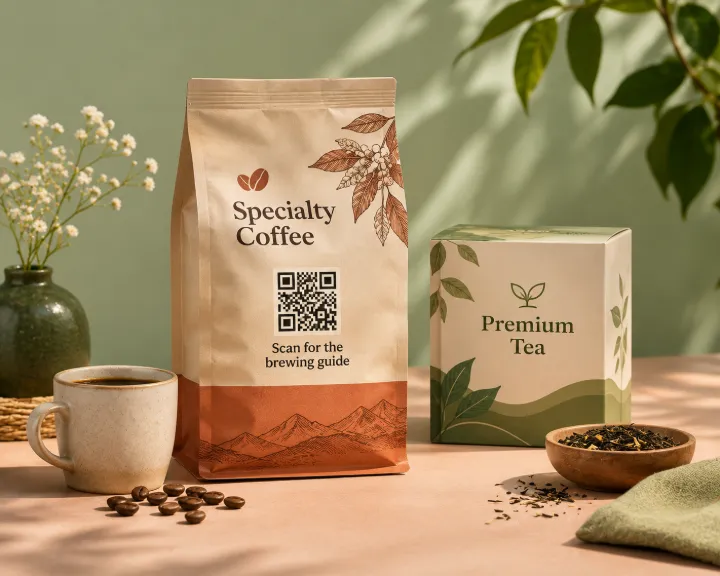
Instructions, ingredients, warranty sign-up and reorder pages on the box.
 Coming soon
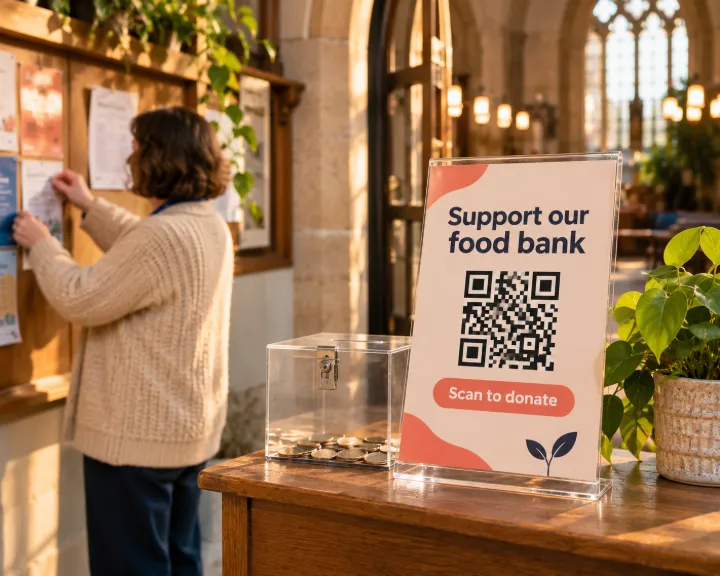
Donation pages for charities, churches, schools and clubs, on posters and collection boxes.
 Coming soon
Sign-up forms and calendar invites from posters and invitations.
 Coming soon
Short surveys after a visit, a delivery or an event.
 Coming soon
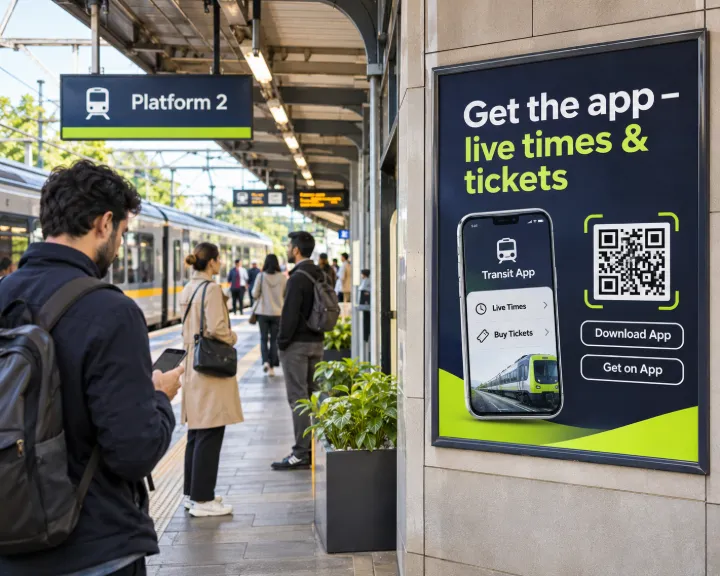
Point customers to your app in the App Store or on Google Play.
If you already know which QR code you need, open its generator directly.
A quick map from the goal to the QR code that does it. Each one opens its generator.
Opens your Google review form directly.
Opens a short Google Form on the phone.
Opens a PDF you can update later.
Connects to the network without typing the password.
Saves your details to the phone's contacts.
Opens any page: an offer, a booking form or your shop.
Adds the event name, date, time and place to the calendar.
Opens a WhatsApp chat with a message already filled in.
The same few habits make the difference whatever the goal.
A code that does one clear thing gets more scans than one that tries to do everything.
Put a short call to action next to the code, such as "Scan to leave a review".
Use a dynamic code to see scans over time, then move the code if a spot isn't working.
With a dynamic code you can change the link later without reprinting.
A QR code type is what the code contains, such as a link, a PDF or contact details. A use case is the goal, such as collecting reviews. A use case guide explains the whole workflow and points you to the right type.
One code opens one destination. If you need several goals, use one code per goal, or link to a page that offers the options. Single-purpose codes are usually clearer for customers.
Any goal where the destination may change or where you want to count scans. Review links, forms and offers usually benefit from a dynamic code.
Yes. You can create and download QR codes for free. Sign in with Google for free to save dynamic codes, edit them and see scan statistics.
Think about what the person should do right after scanning: leave a review, join Wi-Fi, save your number or open a page. Then pick the QR code that does that job, as in the list above.
Dynamic QR codes show how many times they are scanned, with dates, countries and devices. They don't show what people do after the scan, such as whether they left a review, so compare scans with your own results.
No. Many QR code types work without a website, including Wi-Fi, vCard, PDF, WhatsApp, Event and Google Review codes.
Yes. Download it as SVG so it stays sharp at any size, keep enough contrast with the background, and test it on each material, because glossy or curved surfaces can make scanning harder.
Choose a type, add your brand, and download your QR code in a few minutes. Sign in for free to edit your codes later and see how often they are scanned.