

Listing details on the spot
Passers-by see the photos, price and floor plan while they are standing outside, instead of trying to remember the address.
Buyers and tenants notice a property from the pavement, at an open house or in a brochure, and want the details there and then. A QR code on the sign or brochure opens the listing, a video tour or your contact details on their phone. This guide covers the QR codes that suit estate agents, realtors, letting agents and developers, where to put them, and how to keep what they open accurate.
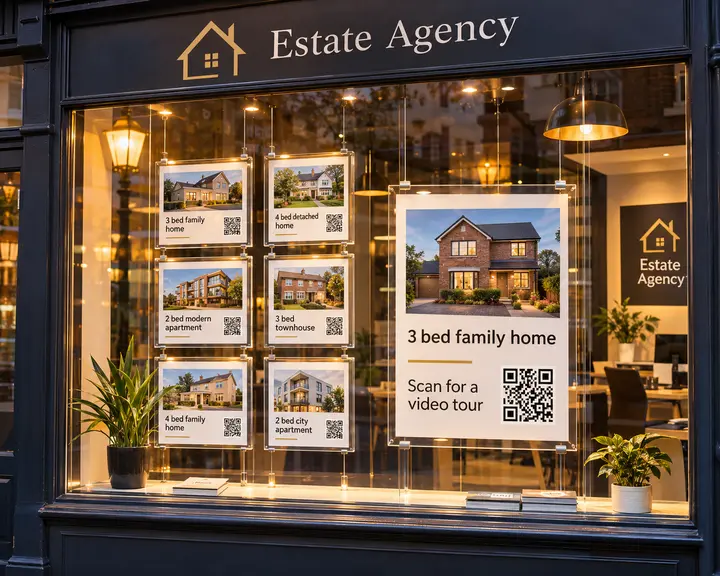
Most property searches start online, but many still start with a sign or a brochure. A QR code connects the two, so interest outside the property turns into a listing view or a call.
Passers-by see the photos, price and floor plan while they are standing outside, instead of trying to remember the address.
Point a dynamic code at the next property when this one sells or lets, so sign panels don't need reprinting.
Send people to your website, portal listing or tour host. QRCodeChamp only creates the code; the listing stays where it already lives.
Dynamic codes count scans by time, device and location, so you can compare signs, brochures and window cards.
Pick the type by what the buyer or tenant should do next. Types marked "Editable" are dynamic: you can change their content later and see scan statistics. The others are static: the content is stored inside the code itself, so it can't change after printing.
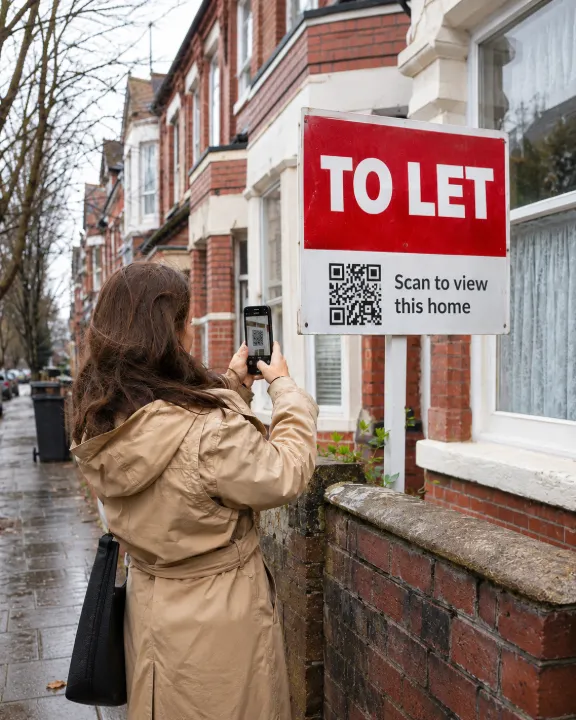
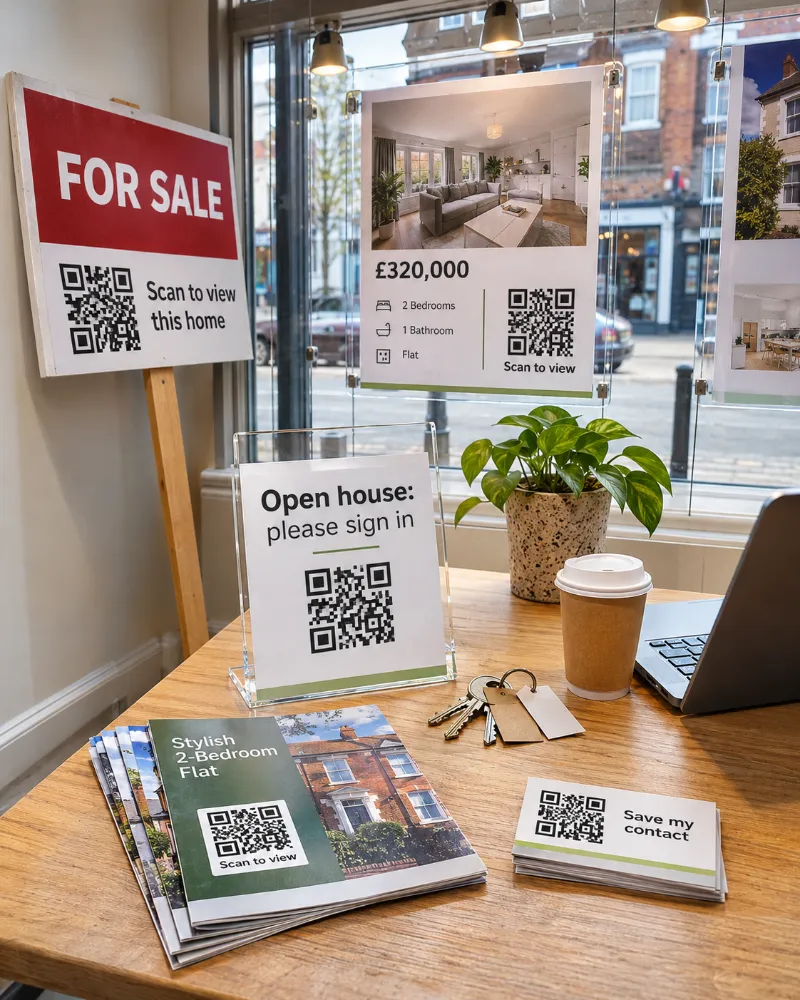
A for-sale or to-let sign tells people a property is available, but not much else. A website QR code on the sign opens the listing with photos, price and floor plan while they are still outside. Save it as a dynamic code: when the property sells or lets, point the same code at the next listing or your current listings page, and move the panel to the next sign.
Where to use it
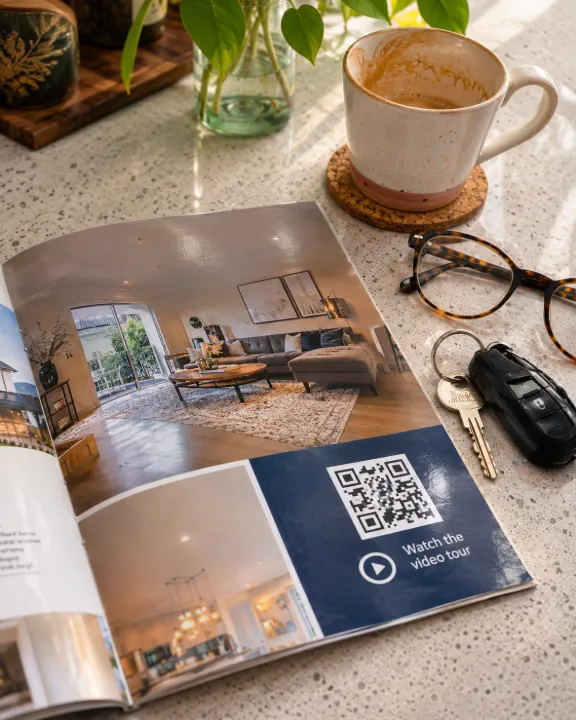
A video tour helps buyers decide whether a viewing is worth booking. A video QR code on the sign rider or brochure opens the walk-through you host on YouTube, Vimeo or your tour provider. Show the property as it is: the tour is part of your advertising, so it should be as accurate as the listing.
Where to use it
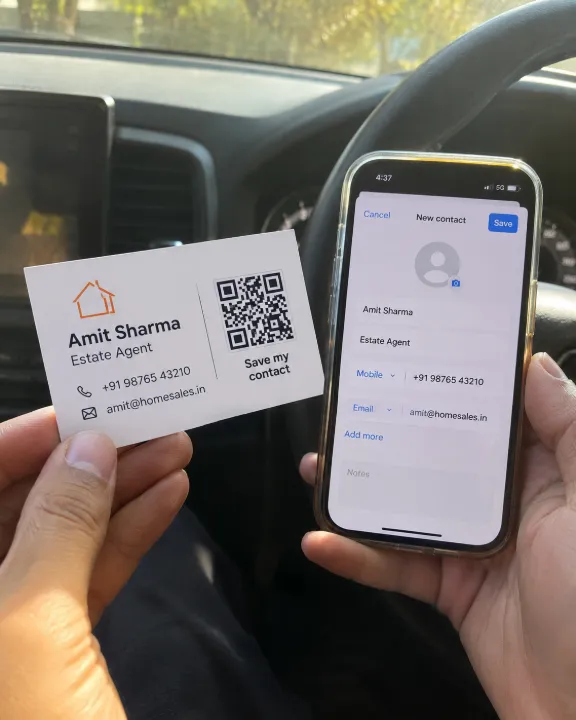
Buyers speak to many agents and lose many cards. A vCard QR code on your business card or sign panel adds your name, phone, email, firm and office address to their contacts in one scan, so they can find you when they are ready.
Where to use it
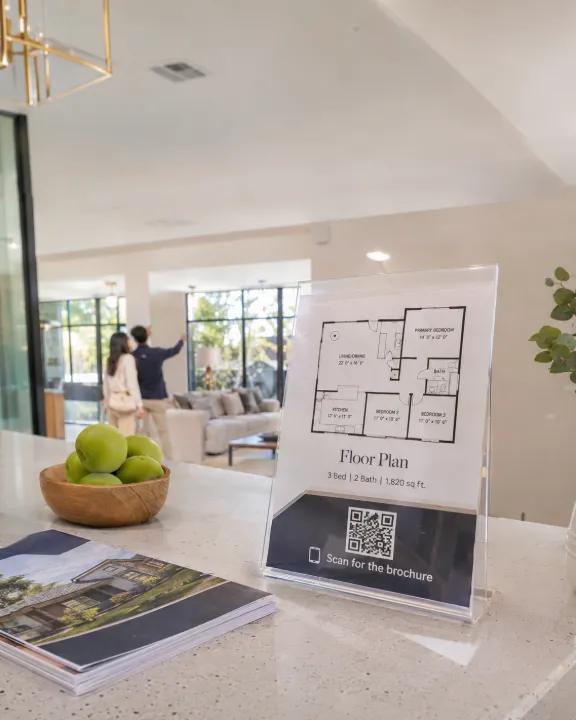
Printed brochures run out at busy open houses and go out of date when the price changes. A PDF QR code on a stand or window card opens the brochure, floor plan or particulars on the visitor's phone. Upload a new version when anything changes, so nobody leaves with old details.
Where to use it
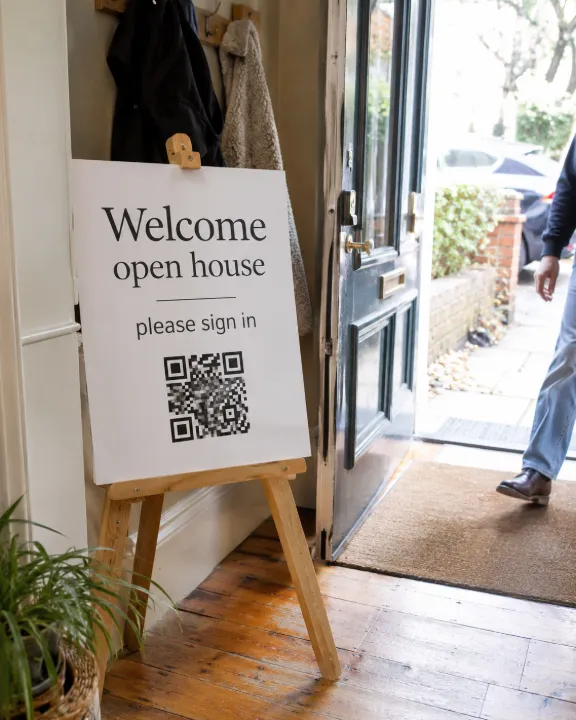
Paper sign-in sheets are hard to read and show every visitor's details to the next person. A Google Form QR code at the entrance opens your own sign-in or feedback form on the visitor's phone. Ask only for what you need, say how you will use it, and follow the data protection rules where you work.
Where to use it
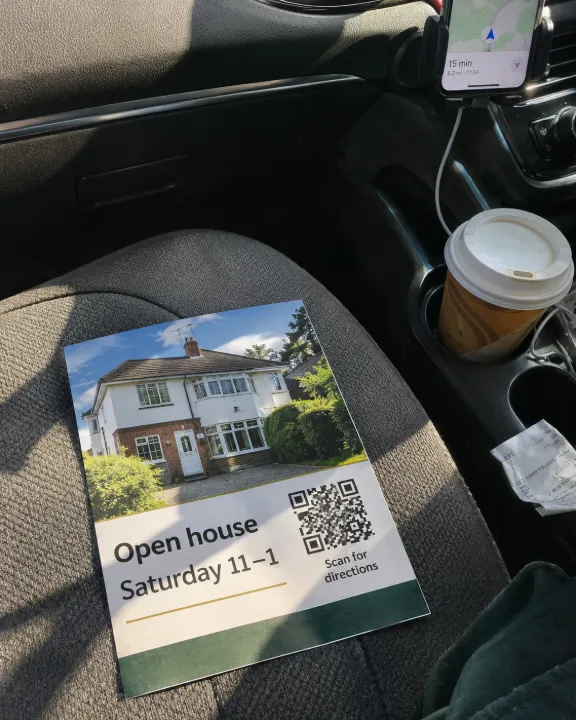
New-build plots, flats with side entrances and rural properties are easy to miss. A location QR code on the brochure or open house flyer opens the exact spot in the phone's maps app, so visitors arrive at the right door on time.
Where to use it
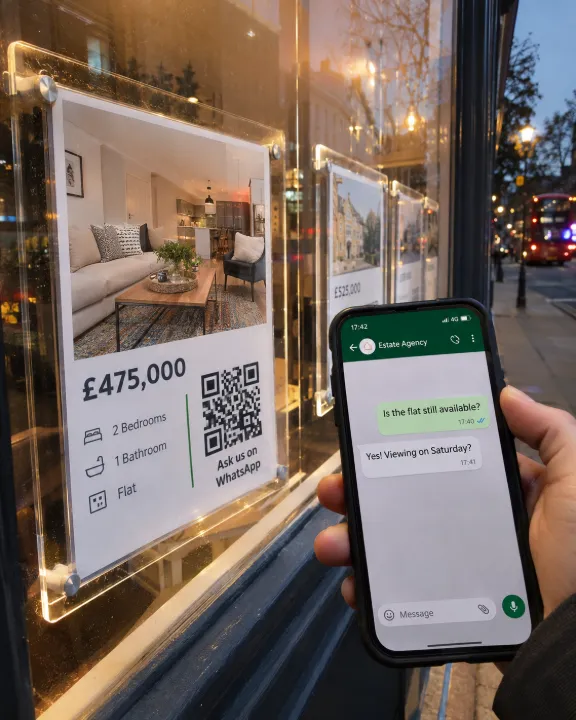
Many buyers and tenants would rather send a quick message than call. A WhatsApp QR code on a sign panel or window card opens a chat with you and starts the message for them, for example "Hi, I'm interested in the property on Station Road".
Where to use it
Put each code where the question comes up: the listing on the sign, the brochure at the viewing, the contact on the card.
Opens the listing with photos, price and floor plan.
Plays a walk-through before they book a viewing.
Saves your contact details in one scan.
Opens the listing, even when the office is closed.
Opens the visitor sign-in form on their own phone.
Opens the brochure, floor plan or particulars.
Opens the address or sales office in the maps app.
Starts a chat with the agent about this property.
Copy the link to the property listing on your website or portal. Check that the price, photos and details are up to date.
Paste the link into the website QR code generator. Sign in for free to save it, so you can point it at the next listing later.
Use a dark code on a light background, add your logo if you like, and choose a frame with a short line such as "Scan for photos and price".
Download SVG for the sign printer, then scan a proof with a few phones from where passers-by will stand.
A QR code is part of your advertising, so the same care applies to what it opens as to the sign itself.
Advertising rules for property apply to the page, video and brochure a code opens. In the UK, National Trading Standards guidance lists the material information listings should include; in the US, the NAR Code of Ethics asks REALTORS® to present a true picture. Check the rules that apply to you.
When a property goes under offer, sells or lets, point the code at your current listings straight away, so nobody enquires about a home that is no longer available.
Print your firm's name and web address next to the code, so people can see where it leads. Check signs regularly for stickers placed over your code.
Codes on signs are scanned from further away than codes on cards. Make them larger, keep high contrast and a clear quiet zone, and test from the pavement.
Visitor names and phone numbers are personal data. Use your own form, ask only what you need, say how you will use it and follow data protection law.
Separate dynamic codes show you which property, sign or brochure gets scanned. The bulk generator creates up to 25 at once.
Usually the listing for that property, with photos, price and floor plan. A video tour or your contact card also works. Whatever it opens should be specific to the property and up to date, not just your home page.
Yes, if you use a dynamic code such as the website QR code. Sign in for free, open the code in your dashboard and change the link to the next listing. The printed code stays the same.
A static code keeps opening the old page. A dynamic code can be changed straight away, for example to your current listings, so buyers aren't sent to a home that is no longer available.
The code itself is just a link, but what it opens is part of your advertising. Keep it accurate and include the information the rules where you work expect, such as the UK material information guidance or the NAR Code of Ethics for REALTORS®. This is not legal advice; check with your regulator or professional body.
Create a sign-in form in Google Forms, then paste its link into the Google Form QR code generator and print the code on a sign at the entrance. Ask only for the details you need and say how you will use them.
Bigger than on a card, because people scan it from the pavement or across a front garden. Keep strong contrast and a clear margin around the code, and test a printed proof from where people will stand before ordering signs.
Yes, for dynamic codes. The dashboard shows how many times a code was scanned, when, on which devices and roughly where. It doesn't show who scanned it.
Yes. You can create and download QR codes for free without an account. Signing in with Google is also free and lets you save codes, edit dynamic codes after printing and see scan statistics.
Start with one sign or window card that opens the listing, then add codes for video tours, brochures and open house sign-in. Sign in for free to reuse codes for the next property.