

Help at the machine
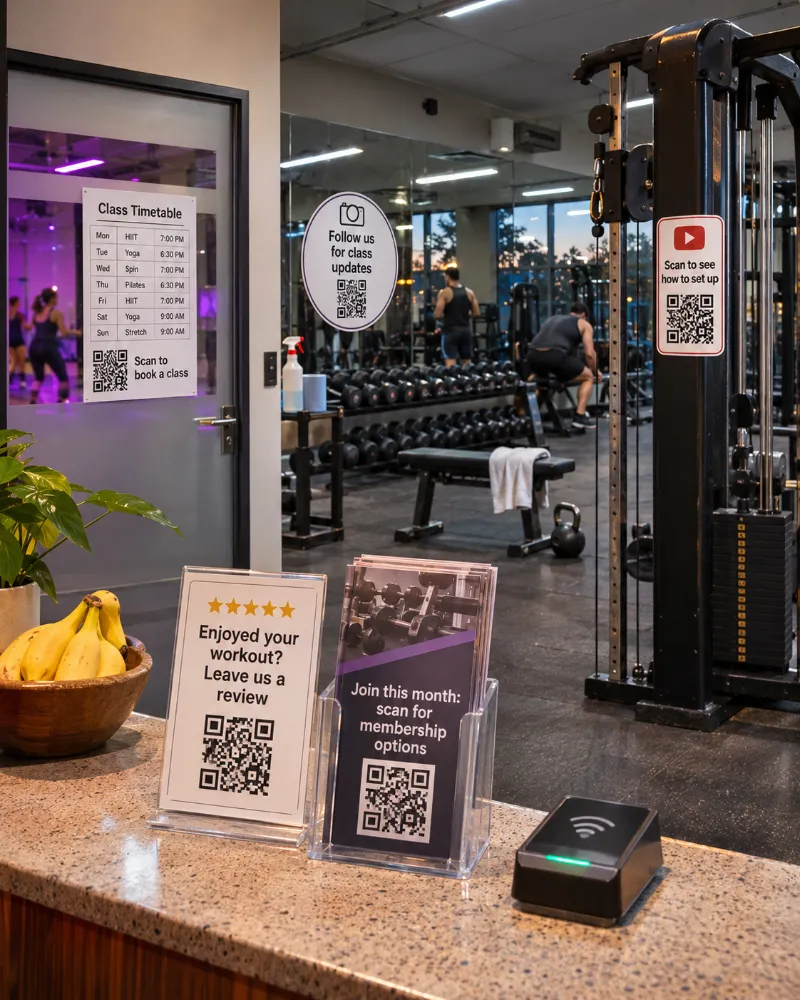
Members can watch how to set up and use a machine while standing next to it, instead of guessing or waiting for staff.
Members want to know how a machine works, when the next class starts and how to book it, often when no instructor is free. A QR code on the machine, the studio door or the reception desk answers that on their own phone. This guide covers the QR codes that work in gyms, studios and personal training, where to put them, and how to keep them safe and easy to scan.
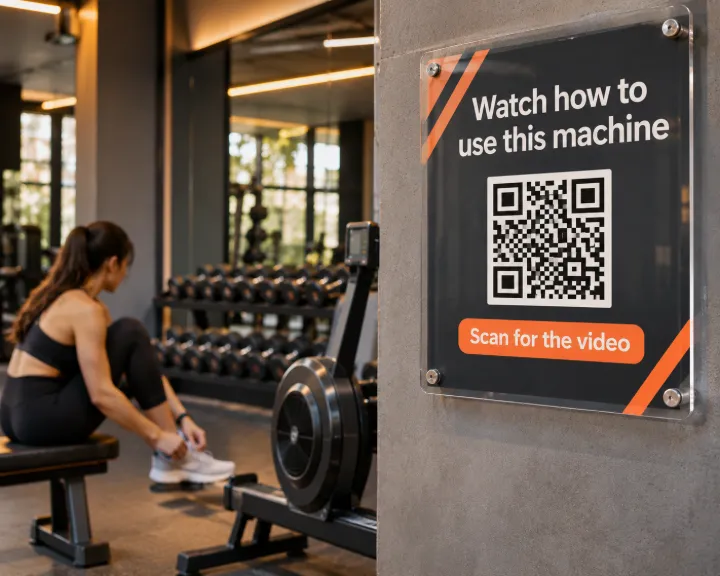
A QR code doesn't replace an induction or a good instructor. It gives members something to check between sessions, at the moment they need it.
Members can watch how to set up and use a machine while standing next to it, instead of guessing or waiting for staff.
Point a dynamic code at the new timetable or video when classes or equipment change. The printed sign stays on the wall.
Send people to the membership, class booking or app pages you already use. QRCodeChamp only creates the code.
Dynamic codes count scans, so you can see which machine videos and posters are used and which are ignored.
Pick the type by what the member should do after scanning. Types marked "Editable" are dynamic: you can change their content later and see scan statistics. The others are static: the content is stored inside the code itself, so it can't change after printing.
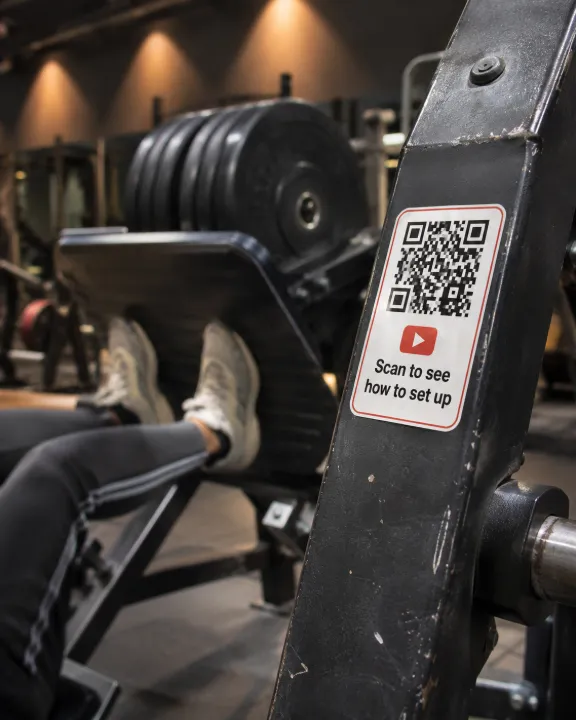
A machine set up for the wrong body size is uncomfortable at best and a cause of injury at worst. A video QR code on the frame plays a short clip showing how to adjust the seat and pads, the starting position and the movement. Use the manufacturer's own videos or film your qualified instructors, and keep each clip short with subtitles, because most people watch with the sound off.
Where to use it
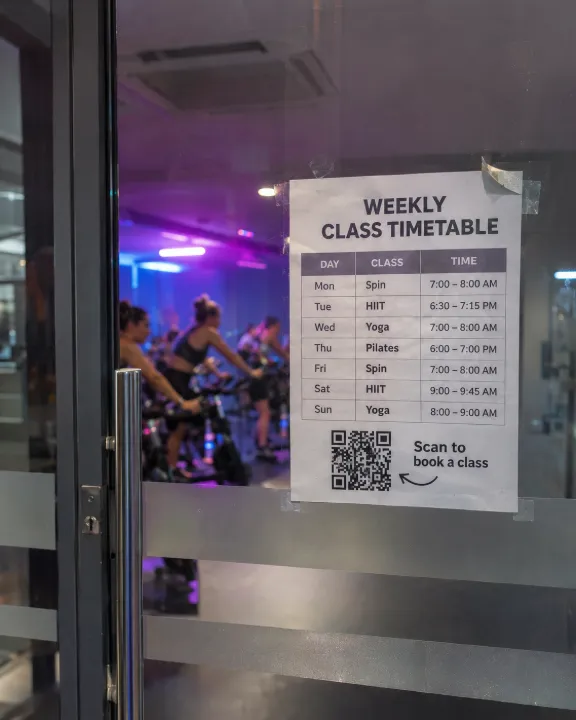
People read the timetable on the studio door, then forget it by the time they get home. A website QR code there opens your online timetable or class booking page, so they can book the next session on the spot. The same type opens your membership page on a window poster or your booking app's store listing at reception. The booking, payments and member data stay in the system you already use.
Where to use it
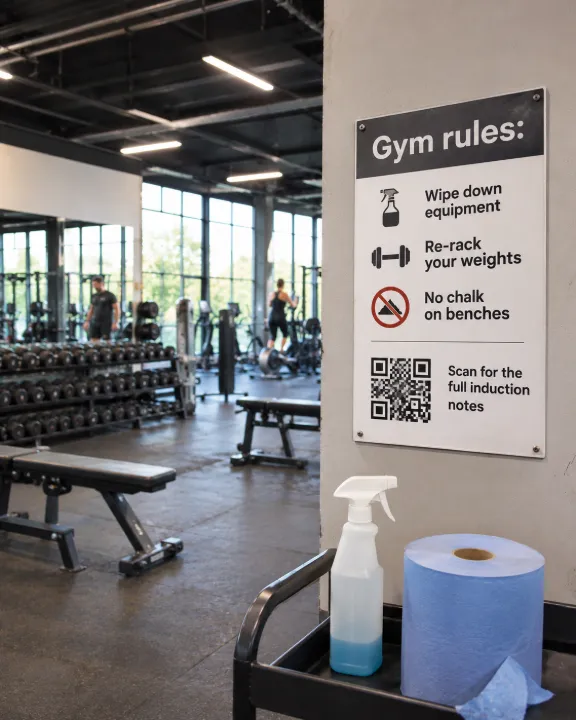
New members take in a lot during an induction and remember only part of it. A PDF QR code at the gym floor entrance opens your gym rules and induction notes, so they can read them again. Personal trainers can use the same type on a handout to share a client's general workout plan. Because it is a dynamic code, you upload a new version and the printed code stays the same.
Where to use it
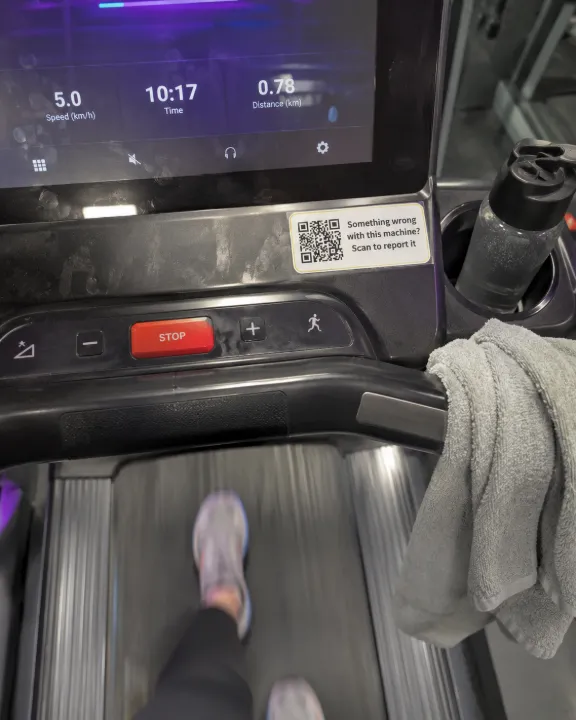
A broken cable or a loose seat is often noticed by members long before staff. A Google Form QR code on each machine opens a short fault report, with the machine name already in the question or in the form title. You hear about problems sooner, and the member doesn't need to find someone at reception. Put an "out of order" sign on the machine until it is checked.
Where to use it
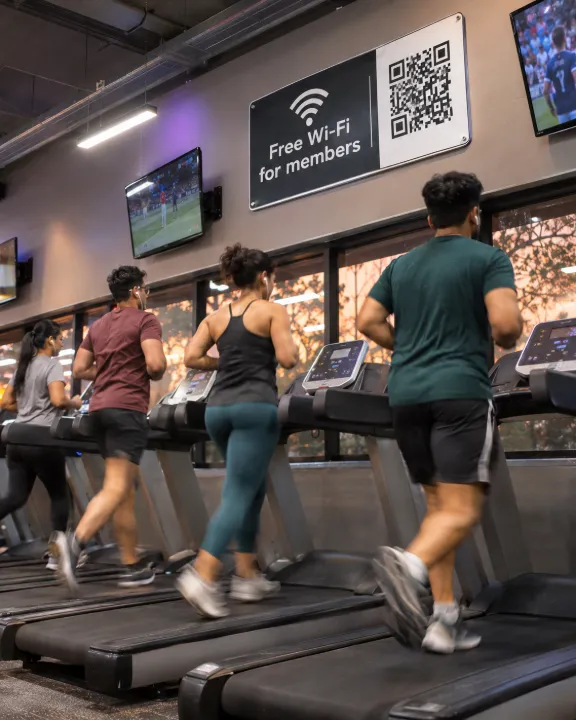
Many members train with a playlist, a workout app or a tracker, and basements and big sheds often have poor mobile signal. A Wi-Fi QR code on the wall connects them to your guest network in one scan, without asking at reception for the password.
Where to use it
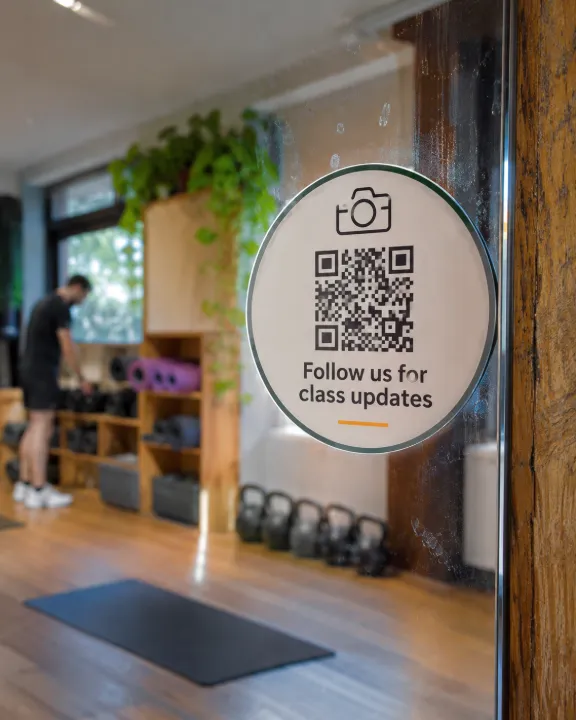
Class changes, new instructors, workout clips and challenges reach your followers first. An Instagram QR code on a mirror sticker, a water station or a trainer's business card opens your profile while members are still in the building, so following you takes a few seconds.
Where to use it
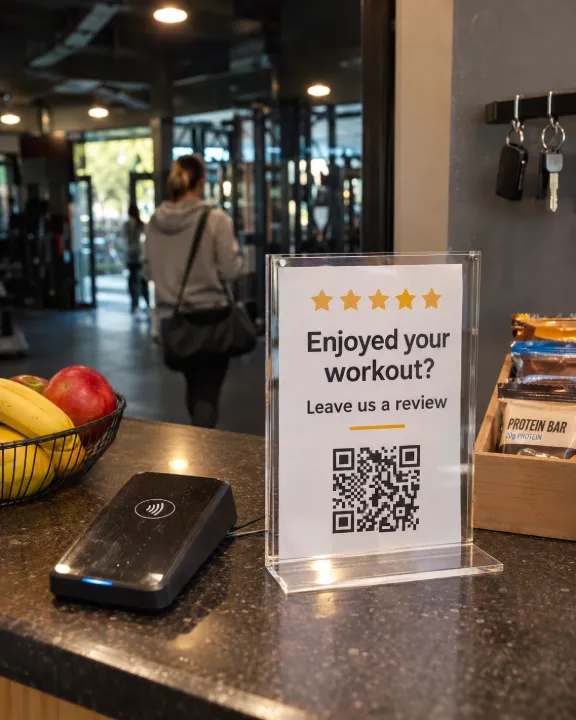
Reviews help people choose between gyms, and members are most likely to leave one just after a good session. A Google Review QR code at reception or by the exit opens your review form directly. Ask every member the same way, and don't offer free sessions or discounts in return: Google's rules don't allow incentives for reviews.
Where to use it
Put each code where members have that question: the how-to on the machine, the booking on the studio door, the rules at the gym floor entrance.
Shows how to set up and use the machine safely.
Reports a fault without finding a member of staff.
Opens the class timetable and booking page.
Opens your membership or free trial page.
Opens the gym rules and induction notes.
Connects members to the guest Wi-Fi.
Opens your profile for class news and workout clips.
Invites every member to review the gym.
Use the manufacturer's video for that model or record one with a qualified instructor. Keep it short, with subtitles, and show the adjustments as well as the movement.
Put the clip on YouTube or your website, open the video QR code generator and paste its link. Sign in for free to save it, so you can swap the video later.
Choose a frame and a short line such as "Scan to see how to set up", and add the machine name and your gym's name.
Print on durable, wipe-clean labels at about seat or eye height, then scan each one in the gym with a few phones before rolling it out.
Gyms are busy, sweaty and full of moving parts. These points keep your codes useful and your members safe.
Link to the equipment manufacturer's instructions or videos made by your qualified instructors, not random clips from the internet. Check they match the exact model on your floor.
A video supports an induction or a trainer, it doesn't replace them. Say on the label who members can ask if they're unsure, and offer an induction to new members.
Equipment gets cleaned with sprays every day. Laminated or vinyl labels with a matte finish last longer and don't reflect the overhead lights.
Put the code where someone sits or stands before they start, not behind a moving part, under a weight stack or where scanning would get in someone's way.
Print your gym's name and web address next to each code, and check machines and posters regularly for stickers someone else has placed over yours.
Use QR codes to open public information and the booking or membership systems you already use. Don't put members' names, health details or payment details into a code.
Create a video QR code for each machine that opens a short how-to video, print it on a durable, wipe-clean label with the machine name and a line such as "Scan to see how to set up", and stick it where members sit or stand before they start. Test each label with a few phones.
Use the manufacturer's instructions or videos for that exact model, or videos made by your qualified instructors. Show how to adjust the machine as well as the movement, keep them short and add subtitles. Avoid random clips from the internet, which may show a different machine or poor technique.
No. A video or a PDF of the gym rules helps members remember what they were shown, but it doesn't replace an induction or a qualified instructor. Offer inductions to new members and make it clear on the label who to ask for help.
No. QRCodeChamp creates QR codes that open content such as videos, pages and forms; it doesn't check memberships, track attendance or open doors. For check-in and access control, use your gym management or access system, which may produce its own member codes.
Yes, if you use a dynamic code such as the website or PDF QR code. Update the page or upload the new timetable in your dashboard and the printed code opens it. You need a free account, created by signing in with Google, to edit codes.
A trainer can put an Instagram or website QR code on business cards and flyers, a PDF QR code on a client's general workout plan, and a Google Review QR code at the end of a session. Keep anything personal, such as health details, out of shared files.
Create a website QR code that opens your app's page on your website or in the App Store or Google Play, and put it at reception, on the studio doors and in welcome packs. QRCodeChamp doesn't detect the phone type, so a page that links to both stores works for everyone.
Yes, for dynamic codes. The dashboard shows how many times a code was scanned, when, on which devices and in which countries. It doesn't show who scanned it. Use a separate code for each machine or poster if you want to compare them.
Start with a how-to video on your most-used machine, then add codes for the timetable, Wi-Fi and reviews. Sign in for free to change videos and pages after printing.