

QR Codes for Small Businesses
Business cards, Google reviews, Wi-Fi, menus and WhatsApp for shops, offices and local services.
A shop with a counter, an online store that ships parcels and a freelancer who meets clients all use QR codes differently. Choose the guide that matches how you run your business.
Each guide is written around how that kind of business reaches its customers, from business cards to packaging and invoices.
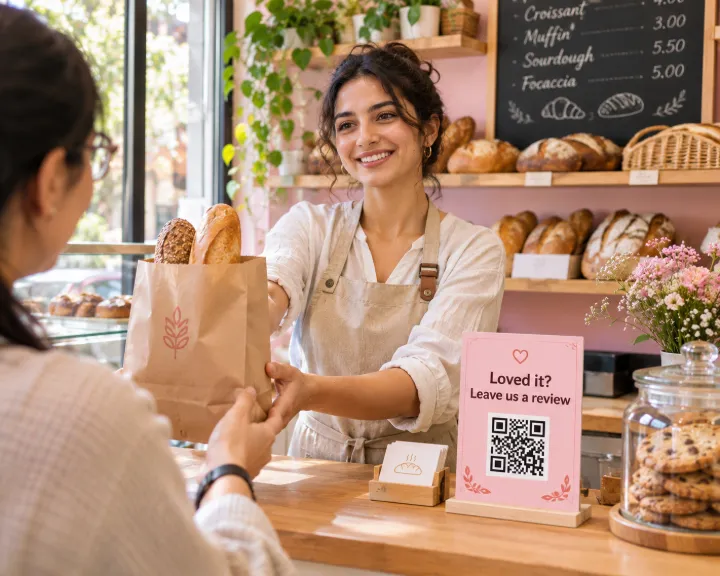
Business cards, Google reviews, Wi-Fi, menus and WhatsApp for shops, offices and local services.
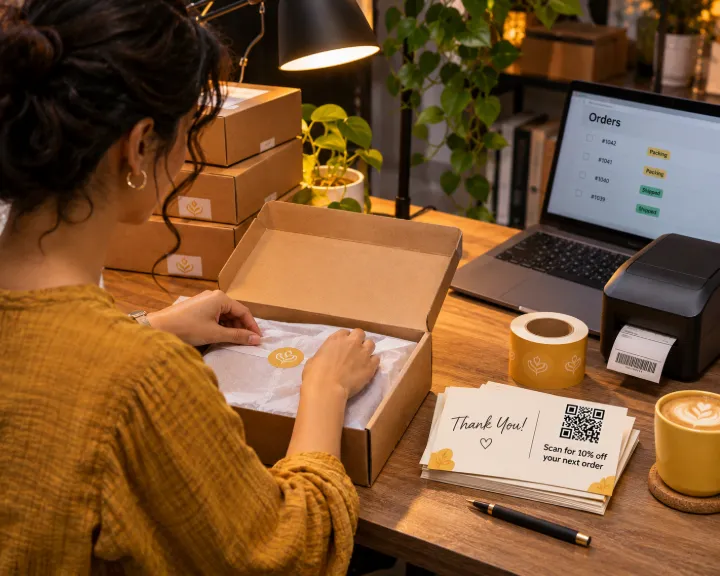
QR codes on packaging, insert cards and labels for reorders, setup videos, care guides and social follows.

Digital business cards, portfolio links, LinkedIn, PayPal on invoices and quick ways for clients to get in touch.
 Coming soon
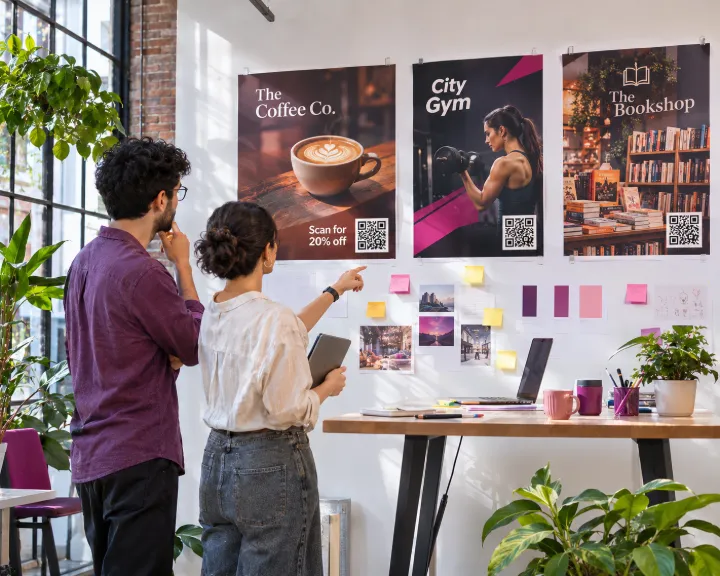
Run QR codes for many clients with folders, dynamic links and scan statistics.
 Coming soon
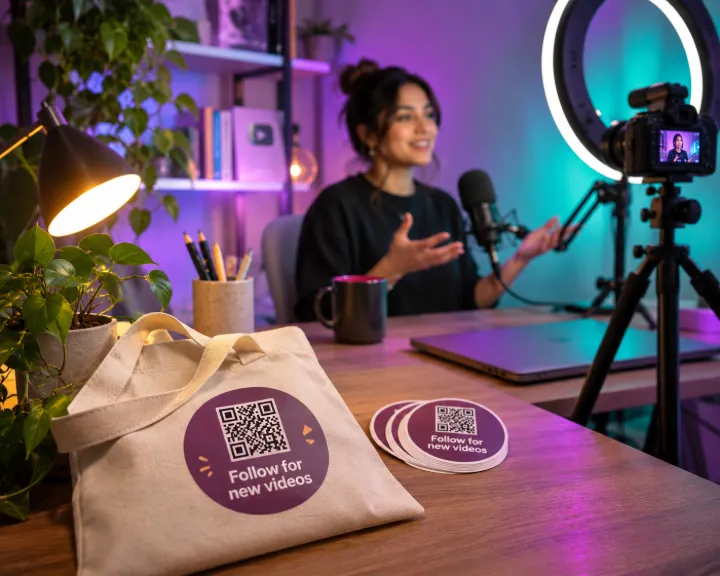
Grow your audience with QR codes for your social profiles, videos and music.
These types cover the everyday jobs: being easy to contact, easy to find and easy to pay.
Start from what you want to happen after the scan. These are the goals businesses ask about most.
Adds your name, phone, email and company to the customer's phone.
Opens your PayPal payment page from an invoice or a counter sign.
Starts a WhatsApp chat with your business number.
Opens your shop, portfolio or a specific product page.
Opens a PDF that you can replace when prices change.
Opens your Instagram profile so customers can follow you.
You don't need a big budget or a marketing team. A printed code and the right destination do most of the work.
Customers save your details or start a chat in one scan, without typing a number or email address.
Add your colours, logo and a frame with a short call to action, so the code fits your design.
Change where a dynamic code goes when your offer, price list or portfolio changes.
Keep codes in folders by client, product or campaign, and create up to 25 at once with the bulk generator.
Pick the one closest to how you sell. Shops, offices and local services fit the small business guide, online stores the e-commerce guide, and self-employed professionals the freelancer guide.
No. You can create and download QR codes for free. A free account, created by signing in with Google, lets you save dynamic codes, edit them later and see scan statistics.
Yes. Save your codes to the dashboard and group them in folders, for example one folder per client, product line or location. The bulk generator creates up to 25 codes at once.
Yes. You can add your logo, change colours and shapes, and choose a frame with a call to action. Keep strong contrast and test the code before printing.
Most businesses start with two: a vCard or website code on business cards, and a Google Review code where customers pay. Add others, such as Wi-Fi or WhatsApp, when customers start asking for them.
Send SVG. It is a vector format, so the code stays sharp at any size. Use PNG for websites, emails and documents. You can download QR codes as PNG, JPG, SVG or WEBP.
A static code keeps working as long as the content it points to exists. A dynamic code works as long as it is active in your account; if you move it to the trash or make it inactive, it stops opening its content.
Add your logo, colours and a short call to action, so the code clearly belongs to you. Check printed codes in public places now and then, so nobody has covered them with a different sticker.
Choose a type, add your brand, and download your QR code in a few minutes. Sign in for free to edit your codes later and see how often they are scanned.