

Bring buyers back after delivery
A code on the insert card opens your reorder page, a new collection or a discount for the next order, at the moment the customer is happiest with what they bought.
An online store has few printed touchpoints, and the package is the one every customer opens. A QR code on an insert card, a product label or the inside of the box turns that moment into a reorder, a review, a setup video or a new follower. This guide covers the QR code types that work best for e-commerce, where to put them in the package, and how to print them so they scan.
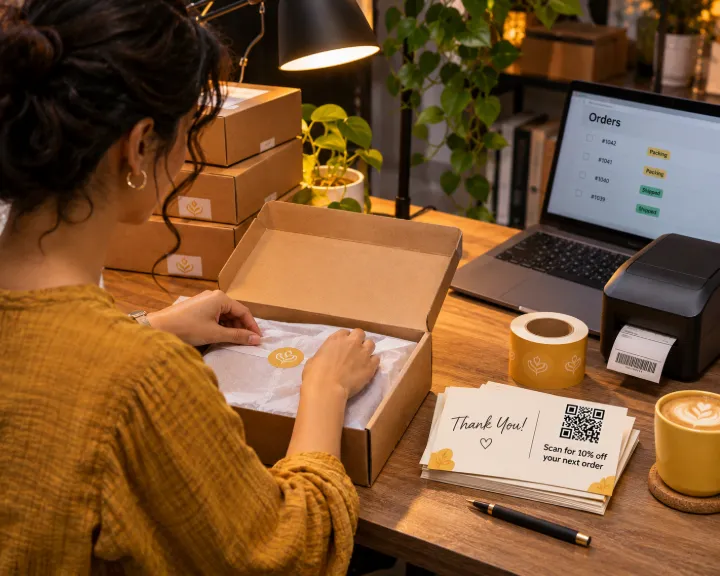
Your website does the selling, but the package is what customers hold. QR codes connect the two.
A code on the insert card opens your reorder page, a new collection or a discount for the next order, at the moment the customer is happiest with what they bought.
Insert cards and labels are usually printed in large batches. With a dynamic QR code, you can change the offer or page later, and the cards you already printed keep working.
Dynamic QR codes record scans, so you can compare a thank-you card with a box sticker, or one product line with another, by date, country and device.
Add your colours, your logo and a frame with a short call to action, so the code fits your packaging instead of looking like a stuck-on label.
Replace thick manuals, care leaflets and return forms with a code that opens the same content on the phone, in a version you can keep up to date.
Save every code to your dashboard, group them in folders by product line or season, and create up to 25 codes at once with the bulk generator.
Pick the type by what the customer should do after opening the package. Types marked "Editable" are dynamic: you can change their content later and see scan statistics. The others are static: the content is stored inside the code itself, so it can't change after printing.
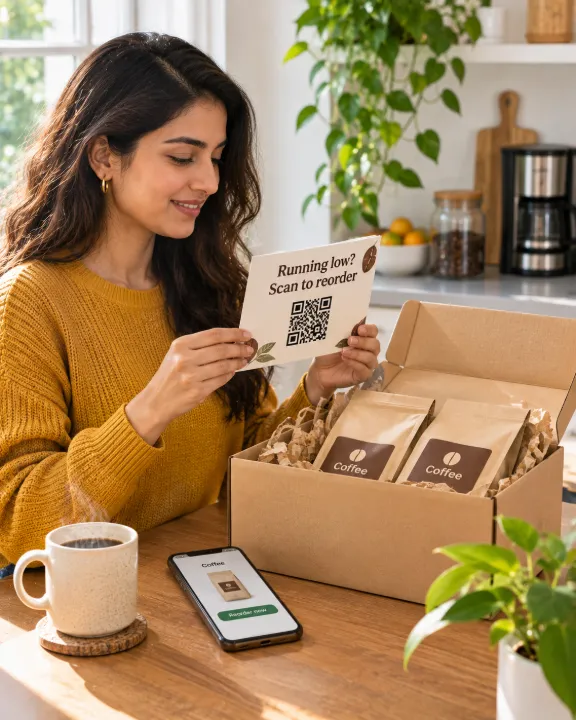
For refills, consumables and products people buy again, the best time to ask for the next order is when the current one arrives. A website QR code on the insert card or the product label opens your reorder page, a subscription offer or a discount for the next purchase. Save it as a dynamic code, and you can switch the offer every season without reprinting the cards.
Where to use it
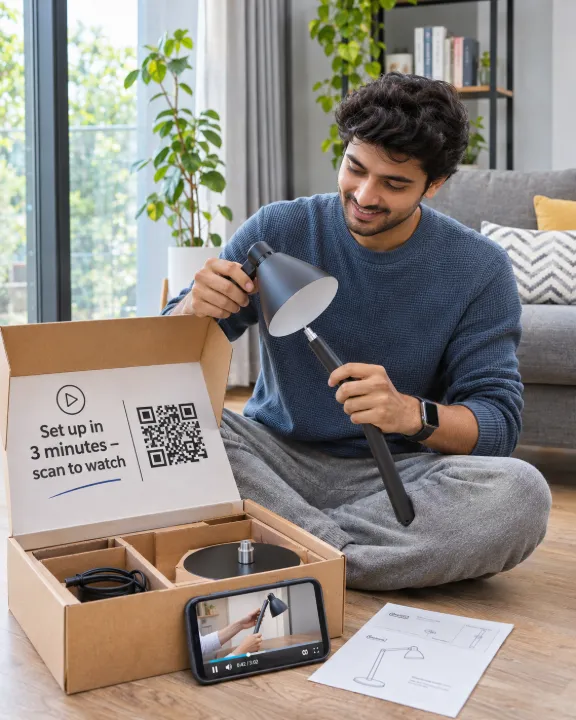
Many support emails come from the first hour after delivery: how to assemble it, connect it or use it. A video QR code inside the box lid or on the quick-start card plays your setup guide on the customer's phone, so they can follow along with the product in their hands.
Where to use it
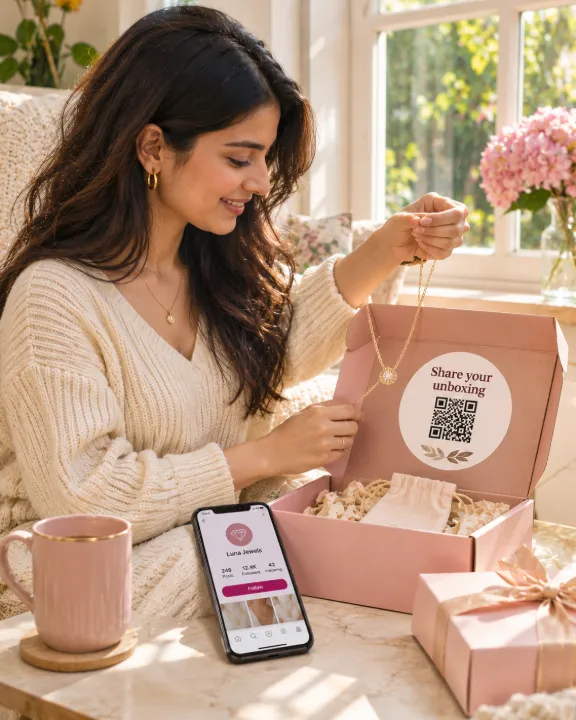
A good unboxing makes people want to share it. An Instagram QR code on the thank-you card or the mailer box opens your profile straight away, so new customers can follow your shop, see how others use the product and tag you in their own posts.
Where to use it
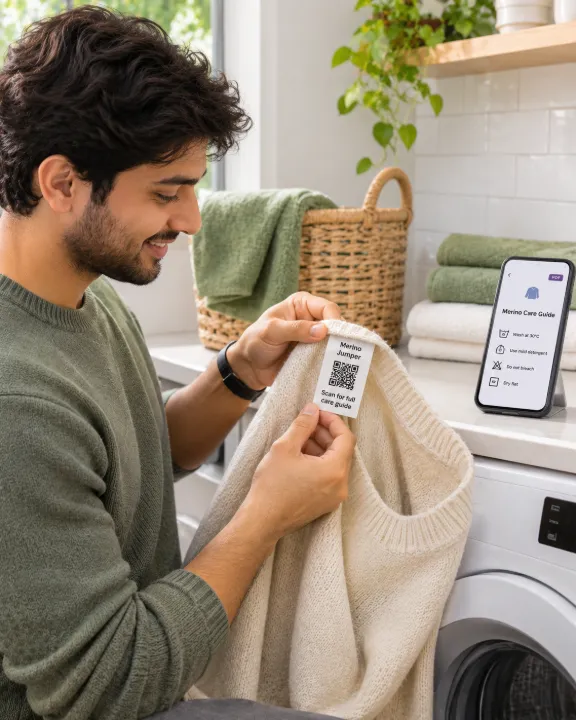
Paper manuals and care leaflets get thrown away with the box. A PDF QR code on the product label or the packing slip opens the manual, size chart, washing instructions or returns guide on the customer's phone, and you can upload a new version whenever the document changes.
Where to use it
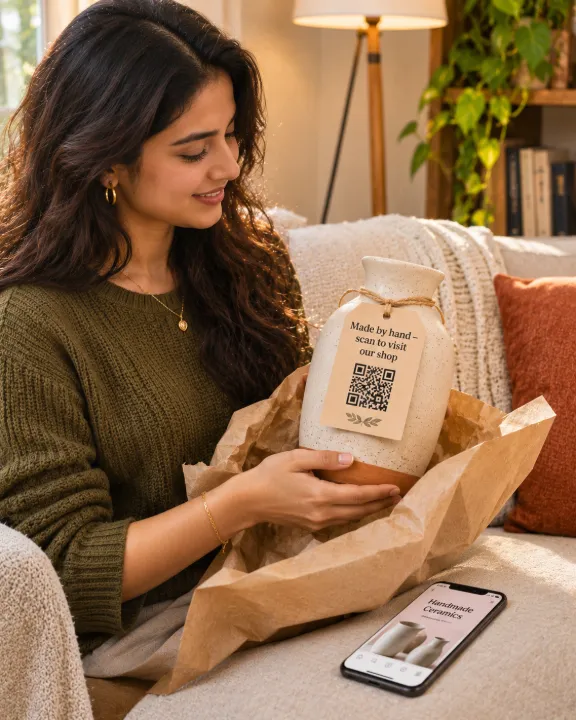
Etsy buyers often remember the item but not the shop name. An Etsy QR code on your product tags and thank-you notes opens your shop, so customers can browse your other listings, add you to their favourites and order again.
Where to use it
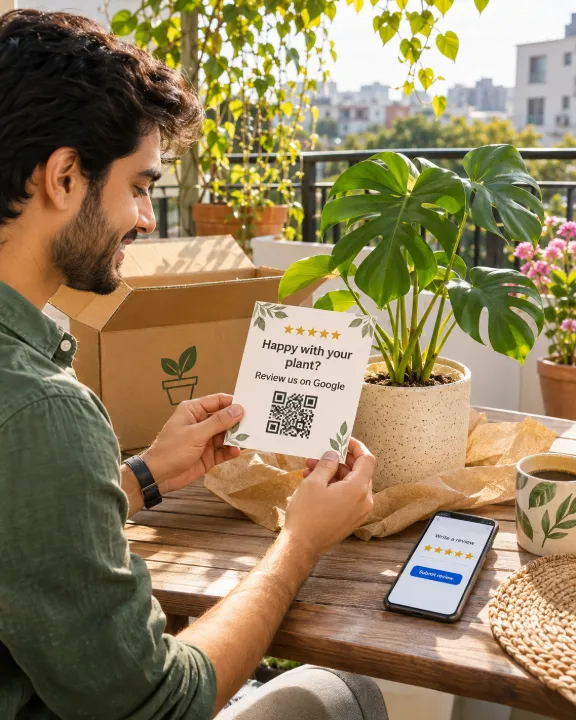
If your shop has a Google Business Profile, for example with a showroom or a click-and-collect point, reviews there help local shoppers find you. A Google Review QR code on the insert card or the pickup counter opens the review form directly, so customers don't have to search for your business first.
Where to use it
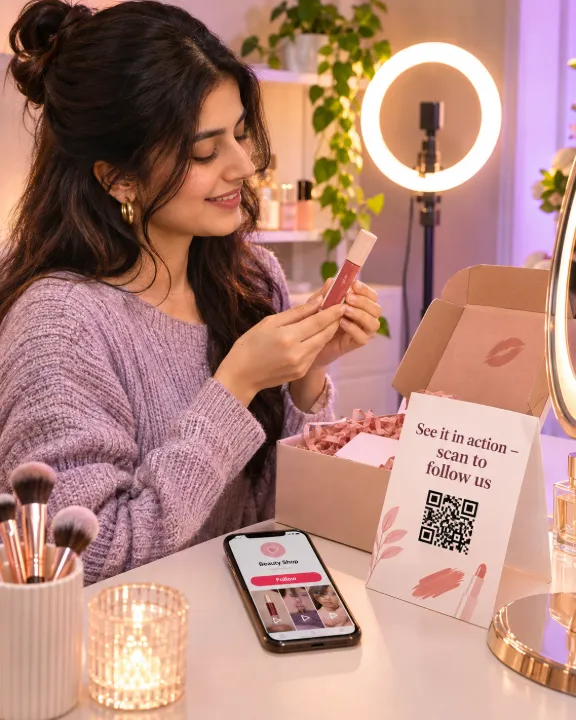
Short videos show products in use better than photos. A TikTok QR code on the mailer box or the insert card opens your shop's profile, where customers can watch styling ideas, tutorials and new drops, and follow you for the next launch.
Where to use it
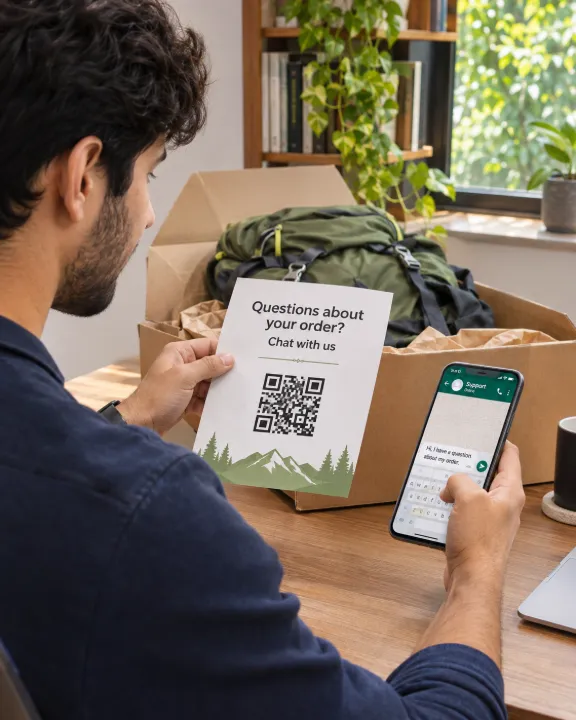
A customer with a question about their order will usually message before they call. A WhatsApp QR code on the packing slip or in the manual opens a chat with your support number, with a message already filled in, such as "Hi, I have a question about my order".
Where to use it
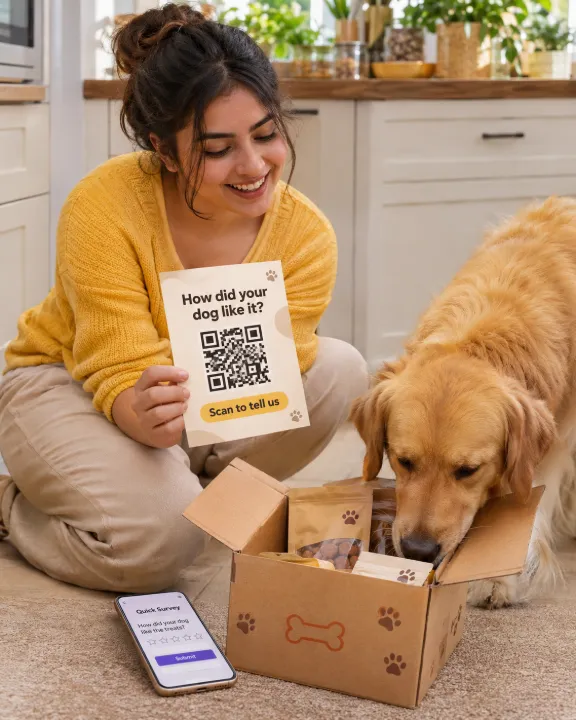
A short survey right after delivery tells you what customers think of the product and the packaging. A Google Forms QR code on the packing slip or a feedback card opens your form on the phone, and you can use the same approach for return or exchange requests.
Where to use it
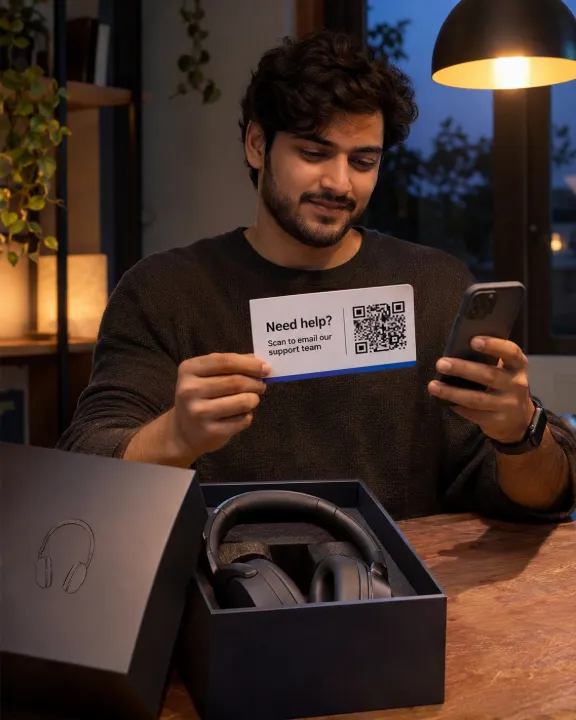
When a product needs help, customers look for a contact on the box or in the manual. An email QR code opens a new message to your support address with the subject already filled in, for example "Warranty question", so the message reaches the right inbox with the right topic.
Where to use it
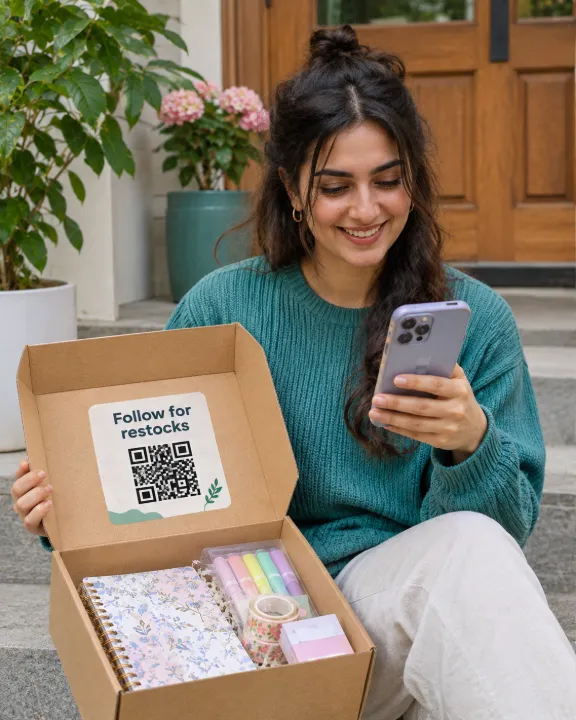
If your shop is active on X, Pinterest, Reddit or Telegram, a social media QR code on the thank-you card or a box sticker opens that profile, so customers can follow you for restocks, offers and new products.
Where to use it
Put the code where the customer looks during unboxing. Inserts and product labels usually stay with the customer longer than the shipping box, which often goes straight to recycling.
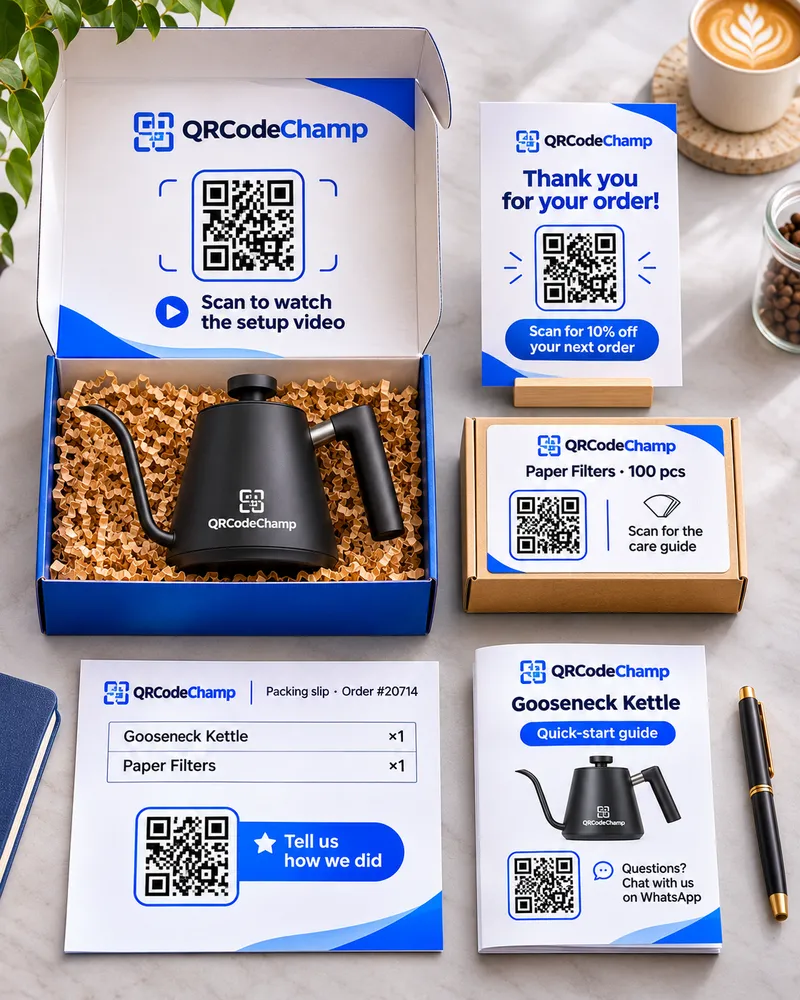
Opens a reorder page or a discount for the next order.
Plays the setup or unboxing video while the product is in hand.
Opens the care guide, size chart or ingredients list.
Opens a short survey or a return request form.
Invites customers to follow the shop and share their unboxing.
Brings buyers back to your Etsy shop.
Starts a support chat instead of a long email.
Opens your product registration or warranty page.
Opens the full-size product page so the sample can turn into an order.
Pick the type that matches the goal, such as Website for reorders, Video for setup guides or Instagram for followers.
Paste the product or shop link, upload the PDF or video, or fill in the details. The preview updates as you type.
Use your brand colours, add your logo, and choose a frame with a short call to action like "Scan to reorder".
Download SVG for your print shop, or PNG, JPG or WEBP. Sign in to save the code, edit it later and see its scans.
A QR code in a package only works if customers notice it, know why to scan it and can scan it. Check these points before you print a batch.
Write a short reason next to the code, such as "Scan for 10% off your next order" or "Scan for the setup video". A bare code gets ignored.
The insert card, the inside of the lid and the product label are seen during unboxing. The outside of the shipping box is often thrown away first, and a code near the shipping label can get scuffed in transit.
Inserts and labels are printed in hundreds or thousands. A dynamic code lets you change the offer, video or page later without throwing away the stock you already have.
Keep the code at least about 2 × 2 cm (0.8 × 0.8 in) on small labels and tags, and larger on cards and boxes when you can.
Kraft paper, glossy film, curved bottles and folded corners can make a code harder to scan. Keep a dark code on a light, flat area with an empty margin around it.
Scan the first printed sample with a few phones before you approve the full run. Use our QR code scanner to check that it opens the right content.
If the card promises a discount, the page should show it straight away. The page should also load fast and be easy to use on a phone.
Give each insert, product line or campaign its own dynamic code, so the scan statistics show which one customers actually use.
What customers need after delivery depends on what they bought. These ideas are a starting point for common kinds of online shops.
Put a size chart and care guide on the label, a styling video or lookbook on the insert card, and a link to the returns and exchange page on the packing slip.
Link the product label to the ingredients list and a how-to video, and use the insert card for a refill or subscription offer before the product runs out.
Open recipes, serving ideas or allergen details from the pack, and use a reorder code for coffee, tea, snacks and other products people buy again.
Replace the thick manual with a PDF and a setup video, and add codes for warranty registration and support chat so customers get help without searching.
Put an assembly video inside the box and care instructions on the product, and link to matching items from the same collection on the insert card.
Add an Etsy or website code to every product tag and thank-you note, so buyers can find your shop again, follow you and come back for a gift.
Online stores put QR codes on insert cards, product labels, packing slips and mailer boxes. The codes open a reorder or discount page, a setup video, a manual or care guide, a review or survey form, a support chat, or the shop's Instagram, TikTok or Etsy page.
Put it where customers look while unboxing: a thank-you or insert card, the inside of the box lid, the product label or the packing slip. The outside of the shipping box is often recycled first, and a code next to the shipping label can be damaged in transit.
Use a dynamic QR code for most packaging and inserts. Because they are printed in batches, being able to change the page later saves you from reprinting, and dynamic codes also record scans. A static code stores the content inside the code, so it can't change after printing.
Yes, if it is a dynamic QR code. Open it in your dashboard, change the link or file, and every card you already printed opens the new content. Static codes, such as WhatsApp and email codes, can't be changed, so you would need to print new ones.
Yes. Create the discount in your shop first, then use a Website QR code that opens a page showing the offer or a link that applies it, if your shop platform supports discount links. If the discount changes, edit the dynamic code instead of reprinting the cards.
Yes, for dynamic QR codes. The dashboard shows scans over time, unique users, countries, devices, operating systems and browsers. Give each insert or product its own code to compare them. Static QR codes can't be tracked.
Yes. Choose the Etsy QR code type and paste the link to your Etsy shop or to a single listing. It is a dynamic code, so you can change the link later and see how many people scan it.
A product barcode, such as EAN or UPC, identifies the product for checkouts, warehouses and marketplaces. A QR code is for the customer and opens content on their phone, such as a video, a manual or a reorder page. Many products carry both, and you can create barcodes with our barcode generator.
Aim for at least about 2 × 2 cm (0.8 × 0.8 in) on small labels and tags. Make it larger on insert cards and boxes when there is room. Keep an empty margin around the code and scan a printed sample before you order the full run.
Yes. The bulk QR code generator creates up to 25 QR codes at once. Upload a CSV file or paste your data, for example one product link per row, and download the codes. Log in first if you want the codes saved to your dashboard.
Choose a type, add your brand, and download your QR code in a few minutes. Sign in for free to edit your codes after printing and see how often customers scan them.