

From any screen or poster to your profile
Viewers watching on a TV or laptop can scan with their phone and land on your channel, without searching for your name.
Your audience finds you in many places: a video on a TV, a livestream, a gig, a market stall or a sticker on a laptop. A QR code turns each of those moments into a follow, a stream or a sale on your own channels. This guide covers the QR codes that suit YouTubers, streamers, podcasters, musicians and artists, where to show them, and how to label sponsored links.
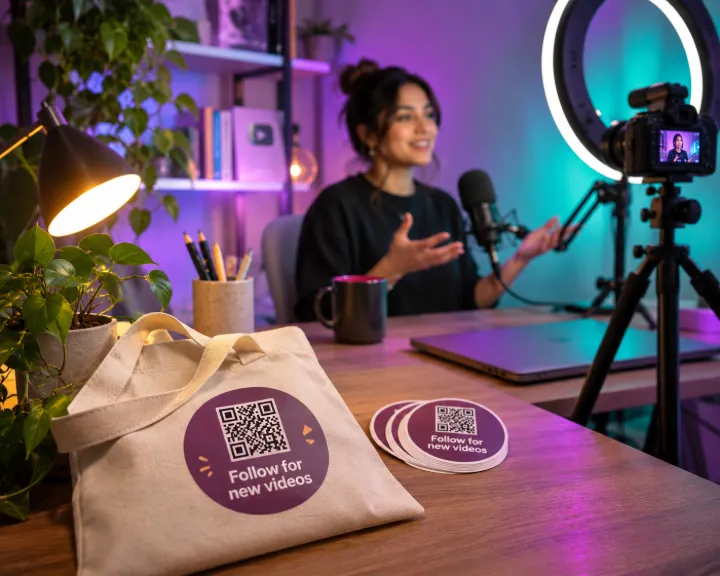
Typing a handle from a screen or a poster is slow, and people give up. A QR code takes them straight to the right profile, track or shop.
Viewers watching on a TV or laptop can scan with their phone and land on your channel, without searching for your name.
Point a dynamic code on merch, stickers or posters to your latest video, release or drop. Nothing needs reprinting.
Give your stream overlay, merch tag and gig poster their own code and compare the scans in your dashboard.
Use your colours, your logo or avatar in the middle, and a frame with a short line such as "Scan to follow".
Pick the type by what your fan should do after scanning. Types marked "Editable" are dynamic: you can change their content later and see scan statistics. The others are static: the content is stored inside the code itself, so it can't change after printing. On merch and anything printed, use an editable type.
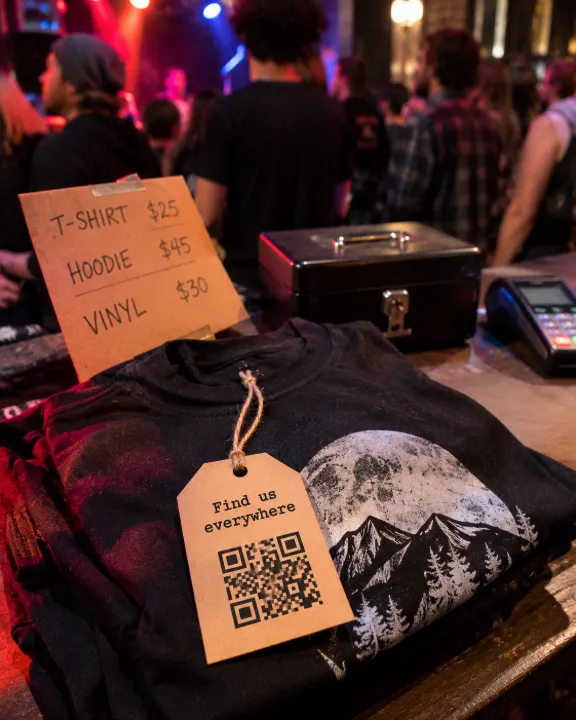
Most creators are on several platforms, but a poster or a merch tag only has room for one code. A website QR code that opens your link-in-bio page or website lets fans pick YouTube, Spotify, your shop or your newsletter. QRCodeChamp creates the code; the page itself lives in your own link-in-bio tool or website. Because it is a dynamic code, you can point it to a new page later.
Where to use it
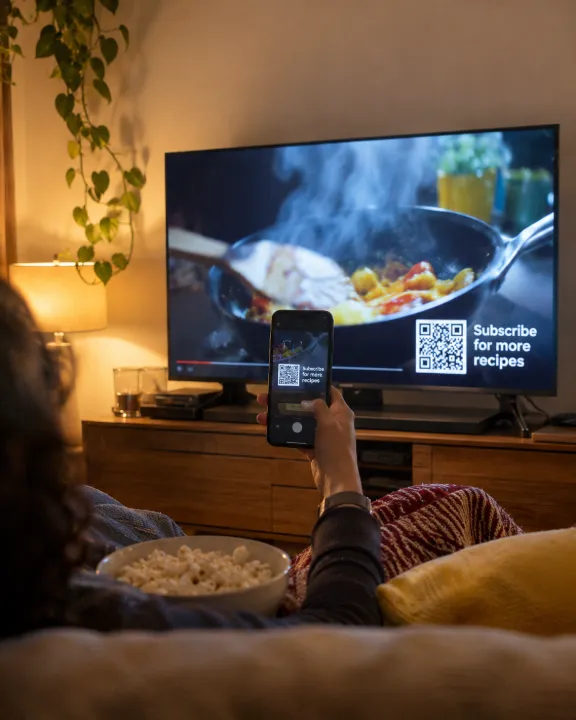
Many people watch YouTube on a TV or a laptop, where they can't tap a link. A YouTube QR code on screen, in a livestream overlay or on your podcast artwork lets them open your channel or a specific video on their phone. Viewers who are already watching on a phone can't scan their own screen, so put the same link in the description or a pinned comment too.
Where to use it
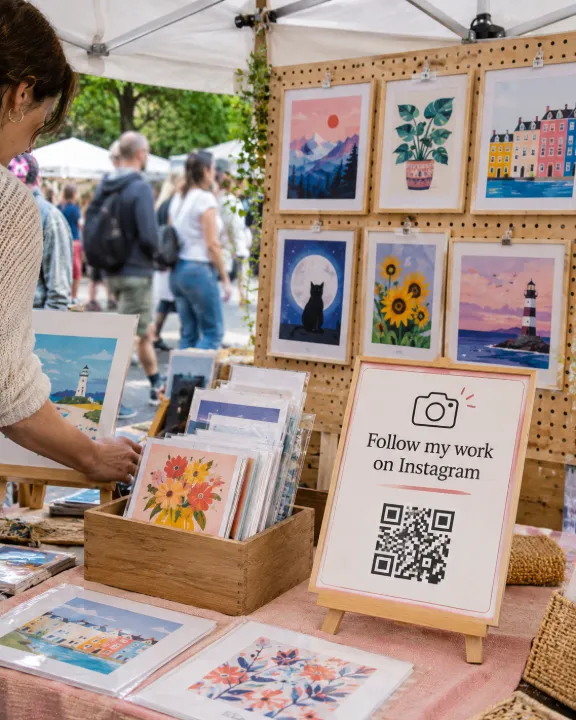
At markets, exhibitions and meet-ups, people like your work but forget your name by the evening. An Instagram QR code on your stall sign, art print or card opens your profile there and then, so they follow before they walk on.
Where to use it
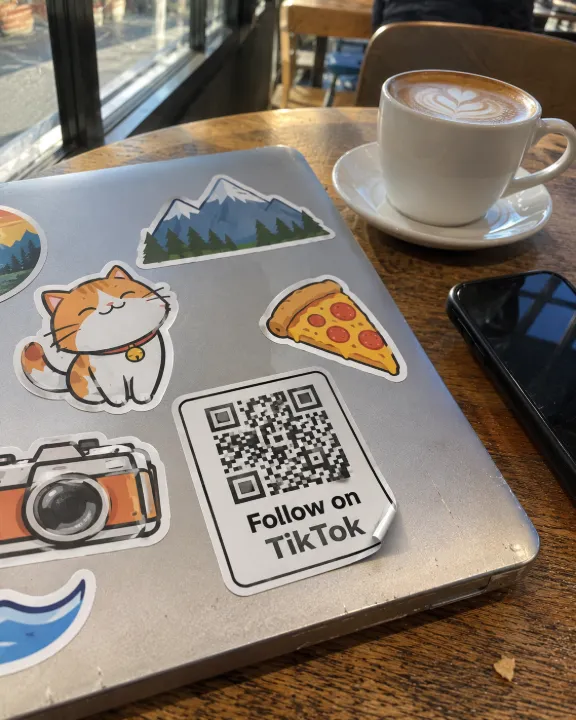
A TikTok QR code helps fans from one place find you on another: on a sticker in a mail order, on an event banner, or in a video on a different platform. Ask them to follow for a reason, such as the next part of a series.
Where to use it
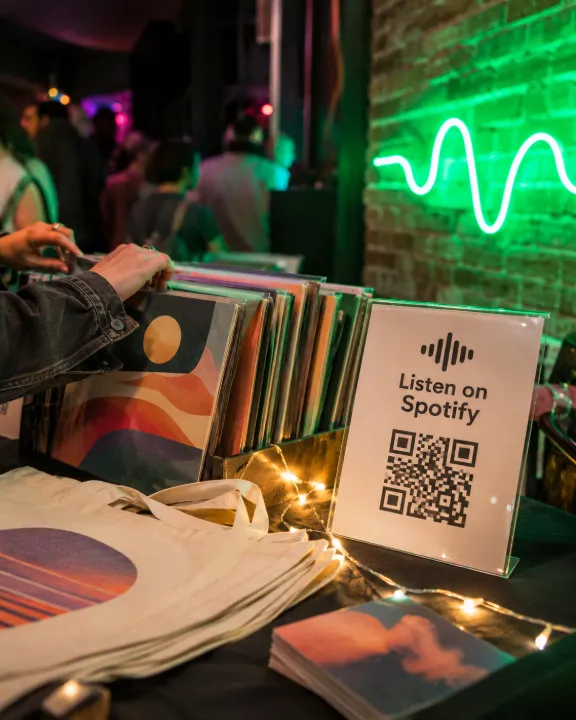
After a gig, people want to hear the songs again. A Spotify QR code on the gig poster, merch table or a vinyl insert opens your artist profile or the new release on Spotify. Unlike a Spotify Code, which is scanned inside the Spotify app, a QR code opens with the phone's camera. If fans use other streaming services too, use a website code to a page that lists them all.
Where to use it
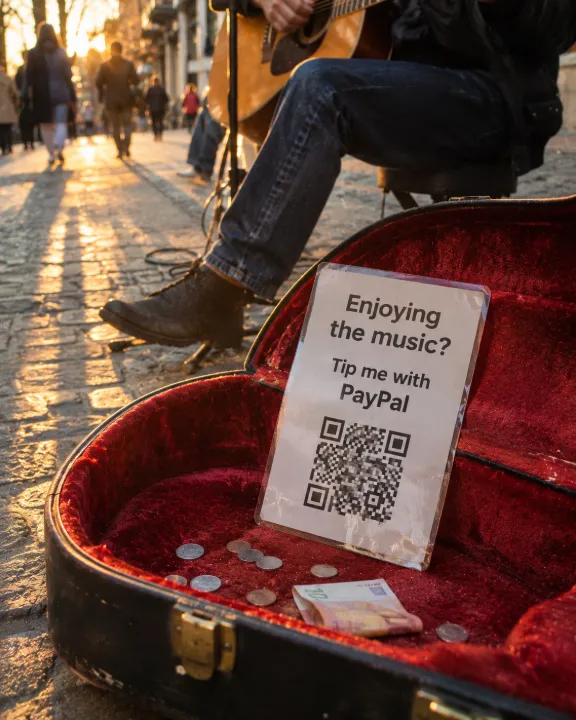
Fewer people carry cash, so a tip jar alone misses many fans. A PayPal QR code on your busking sign, stream overlay or merch table opens your PayPal payment link, so fans can tip or pay for a commission in a few taps. QRCodeChamp only creates the code: payments go straight to your PayPal account, under PayPal's terms.
Where to use it
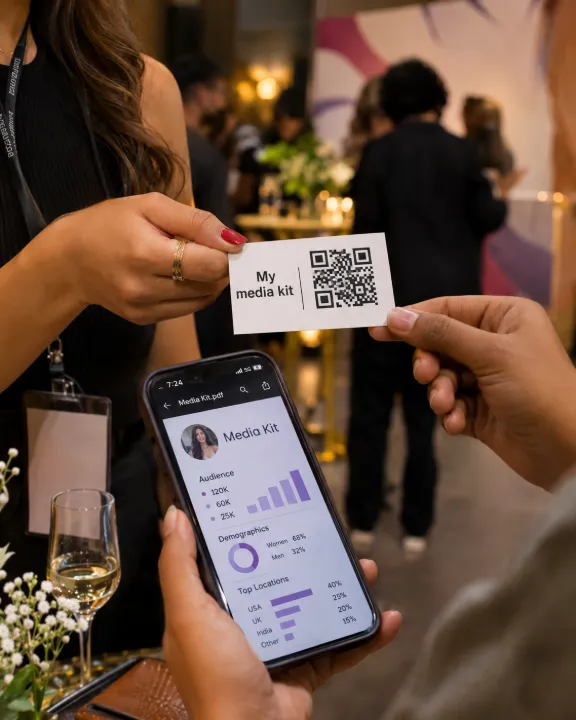
When you meet a brand or a booker in person, a PDF QR code on your card or booth opens your media kit or press kit: who you are, your audience, past work and how to contact you. Upload a new version when your numbers or rates change, and the printed code opens it.
Where to use it
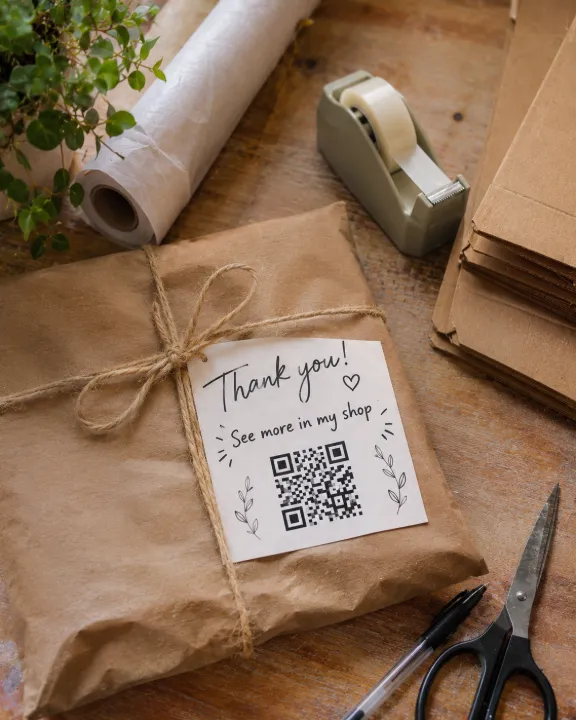
People who buy one print or handmade piece often come back for more. An Etsy QR code on the thank-you card in the parcel, or on the sign at your craft fair stand, opens your Etsy shop so they can find your other work.
Where to use it
Put a code wherever fans meet your work away from a clickable link: on a screen, on merch or in person.
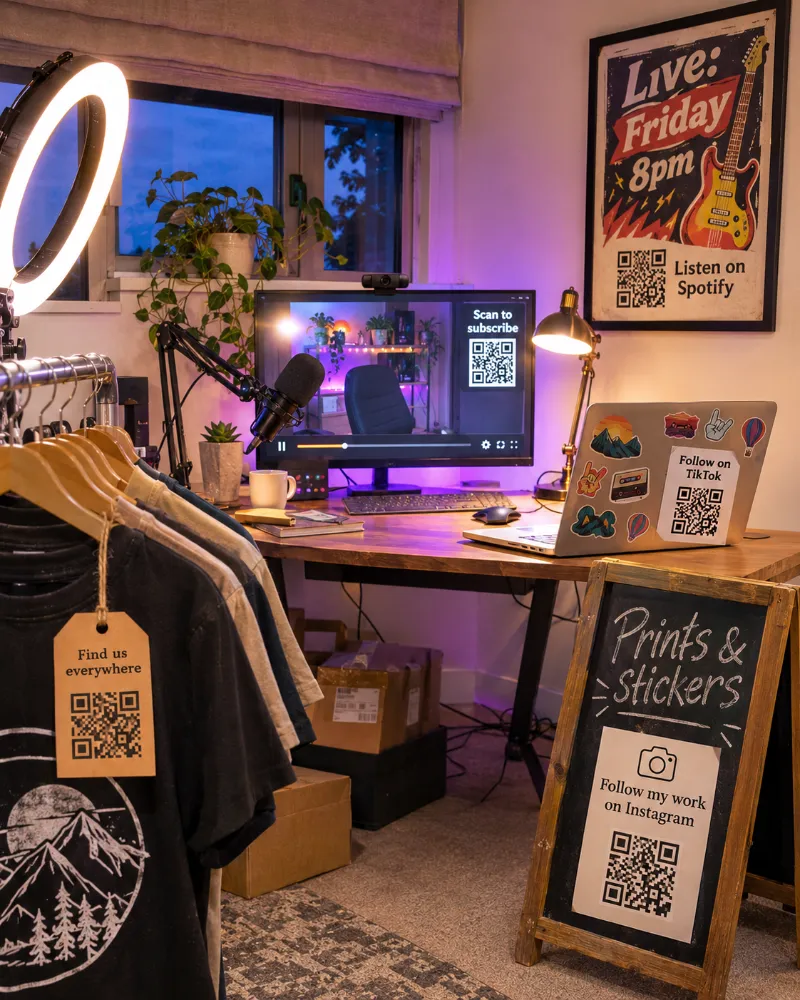
Lets viewers on a TV or laptop open your channel on their phone.
Opens your link-in-bio page or newsletter sign-up.
Opens your latest video, release or drop.
Opens your music on Spotify after the show.
Brings fans from one platform to another.
Turns passers-by into followers.
Lets fans tip without cash.
Opens your media kit or press kit.
Use your link-in-bio page or website if fans should choose a platform, or a direct link to one channel or video.
Open the website QR code generator, paste the link and sign in for free to save it, so you can change the link later.
Add your colours, your logo or avatar and a frame with a short line such as "Scan to follow" or "Scan for the new video".
Download PNG for video overlays and SVG for printing. Scan it on screen from your sofa, and a printed proof from arm's length, before you use it.
A QR code only helps if fans can scan it and trust where it leads.
If a code leads to a sponsor's offer or an affiliate link, say so clearly, with a word like "Ad" next to the code and in the video itself, not only in the description. In a livestream, repeat it for people who join late. Rules differ by country, so check the FTC's guidance in the US and the ASA and CMA's in the UK.
Viewers need time to pick up their phone, open the camera and scan. Show the code for several seconds, or keep it in a corner of a livestream, and say out loud what it does.
Merch, stickers and posters last for years. A dynamic code lets you point them to your newest video, release or shop instead of an old link.
Give your stream overlay, merch and gig posters their own codes, so the scan statistics show which one brings fans in.
Use a dark code on a light background with an empty margin around it, and keep it at least about 2 × 2 cm (0.8 × 0.8 in) on merch tags and stickers.
Show your handle or website next to the code, and only post codes on your own channels. If you see a copy of your code that leads somewhere else, warn your fans.
If you are on several platforms, link to your link-in-bio page or website so fans can choose. If one platform matters most for that placement, such as Spotify at a gig or YouTube in a livestream, link straight to it.
Yes. Create a website QR code that opens your link-in-bio page or the links page on your website, where all your profiles are listed. QRCodeChamp creates the code; the page itself lives in the tool or website you already use.
Yes. Add the downloaded PNG as an overlay in your editing or streaming software, keep it on screen long enough to scan, and say what it does. Viewers watching on a phone can't scan their own screen, so also put the link in the description or a pinned comment.
Usually yes. If a code leads to a brand you are paid by, got free products from, or earn affiliate commission from, regulators such as the FTC in the US and the ASA and CMA in the UK expect a clear label such as "Ad" near the content, not hidden in a description. Platforms such as YouTube also ask you to tick their paid promotion setting. This is general information, not legal advice.
Yes. A PayPal QR code opens your PayPal payment link, so fans can send a tip in a few taps. The payment is handled by PayPal under its own terms; QRCodeChamp only creates the code.
A Spotify Code is scanned inside the Spotify app. A QR code opens with the phone's normal camera, and a dynamic QR code can be pointed to a new release later and shows scan statistics.
Yes, if you use a dynamic code such as a website, YouTube or Spotify QR code. Change the link in your dashboard and the printed code opens the new page. You need a free account, created by signing in with Google, to edit codes.
Use a dynamic QR code and sign in for free. The dashboard shows how many times it was scanned, when, on which devices and from which countries. It doesn't show who scanned it. Use a separate code for each place to compare them.
Start with one code to your link-in-bio page for merch and posters, then add codes for your stream, music and tip jar. Sign in for free to change the links later and see where fans scan.