

Crypto QR Code Generator
Select Your QR Code
Crypto QR Code Generator
QR Code Name
Preview
BTC QR Code Generator for Bitcoin and Crypto Payments
Copying long wallet addresses character by character is slow and risky, and one wrong character can send funds to the wrong place. Use our free BTC QR code generator to turn your Bitcoin, Ethereum, or Bitcoin Cash address into a scannable crypto QR code. People scan it with their wallet app and the address, and amount if you add one, fill in automatically.
What is a Bitcoin QR Code?
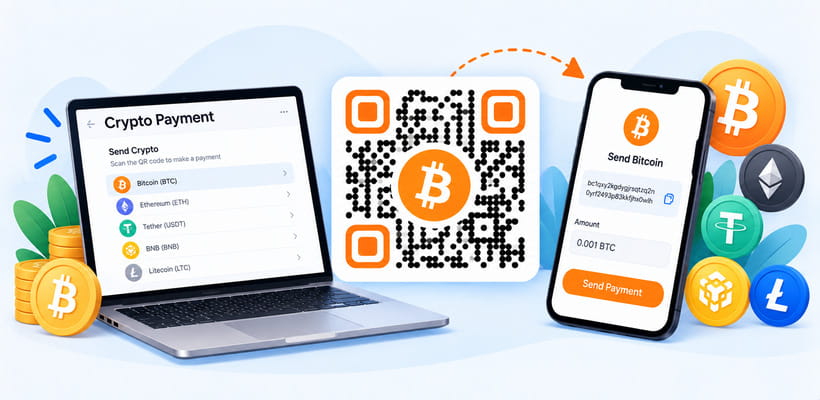
A Bitcoin QR code is a scannable code that stores your cryptocurrency wallet address as a payment link, for example bitcoin:your-address?amount=0.001. When someone scans it with a crypto wallet app, the app opens a payment screen with your address, and the amount if you set one, already filled in. They just confirm and send. It is the easiest way to accept crypto payments, donations, and tips without sharing long addresses. With QRCodeChamp, you can create a Bitcoin QR code for free and customize it to match your brand.
How to Create a Bitcoin QR Code (Step-by-step)?
Here is how to generate a Bitcoin QR code or convert any crypto address to QR code with QRCodeChamp.
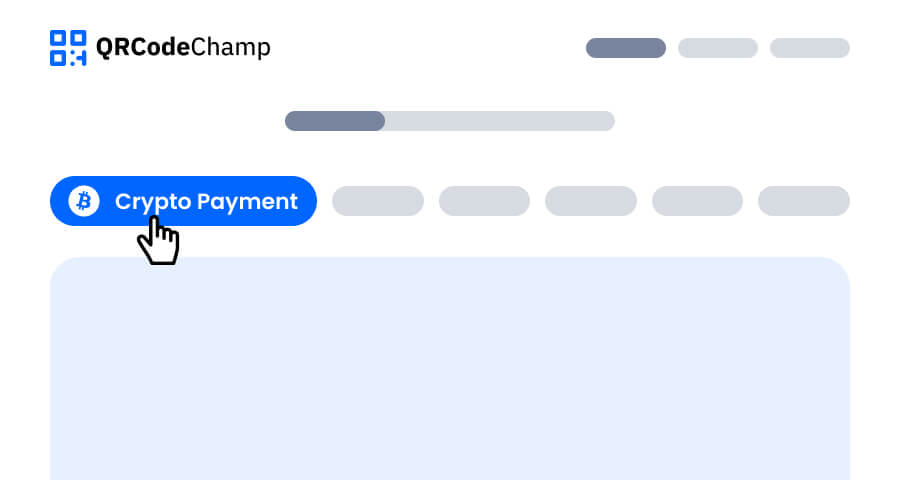
Step 1: Visit QRCodeChamp and Go to the Crypto Payment QR Code
Open the QRCodeChamp editor and select the Crypto Payment option to start using our crypto QR code generator.
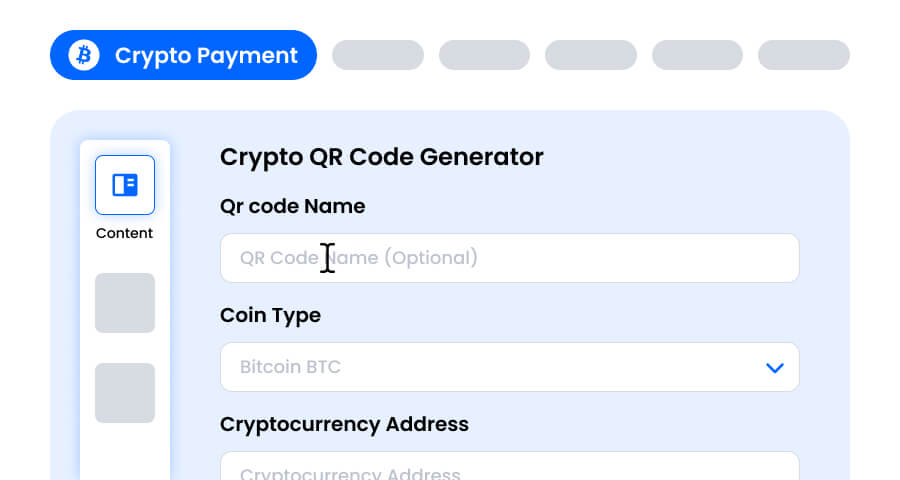
Step 2: Select the Coin, Paste Your Wallet Address, and Add an Amount
Enter a QR code name if you want, as it is optional. Select the coin type: Bitcoin (BTC), Ethereum (ETH), or Bitcoin Cash (BCH). Paste your wallet’s receiving address, and add an amount if you want to request a fixed payment. Copy the address straight from your wallet app and double-check it, because crypto payments cannot be reversed.
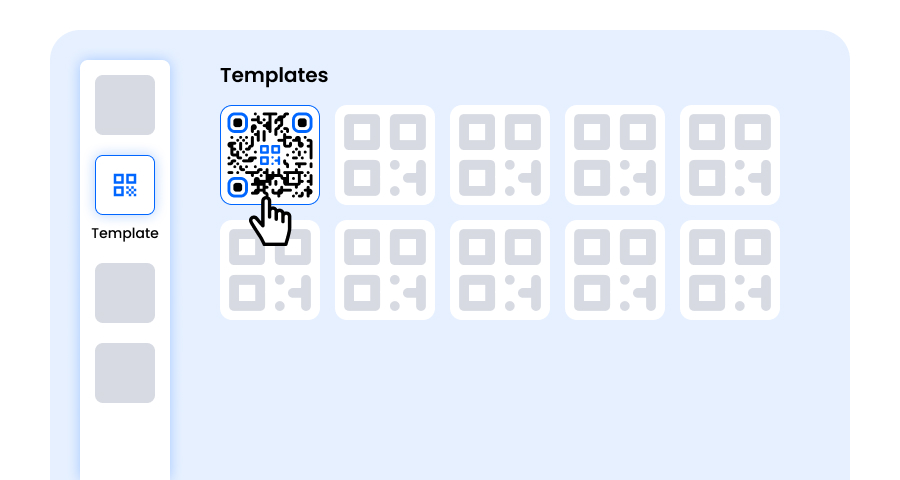
Step 3: Choose a Template for Crypto QR Code to Match Your Style and Purpose
Once your crypto QR code is generated, head to the customization section and browse through the pre-designed templates. Pick one that suits where the code will be used, such as a shop counter, invoice, donation page, or social media post.
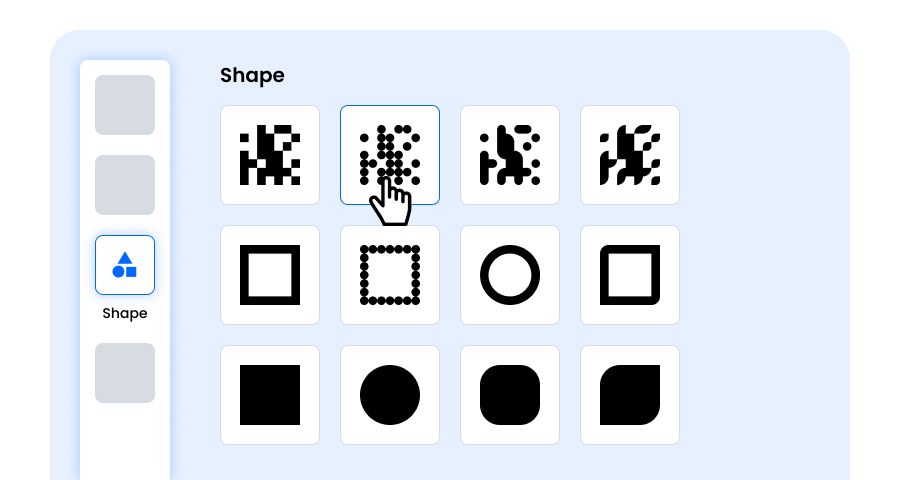
Step 4: Select the Shape to Create a Unique Bitcoin QR Code Design
Make your Bitcoin QR code stand out by experimenting with different shapes for the dots and corners. Choose rounded edges for a friendly feel, sharp corners for a professional look, or creative styles that match your brand.
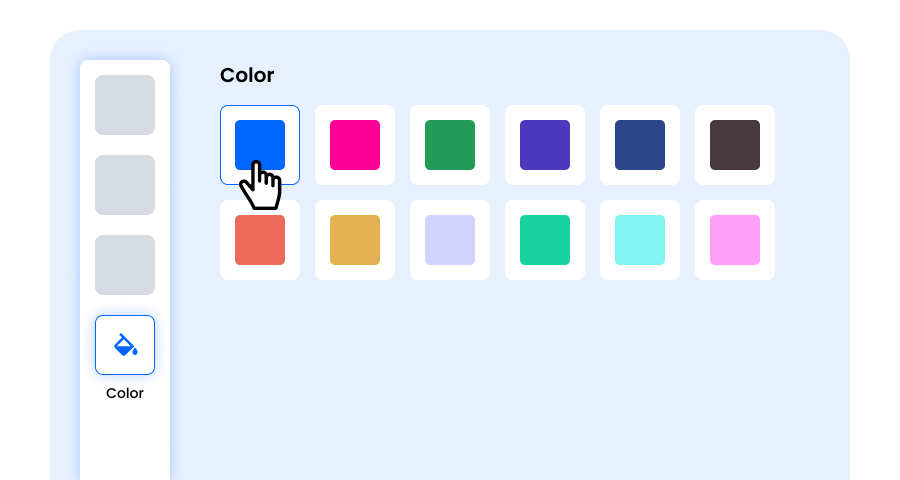
Step 5: Choose Colors to Make Your Crypto QR Code Stand Out
Customize the colors of your crypto QR code to match your brand or the coin you accept, such as Bitcoin orange. You can use solid colors, gradients, or brand-specific shades. Just keep the contrast high enough for easy scanning.
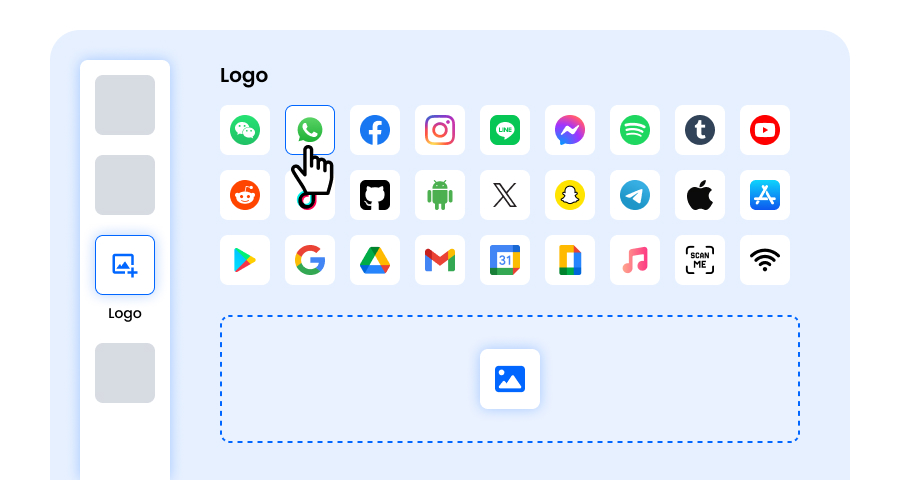
Step 6: Select/add a Logo to Your Crypto QR Code to Align With Your Branding
Add your business logo or a coin icon in the center of the QR code. A logo makes your crypto QR code easy to recognize and builds trust with people paying you. Make sure the logo does not cover the scannable areas.
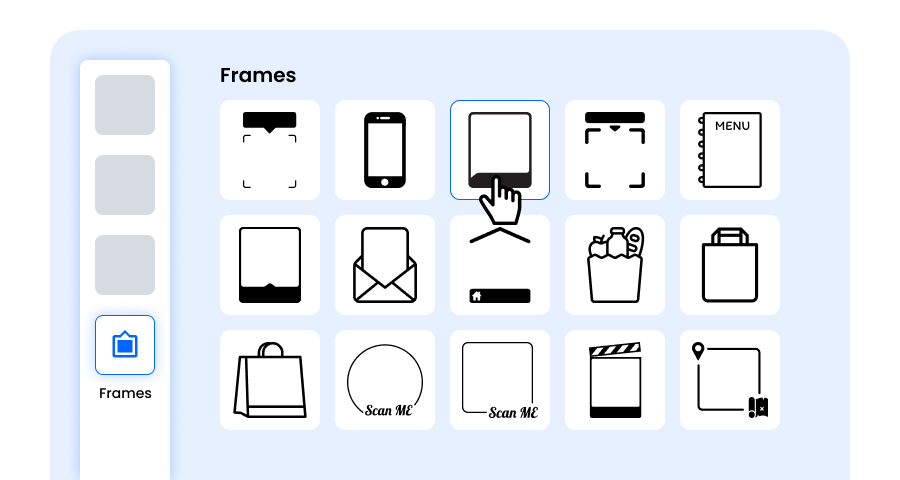
Step 7: Choose the Frame for Your Crypto QR as Per Your Choice
Give your crypto QR code a finishing touch by adding a frame with a short call to action, such as “Pay with Bitcoin” or “Scan to Donate”. A clear frame tells people what the code is for and encourages more scans.
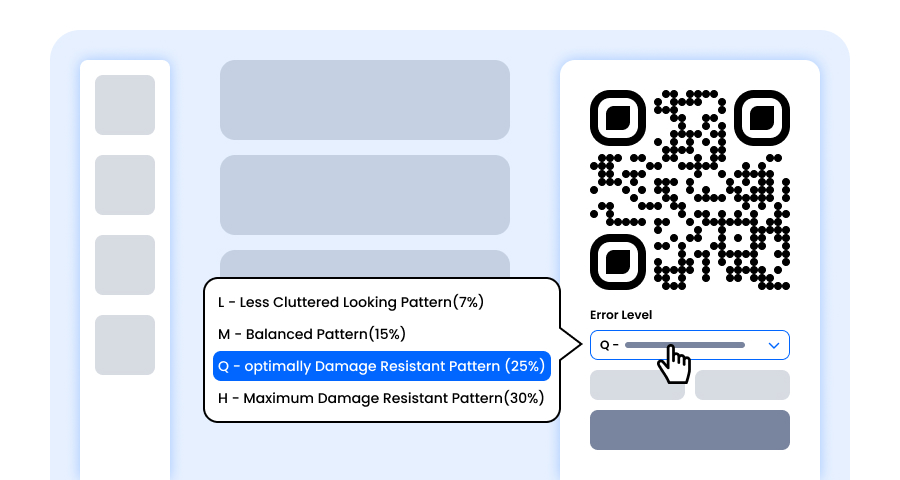
Step 8: Adjust the Error Correction Level of the Crypto QR Code for Maximum Scan Reliability
Adjust the error correction level of your crypto QR code to control how well it can still be scanned if part of it gets damaged, blurred, or covered (for example, by a logo).
- L (7%) – Less cluttered look, suitable for simple designs without a logo.
- M (15%) – Balanced pattern for general use.
- Q (25%) – Optimally damage-resistant; works well with small logos.
- H (30%) – Maximum damage resistance; best for larger logos or high-risk display environments.
Choosing the right error level ensures your Crypto QR code remains scannable while looking clean and professional
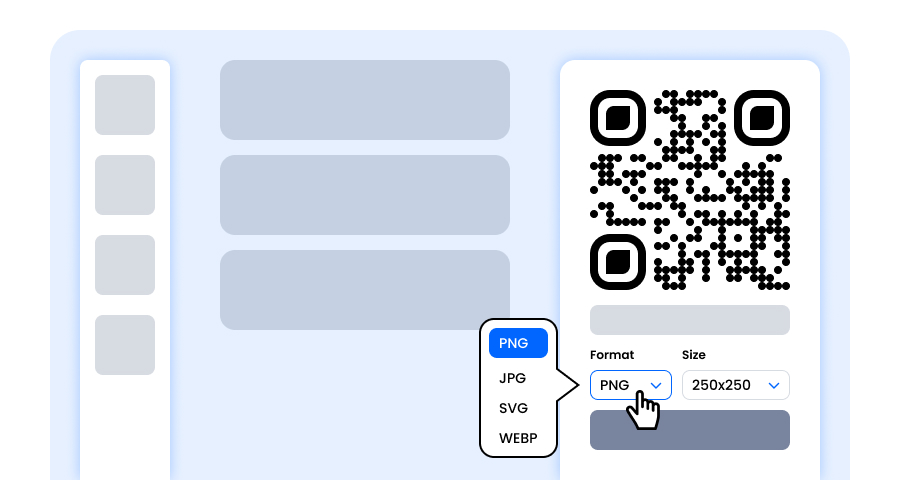
Step 9: Select the Format and Size of the Crypto QR Code as Per Your Requirement
Format - Choose the file format—PNG for most uses, JPG for web, or SVG for scalable print. Select based on where you’ll use the Crypto QR code—websites, invoices, print materials, or all of them.
Size - Select the size to match your needs: smaller for invoices, receipts, or profile pages, larger for shop counters, posters, and event banners. This ensures your Crypto QR code stays sharp and scannable anywhere.
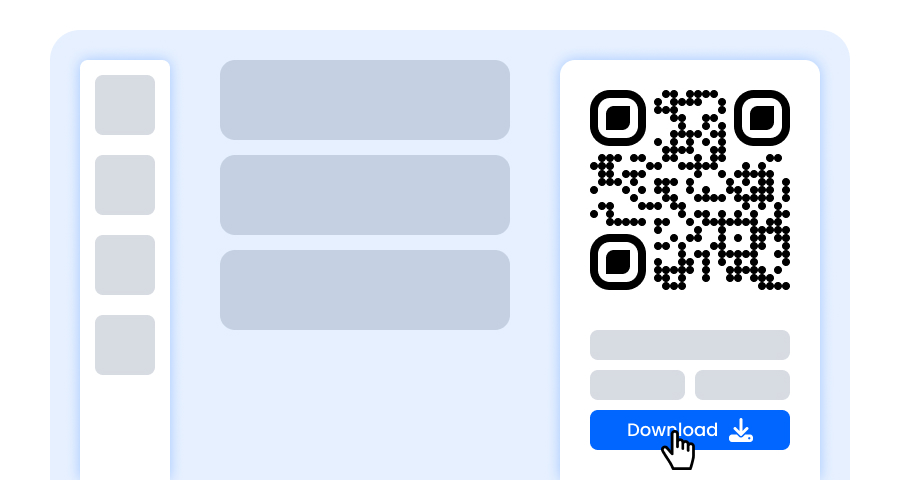
Step 10: Download Your Personalized Crypto QR Code
Once you’ve finished customizing, click the Download button. Save your crypto QR code in your chosen format and size so it’s ready to print, share online, or add to your invoices.
Which Cryptocurrencies Does the Crypto QR Code Generator Support?
Our cryptocurrency QR code generator lets you create payment QR codes for these coins:
- Bitcoin (BTC) – convert a BTC address to QR code for Bitcoin payments
- Ethereum (ETH) – share your Ethereum wallet address as a QR code
- Bitcoin Cash (BCH) – accept Bitcoin Cash with a single scan
How to Convert a BTC Address to QR Code?
Converting a Bitcoin address to QR code takes less than a minute:
- Open your crypto wallet and tap Receive to see your BTC address.
- Copy the address. Never share your private key or recovery phrase.
- Paste it into our Bitcoin QR code maker, select Bitcoin BTC, and add an amount if needed.
- Test the QR code with your own wallet app before you share it.
Tips for Using a Crypto Wallet QR Code Safely
A crypto QR code only contains your public receiving address, so it is safe to share. Still, follow these good practices:
- Always copy the address from your wallet instead of typing it.
- Scan your QR code with a wallet app and compare the address before printing.
- Make sure the coin type matches the address, for example a BTC address with Bitcoin BTC.
- Leave the amount empty if you want people to choose how much to send.
What Are the Benefits of Using a Free Bitcoin QR Code Generator?
Whether you need a BTC to QR code converter, a Bitcoin QR generator, or a QR code generator for crypto, QRCodeChamp is a free Bitcoin QR code generator and crypto QR code generator in one tool.
- Get paid with one scan, with no copying of long addresses
- Fewer payment mistakes from mistyped addresses
- Optional fixed amount for invoices and products
- Supports Bitcoin, Ethereum, and Bitcoin Cash
- Full customization with colors, shapes, logos, and frames
- Free to create with unlimited downloads in PNG, JPG, or SVG
Where Can You Use a Crypto QR Code?
Create a Bitcoin QR code and place it wherever you want to accept crypto payments.
- Shop counters, cafes, and point-of-sale displays
- Invoices, receipts, and payment requests
- Donation pages, charity posters, and fundraisers
- Websites, blogs, and online stores
- Streams, videos, and social media profiles for tips
- Crypto meetups, conferences, and events
Explore More QR Code Generators
URL QR Code
vCard QR Code
Text to QR Code
Wi-Fi QR Code
Email QR Code
Phone Number QR Code
Message QR Code
Social Media QR Code
YouTube QR Code
Spotify QR Code
Google Review QR Code
Google Form QR Code
WhatsApp QR Code
Snapchat QR Code
Facebook QR Code
Instagram QR Code
TikTok QR Code
LinkedIn QR Code
Video to QR Code
PDF to QR Code
Image QR Code
Location QR Code
Event QR Code
Calendar QR Code
Zoom Meeting QR Code
Google Meet QR Code
File QR Code
Audio QR Code
Google Sheets QR Code
Google Docs QR Code
Excel QR Code
PNG QR Code
Dropbox QR Code
Etsy QR Code
iTunes QR Code
PPTX QR Code
PayPal QR Code
BTC QR Code Generator FAQs
How Do I Create a Bitcoin QR Code?
Open QRCodeChamp’s BTC QR code generator, select Bitcoin BTC, paste your wallet’s receiving address, add an amount if you like, customize the design, and click Download.
Which Cryptocurrencies Can I Create a QR Code For?
Our crypto QR code generator supports Bitcoin (BTC), Ethereum (ETH), and Bitcoin Cash (BCH).
Is It Safe to Share a Crypto Wallet QR Code?
Yes. The QR code only contains your public receiving address, which is meant to be shared. Never put your private key or recovery phrase into a QR code, and always test the code with your wallet app before sharing it.
Can I Add a Payment Amount to My BTC QR Code?
Yes. Enter an amount and wallet apps that support payment links will fill it in automatically when the code is scanned. Leave it empty if you want people to choose the amount, for example for donations.
Is the Bitcoin QR Code Generator Free?
Yes. QRCodeChamp is a free Bitcoin QR code generator. You can create crypto QR codes with unlimited downloads and full customization, including colors, shapes, logos, and frames.