

Snapchat QR Code Generator
Select Your QR Code
Snapchat QR Code Generator
QR Code Name
Preview
Create QR Code for Snapchat
Sharing snaps is one of the best ways to be connected. But why always check for the ID and availability of the ID on Snapchat? Why not just a quick scan and it's done? Make a QR Code for Snapchat using the QRCodeChamp QR code generator.
What is a Snapchat QR Code?
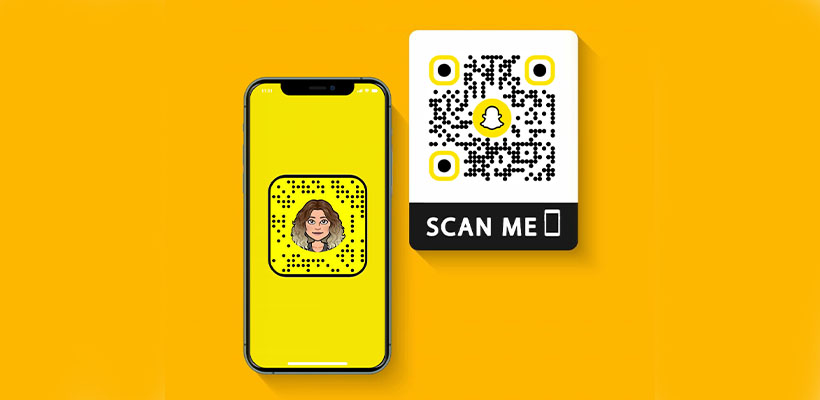
Snapchat QR Code is a QR Code that helps a user to get the Snapchat profile directly, and this enables them to add friends, use different filters and many more, by simply scanning the QR code. It eliminates the manual hassle of the traditional method, making sharing as simple and fast as eating a cake.
How to Create a Snapchat QR Code (Step-by-step)?
Here are the steps to create a Snapchat QR Code.
Step 1: Visit QRCodeChamp and Go to the Snapchat QR Code
Open our QRCodeChamp editor and select the Snapchat QR Code option to start creating your Snapchat-based QR code.

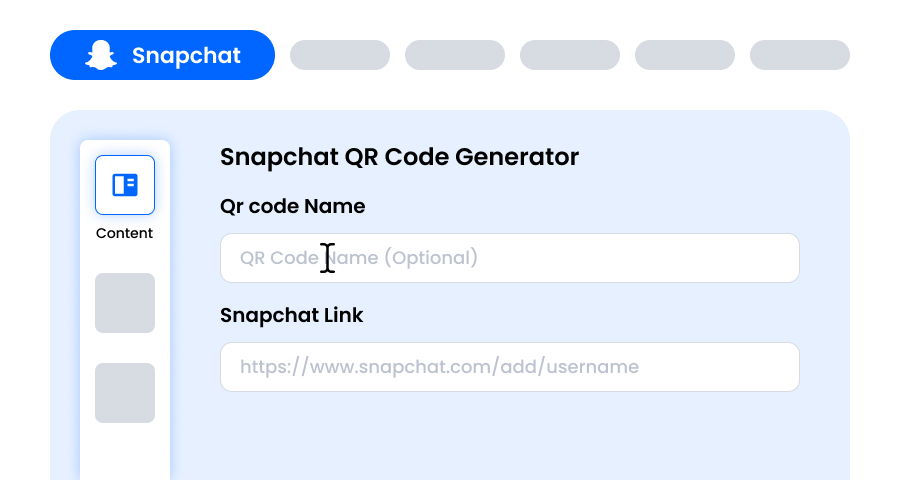
Step 2: Add Your Snapchat Profile Link
Enter your full Snapchat link in the given input box to generate your unique Snapchat QR code. This ensures that whoever scans your QR code will be taken to your Snapchat profile, making it super easy for people to add you instantly without manually searching your name. You can also add other Snapchat content links. Isn't it good? No hassle at all!
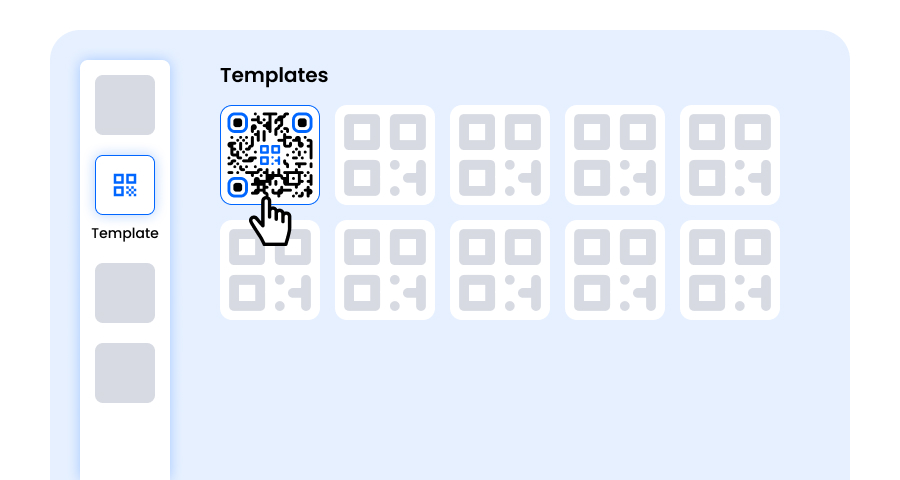
Step 3: Choose a Template for Snapchat QR Code to Match Your Style and Purpose
Once your dynamic Snapchat QR code is generated, head to the customization section and browse through the pre-designed templates. Select one that reflects the purpose of your Snapchat campaign—whether it’s for marketing, events, promotions, or personal branding. The right template instantly gives your Snapchat QR code a professional and eye-catching look.
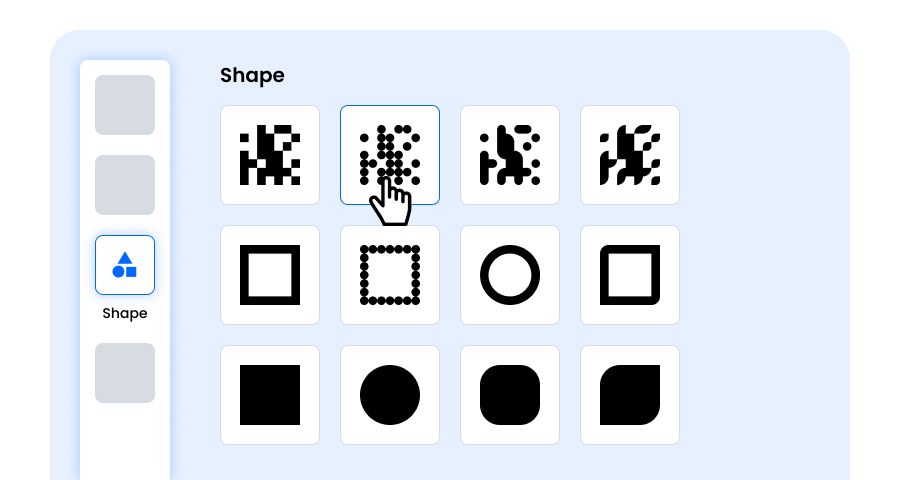
Step 4: Select the Shape to Create a Unique Snapchat QR Code Design
Make your Snapchat QR code stand out by experimenting with different shapes for the dots and corners. You can choose rounded edges for a modern feel, sharp corners for a sleek, techy vibe, or creative styles to match your audience’s preferences. The shape you pick can add a subtle but powerful branding touch to your Snapchat QR Code.
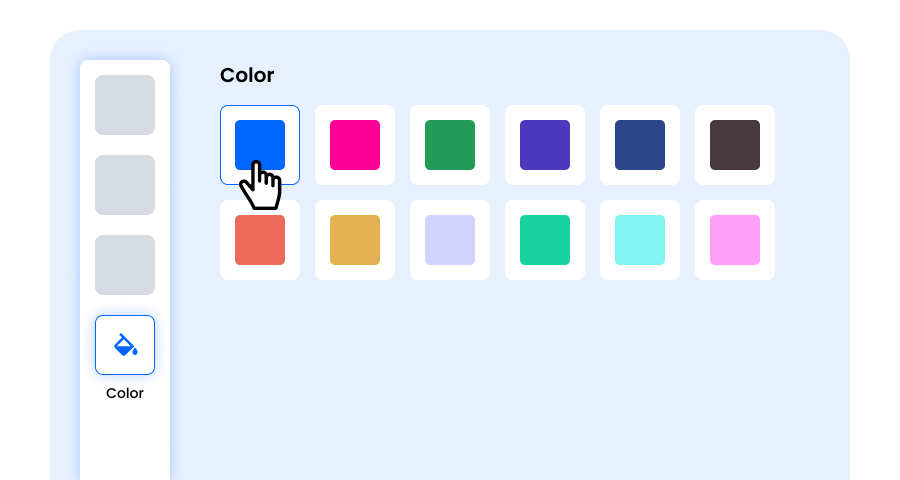
Step 5: Choose Colors to Make Your Snapchat QR Code Stand Out
Customize the colors of your Snapchat QR code to match your brand palette, campaign theme, or personal style. You can opt for solid colors for a clean look, gradients for a modern twist, or brand-specific shades to reinforce recognition. Just ensure the contrast remains high enough for easy scanning.
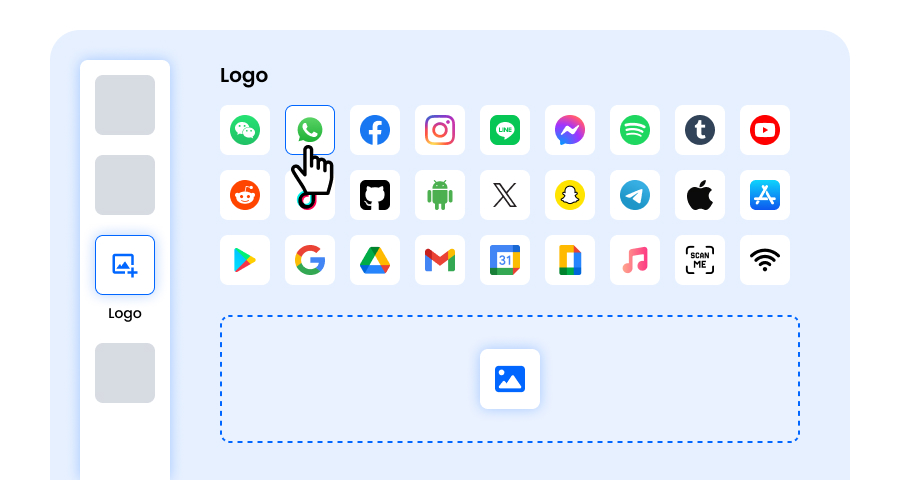
Step 6: Select/add a Logo to Your Snapchat QR Code to Align With Your Branding
Enhance your Snapchat QR code by inserting your company logo, product icon, or campaign graphic in the center. A logo not only makes the Snapchat QR code visually appealing but also strengthens brand recognition and builds trust with users scanning it. Ensure the logo is clear and doesn’t obstruct the QR code’s scannable areas.
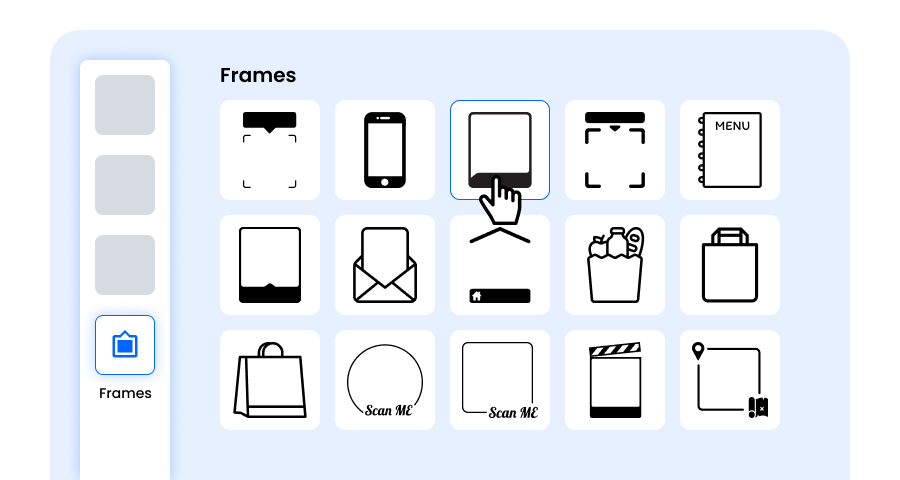
Step 7: Choose the Frame for Your Snapchat QR as Per Your Choice
Give your Snapchat QR code a finishing touch by adding a frame. Frames can highlight the QR code and even include short call-to-action texts, such as “Scan Me” or “Visit Now,” encouraging more scans. Select a style and color combination that complements your brand and stands out wherever you display the Snapchat QR code.
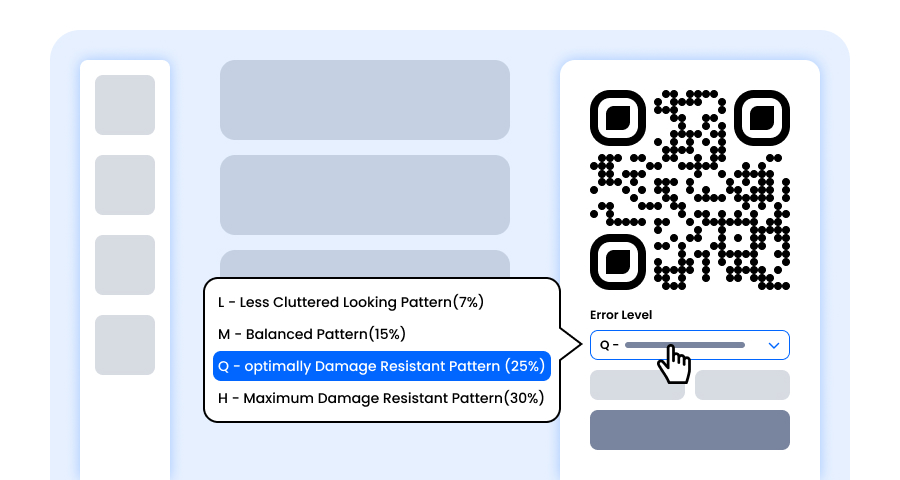
Step 8: Adjust the Error Correction Level of the Snapchat QR Code for Maximum Scan Reliability
Adjust the error correction level of your Snapchat QR code to control how well it can still be scanned if part of it gets damaged, blurred, or covered (for example, by a logo).
- L (7%) – Less cluttered look, suitable for simple designs without a logo.
- M (15%) – Balanced pattern for general use.
- Q (25%) – Optimally damage-resistant; works well with small logos.
- H (30%) – Maximum damage resistance; best for larger logos or high-risk display environments.
Choosing the right error level ensures your Snapchat QR code remains scannable while looking clean and professional.
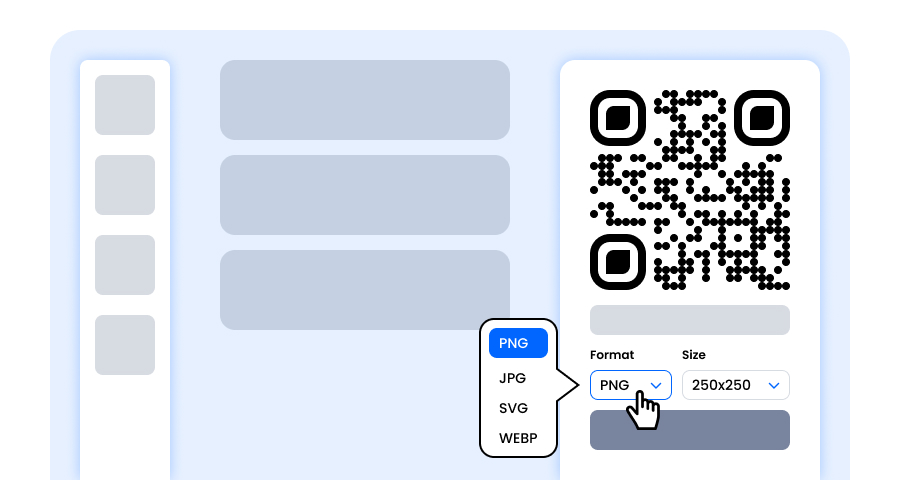
Step 9: Select the Format and Size of the Snapchat QR Code as Per Your Requirement
Format - Choose the file format—PNG for most uses, JPG for web, or SVG for scalable print. So you can select based on where you’ll use the Snapchat QR code—digital screens, print materials, or both.
Size - Select the size to match your needs: smaller for business cards or digital use, larger for posters and banners. This ensures your Snapchat QR code stays sharp and scannable anywhere.
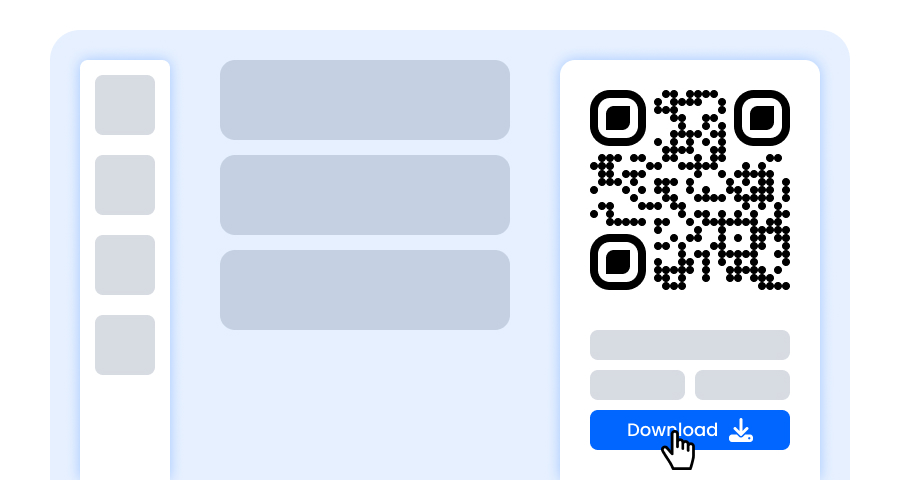
Step 10: Download Your Personalized Snapchat QR Code
Once you’ve finished customizing your Snapchat QR code, click the Download button. Save it in your chosen format and size so it’s ready to be printed, shared online, or embedded in your marketing materials.
Why Should I Use a Snapchat QR Code Generator?
It is convenient as people can easily get in touch with your account, rather than people always asking for your account ID. The entire process is wrapped up within 10 seconds. Plus, it is also totally free. Just visit QRCodeChamp for the free QR, that too within 1 minute.
Benefits of Using Snapchat QR Codes.
Creating a QR code for Snapchat has its own benefits, such as:
- Allows you to add people instantly
- Great to share on your business cards, branding images, etc.
- No typing of long usernames or copying URLs
- Custom QR Code attracts attention a lot
- Time consumed is less than even 10 seconds. A user scans it, and it's done.
- Ideal for everyone, normal people who want to make more friends, influencers, Marketing agencies, etc.
Explore More QR Code Generators
URL QR Code
vCard QR Code
Text to QR Code
Wi-Fi QR Code
Email QR Code
Phone Number QR Code
Message QR Code
Social Media QR Code
YouTube QR Code
Spotify QR Code
Google Review QR Code
Google Form QR Code
WhatsApp QR Code
Facebook QR Code
Instagram QR Code
TikTok QR Code
LinkedIn QR Code
Video to QR Code
PDF to QR Code
Image QR Code
Snapchat QR Code Generator FAQs
Will My QR Code for Snapchat Expire?
A Static Snapchat QR Code will not expire until you want, created for free using QRCodeChamp’s Snapchat QR Code generator.
Is This a Free QR Code Generator for Snapchat?
Yes, at QRCodeChamp’s Snapchat QR Code generator. It is absolutely free.
Can I Customize My Snapchat QR Code?
Yes, you can customize your Snapchat QR Code in QRCodeChamp as you like. It offers various advanced customization options such as color, shape, template, logo, frame, size, etc.
Should I Create a Static or Dynamic QR Code for Snapchat?
If you want your QR Code content to remain unchanged, then you should create a Static QR Code, or else if you think you may change the content of the QR code then you should go forward with the Dynamic option. You can create a Static one at QRCodeChamp QR Generator for free.